




























































Home 03
The city after rain: Hunting for reflections in puddles 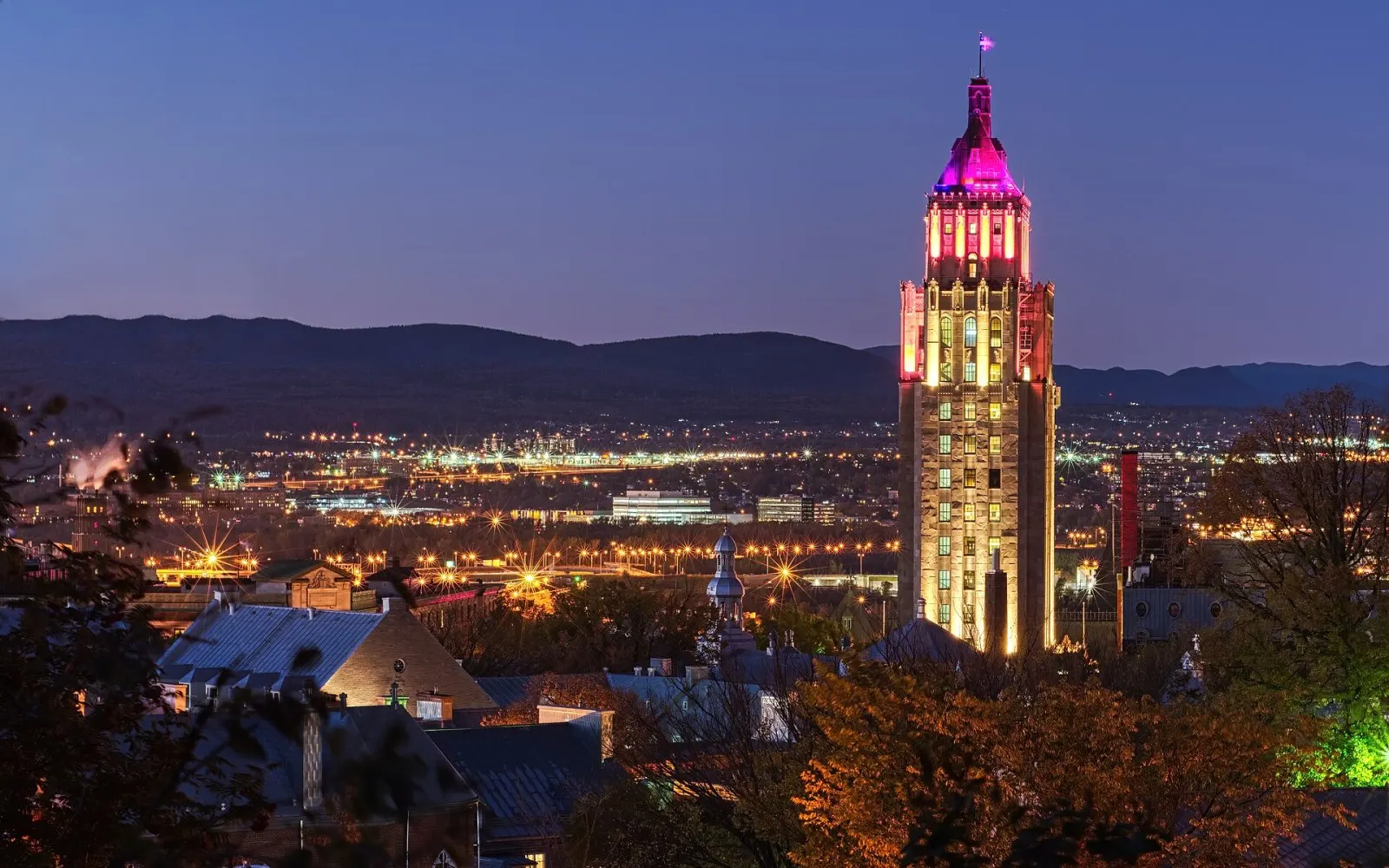
Night photography in the city: Tripod, patience and long exposure 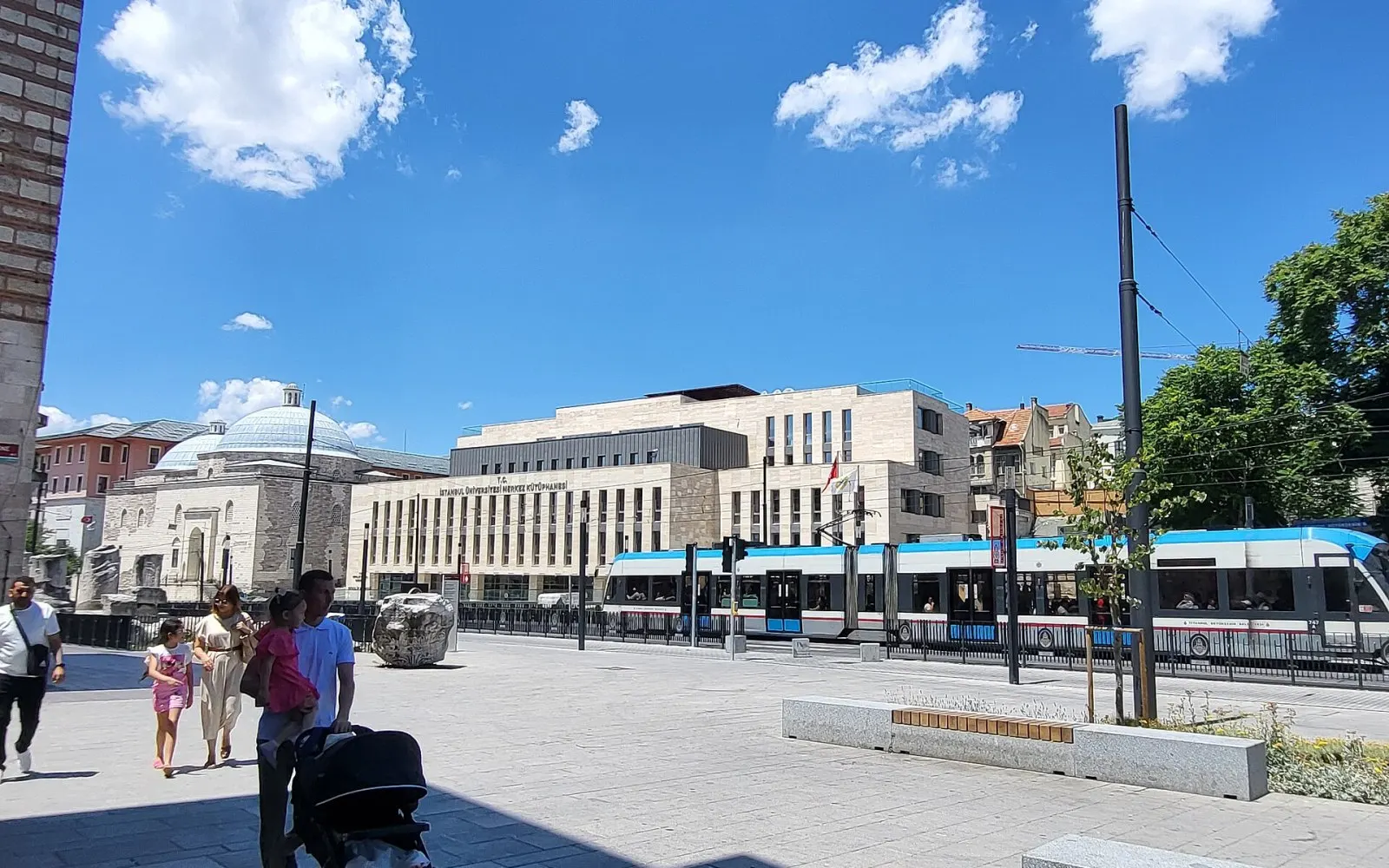
A day on the streets of Istanbul: A street photography diary 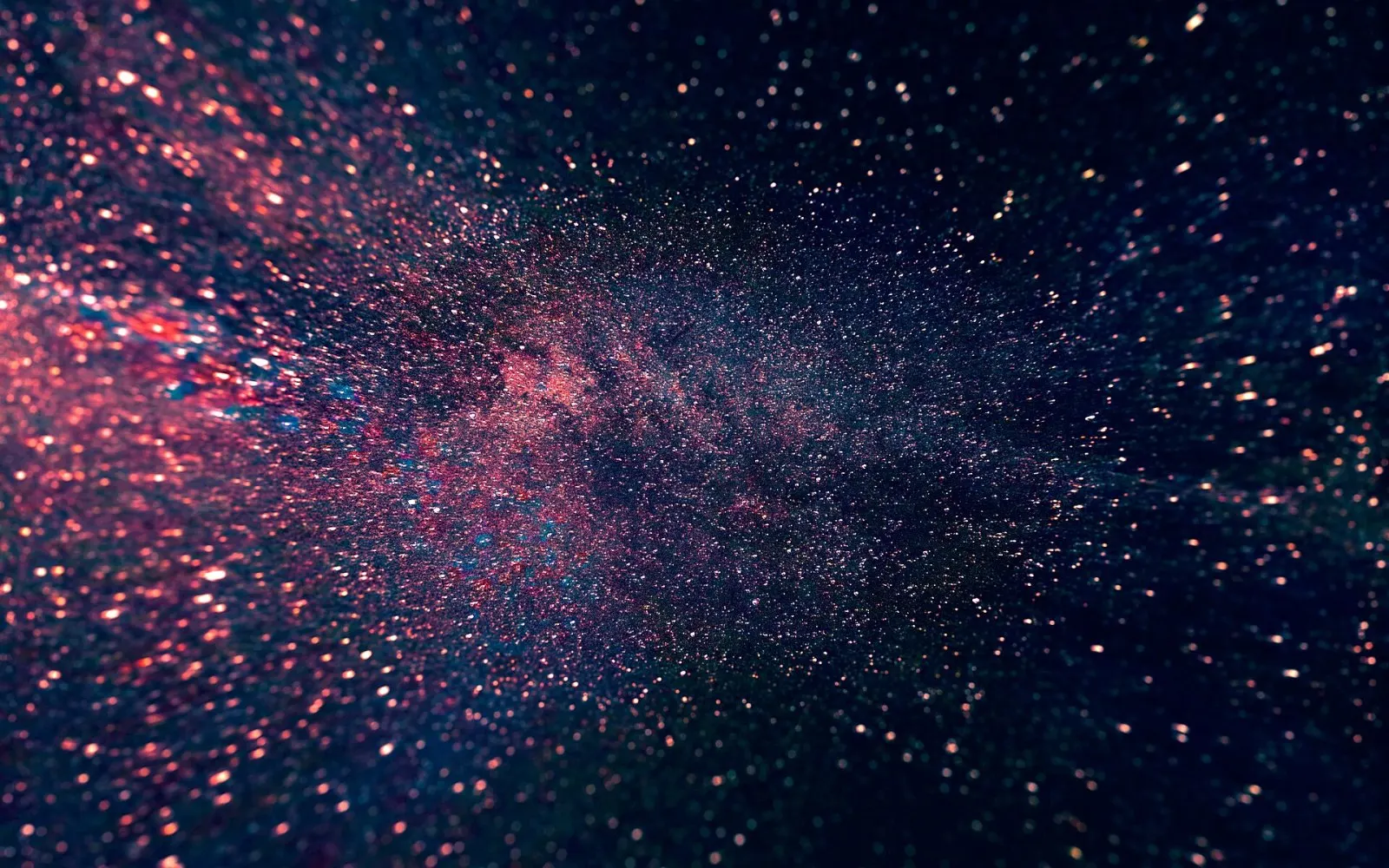
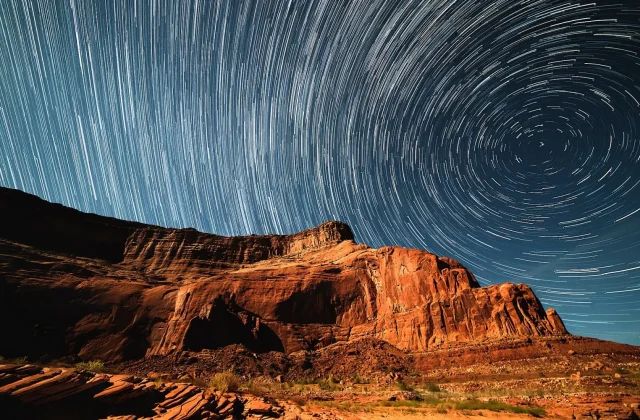
The darkest skies in the country for Milky Way photography 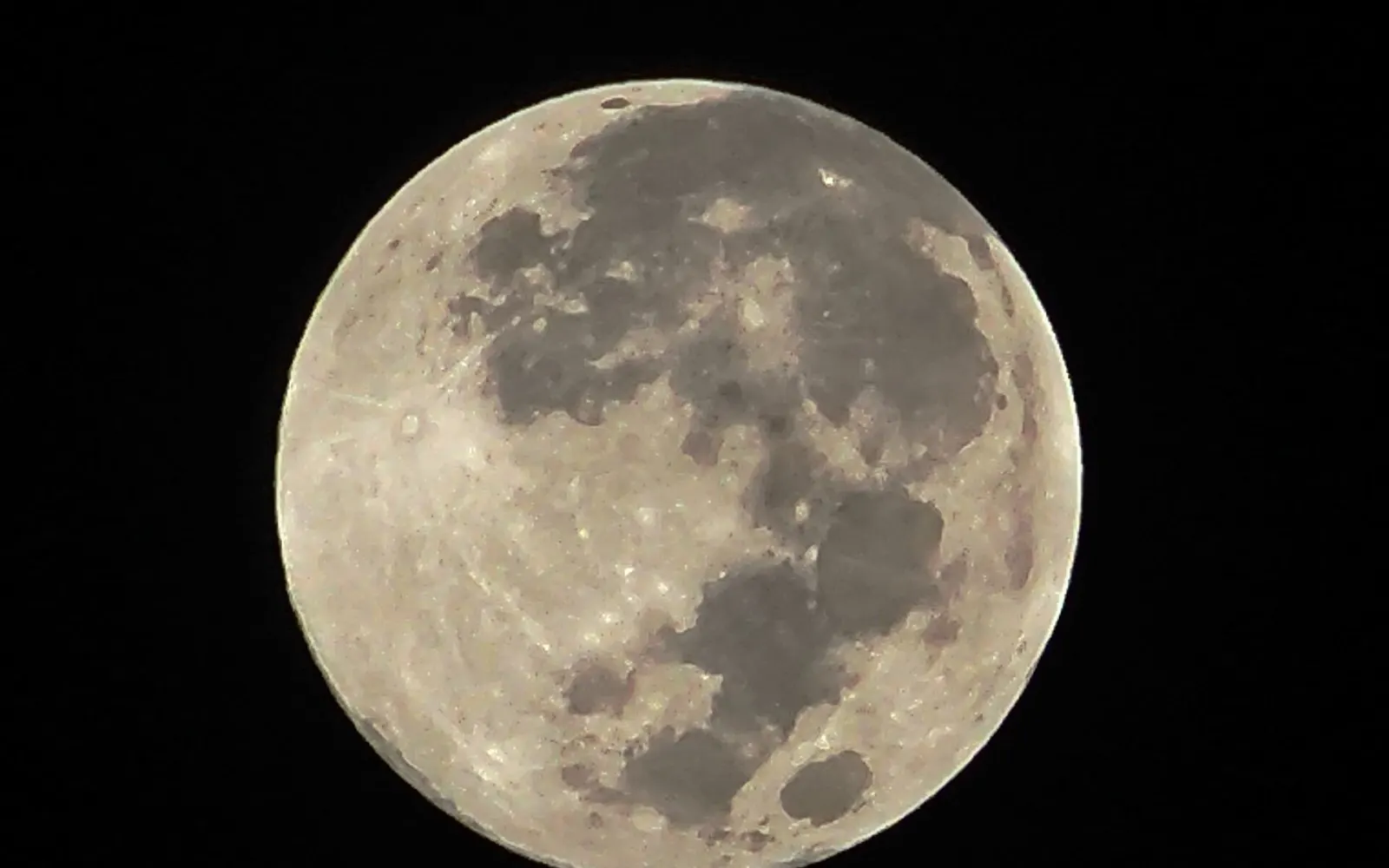
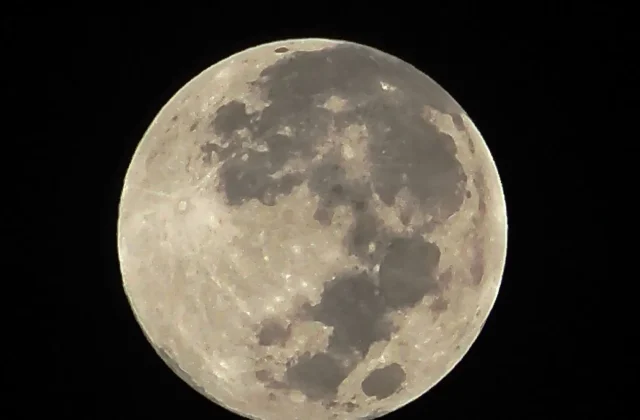
Photographing the Moon: Phone, telephoto lens and patience 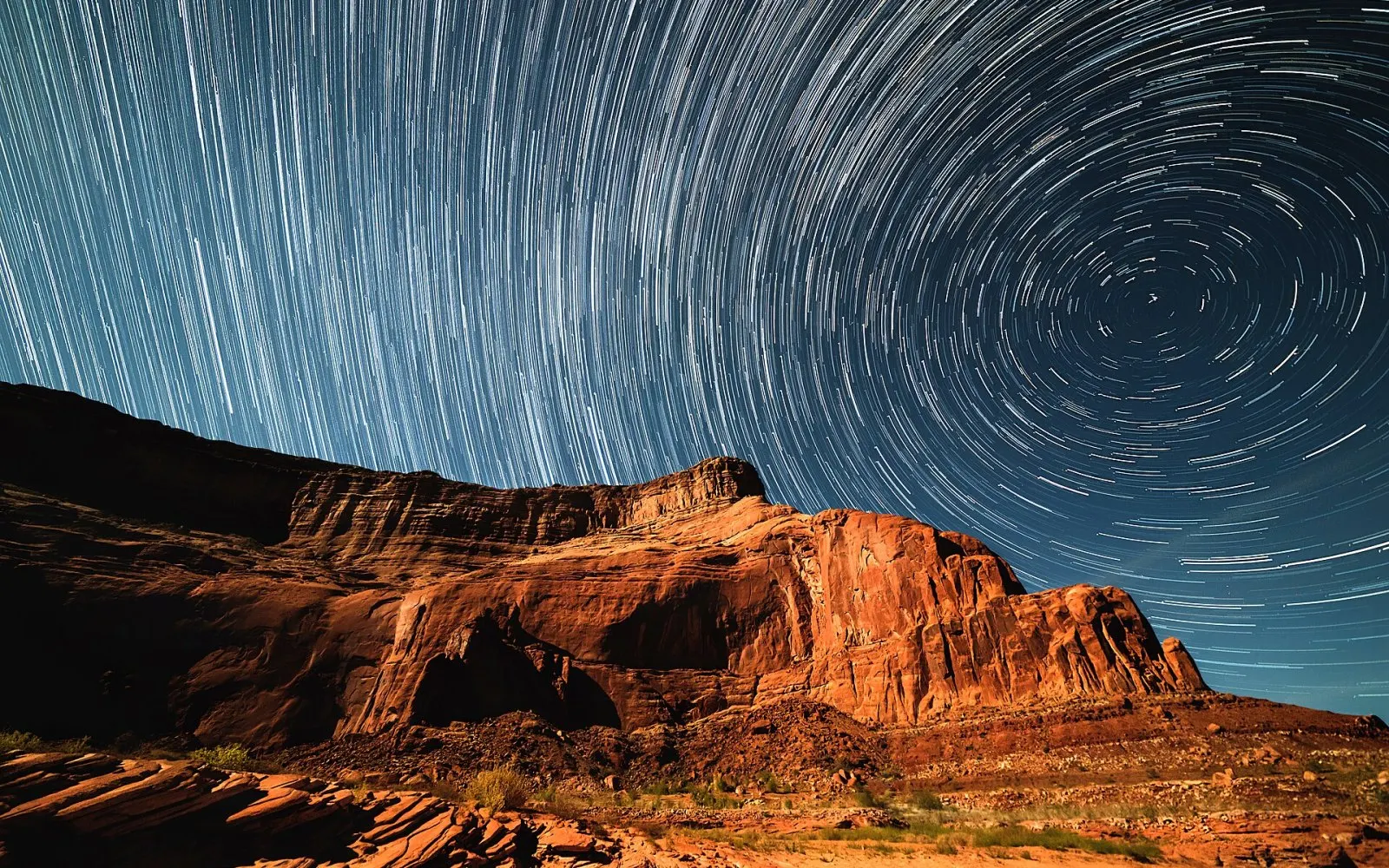
Shutter Talks: On photographing the night sky
Darkroom
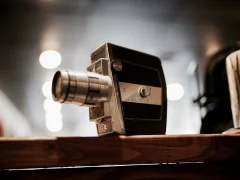
Every frame, a moment developed with patience
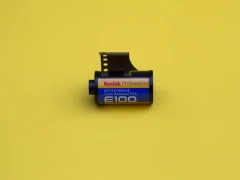
A magazine about night photography, analog film and the quiet language of light.
Featured Series

Video Lessons
Topics
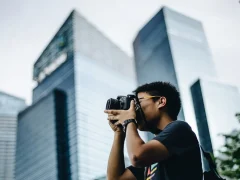
Portrait
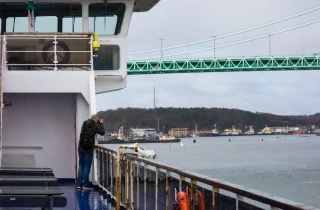
Notes on photographing faces in natural light, at home and on the street.
Latest postNatural-light portraits at home: Your window is your best studio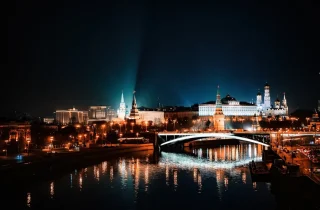
City
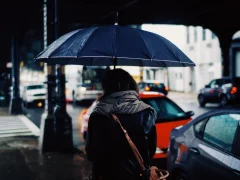
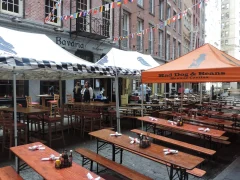
Street photography, architectural frames and the everyday rhythm of the city.
Latest postThe city after rain: Hunting for reflections in puddles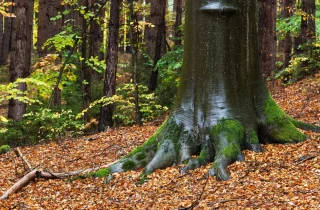
Nature
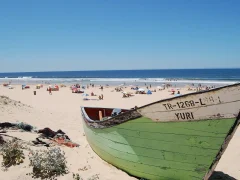
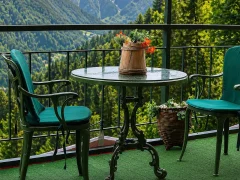
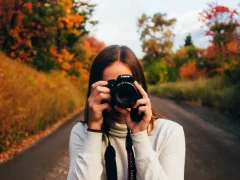
Writing on mountains, coastlines, forests and nature photography.
Latest postA week in Georgia: From the Kazbegi mountains to the streets of Tbilisi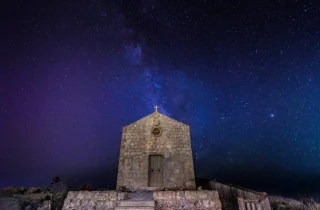
Astrophotography
Dark-sky routes and techniques for the Milky Way, the Moon and star trails.
Latest postThe darkest skies in the country for Milky Way photography4 steps to converting to black and white
Zeroing out saturation isn't enough; you need to rebuild the tones.
- Duration
- 10 minutes
- Step
- 4
-
Step 1: Choose a black-and-white profile
Instead of desaturating, start with the camera's monochrome profile.
-
Step 2: Play with the color channels
Darken the blue channel for a dramatic sky; lighten the orange to add light to skin.
-
Step 3: Boost contrast locally
Bring out detail with the clarity and texture sliders.
-
Step 4: Add a little grain
A small amount of grain gives a digital frame a film-like texture.

Your Pick
En çok hangi tür fotoğrafı çekmeyi seviyorsunuz?
Your vote has been received. Results will be announced when the poll ends.