Publishing
A tabbed writing studio for breaking news, sponsored posts, video and SEO preview, plus AI-search (GEO) fields and a publishing readiness score.
- 10 live data modules
- 19 calculators
- Listen to articles
- Polls & quizzes
- Review scores
In old Turkic belief, Mergen is the wise archer who never misses. We built it to get your site right the first time.
60 ready demos · 190 blocks · Turkish and English · one dashboard
Tour the live dashboard no passwordnothing is saved (opens in a new tab)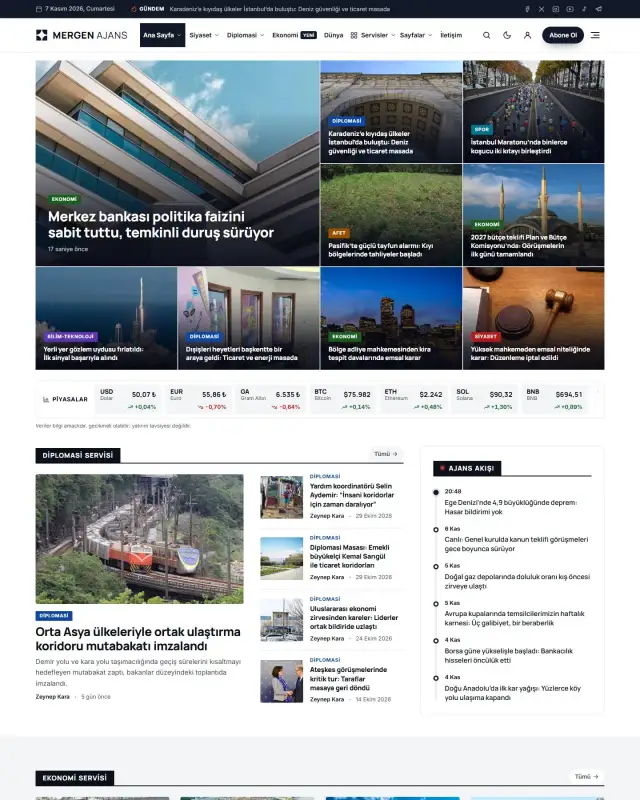
Site types
Four site types, one dashboard. Every demo comes with the tools its sector needs, already switched on.
127 headline layouts, a live breaking-news headline, sticky video and a writing studio built for editors.
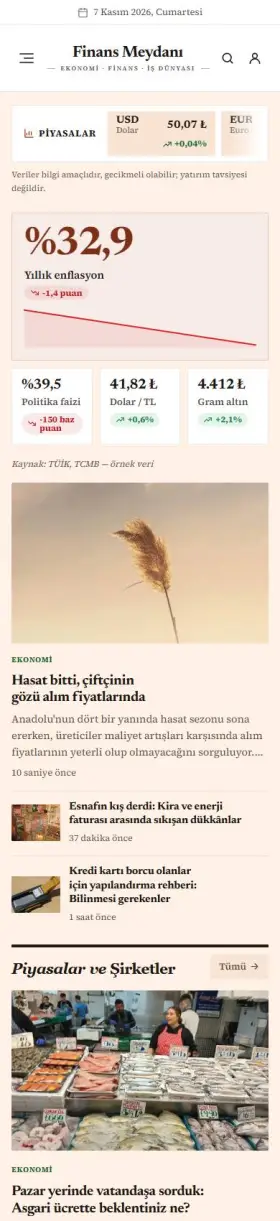
Editorial typography, galleries, before/after and portfolio blocks for travel, food, fashion and photography.
WooCommerce stores with licence-key stock, e-pin value pickers, plan cards and hosting management in the customer dashboard.
Clinics, law firms, logistics and construction: appointments, quote calculator, careers and branch finder are built in.
Live demos
Every demo runs on its own site with its own posts, products and menus. Install the one you like from the dashboard in a click; colors, fonts and blocks are entirely yours after that.
 New
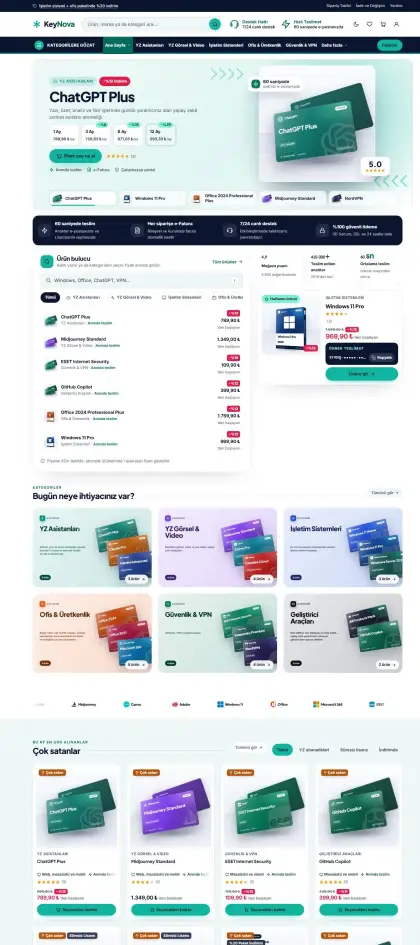
Software and AI subscriptions with real brand box art: an animated layered product stage, icon-rail header with wide search, 1/3/6/12-month plans, bundle deals and an activation guide.
 New
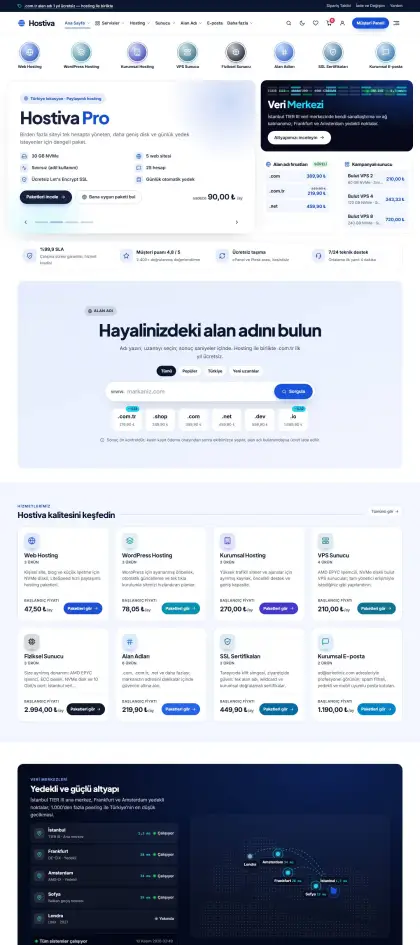
Hosting, domains and servers in emerald and amber: plan-tabbed headline with a live status panel, domain availability check, billing-period plan cards, comparison table, data-centre map and a control-panel tour.
 New
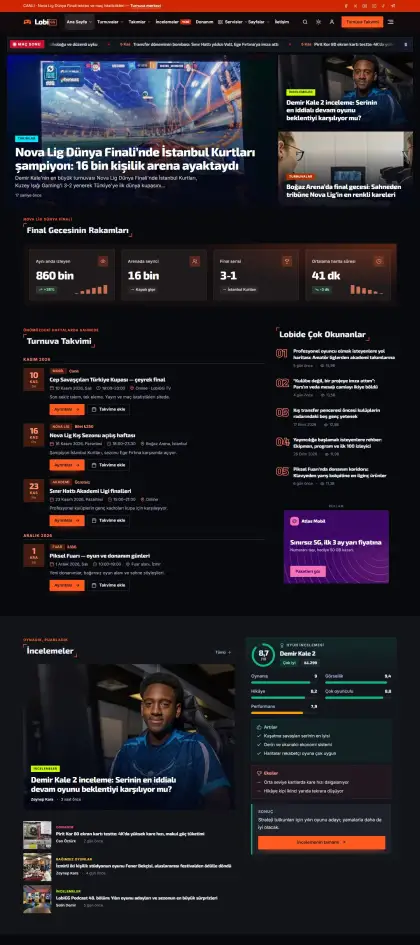
Esports and gaming portal that opens in dark mode: graphite background, flame orange and cyan HUD accents, corner-framed section titles.
 New
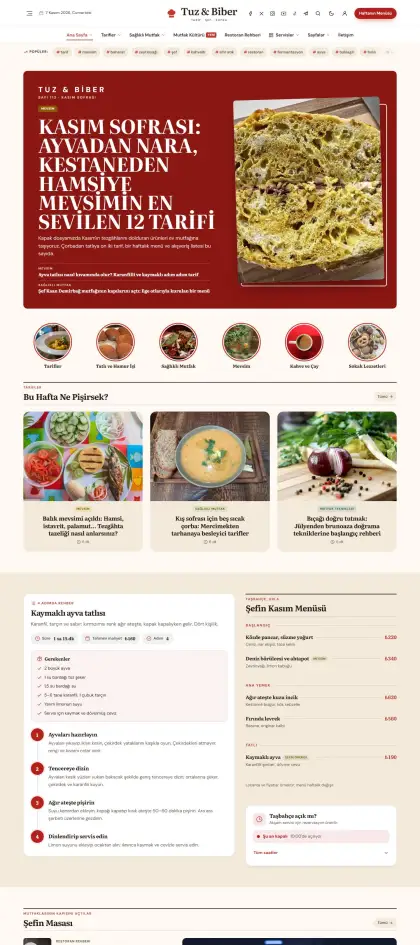
Tomato red and olive green on cream paper: serif recipe titles, centered logo, double-ruled section titles and soft 4:3 recipe cards.
 New
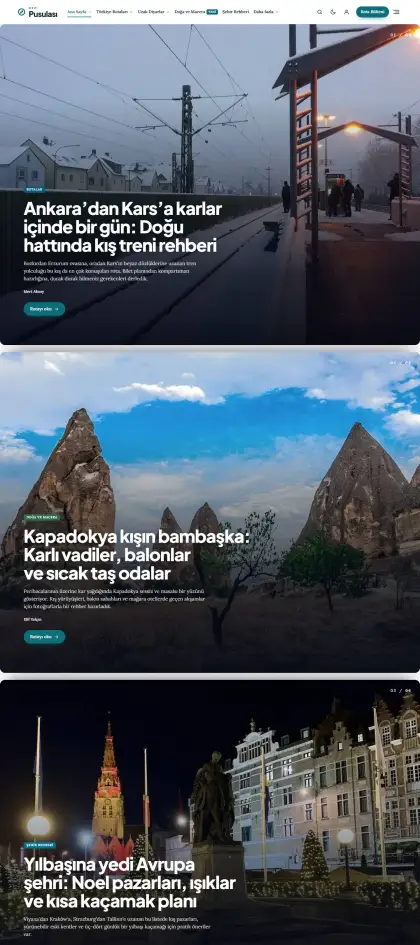
Travel magazine in lagoon blue and sand: transparent header over the headline photo, wide 3:2 frames, soft rounded cards, serif long reads.
 New
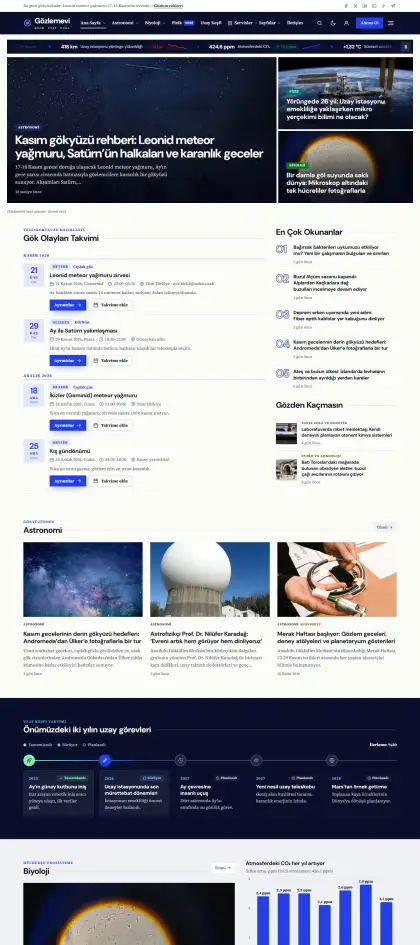
Paper-white pages, a midnight-blue header and Klein blue + vermilion accents: a science magazine with grotesque headlines over serif text and sharp ruled section titles.
 New
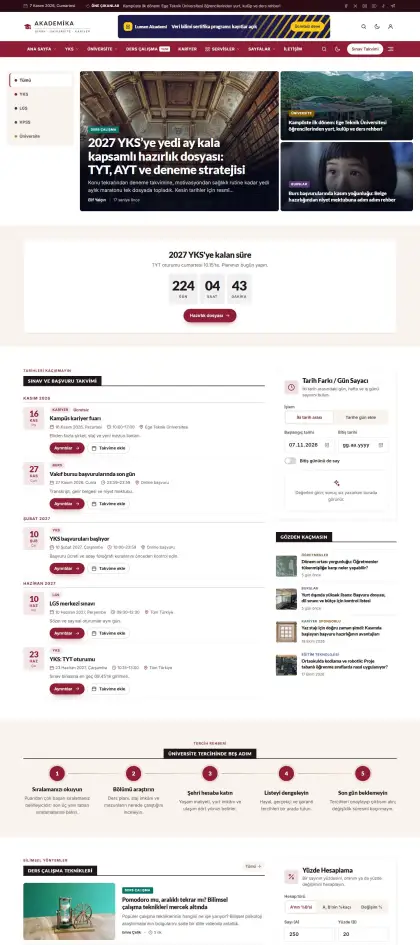
University burgundy and gold: a two-row header with a burgundy menu bar, labeled section titles and framed cards; exams, scholarships and careers.
 New
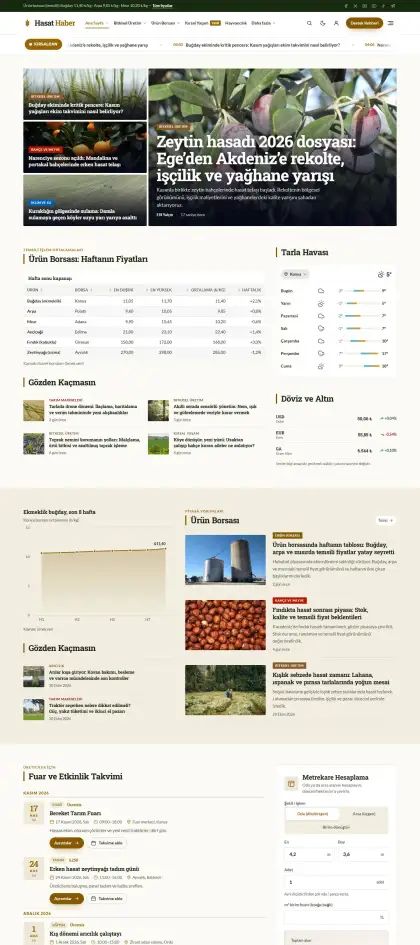
Wheat ochre and field green on off-white: slab serif headings, commodity market ticker, side-bar section titles and solid framed news cards.
 New
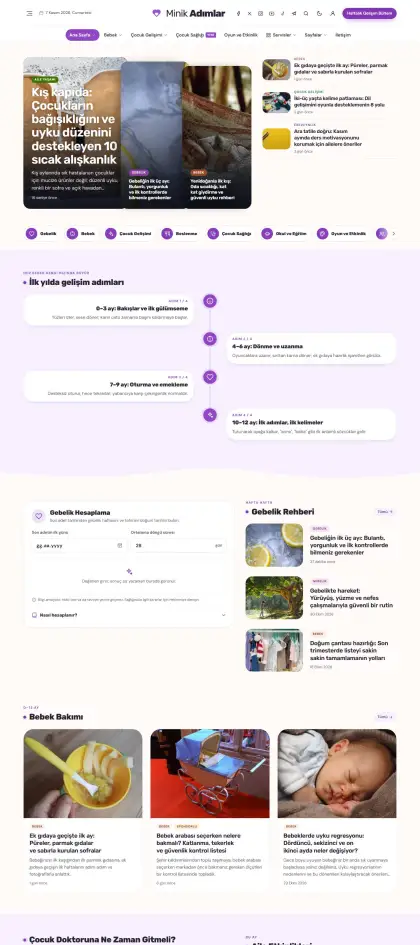
Orchid purple and peach on warm milk-white: soft rounded headings, pill menu, dotted section titles and very soft cards for a parenting guide.
 New
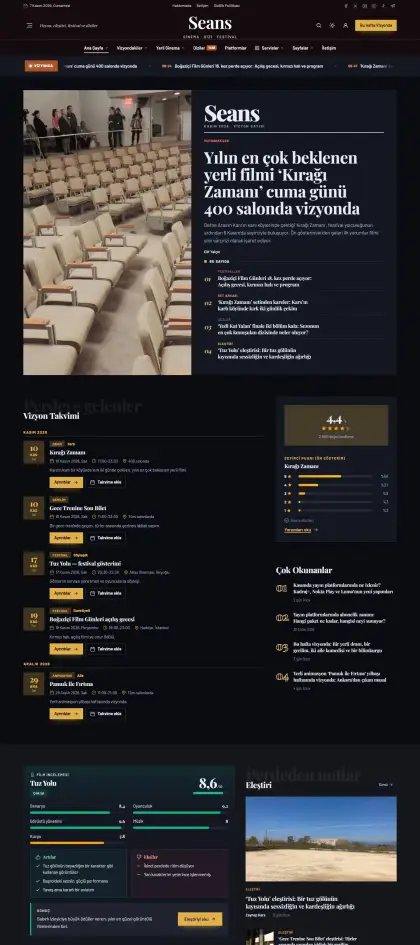
A dark theater: midnight blue-black, champagne gold and velvet red; serif logo in a dark masthead, large shadow-text section titles, sharp film frames.
 New
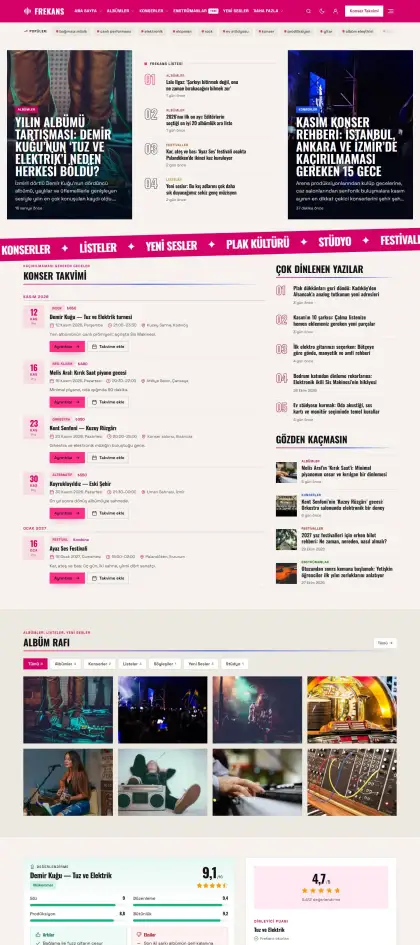
Risograph poster aesthetic: fluorescent pink header band, electric blue accent, off-white paper, condensed uppercase titles, square album cards.
 New
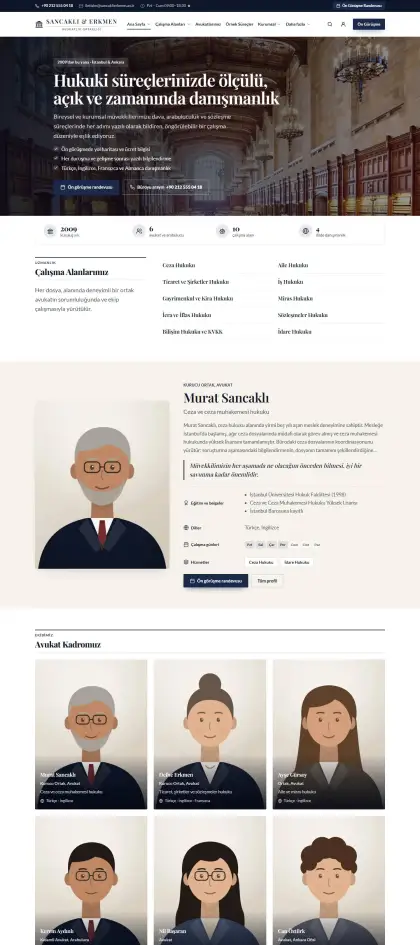
A prestigious law firm in navy and gold with serif headings: practice areas, attorneys, consultation booking and legal insights.
 New
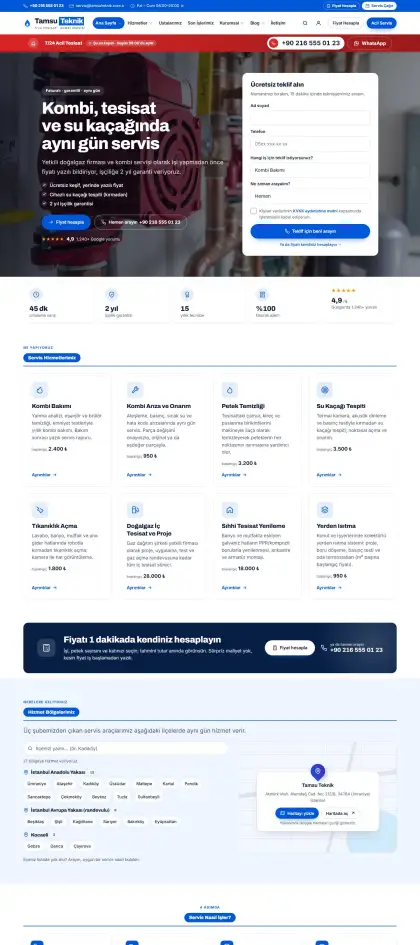
Action-focused plumbing and boiler service in vivid blue and orange: 24/7 emergency bar, service cards, instant price calculator, service areas.
 New
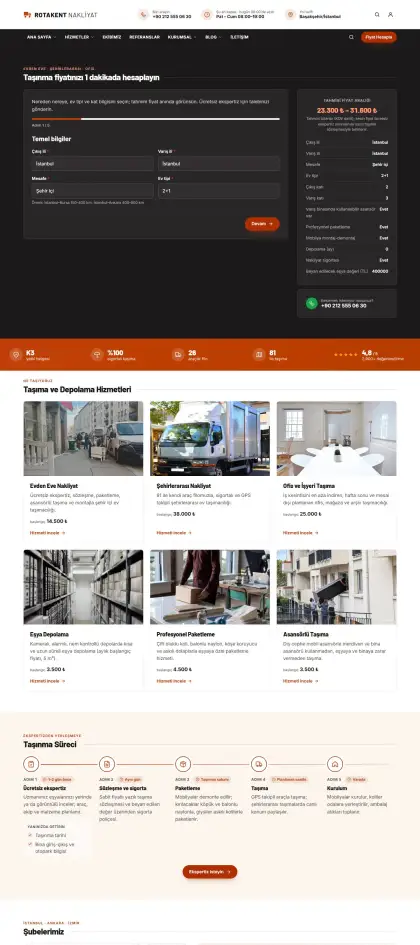
A moving company in brick orange and anthracite: step-by-step moving process, quote calculator, branches, storage.
 New
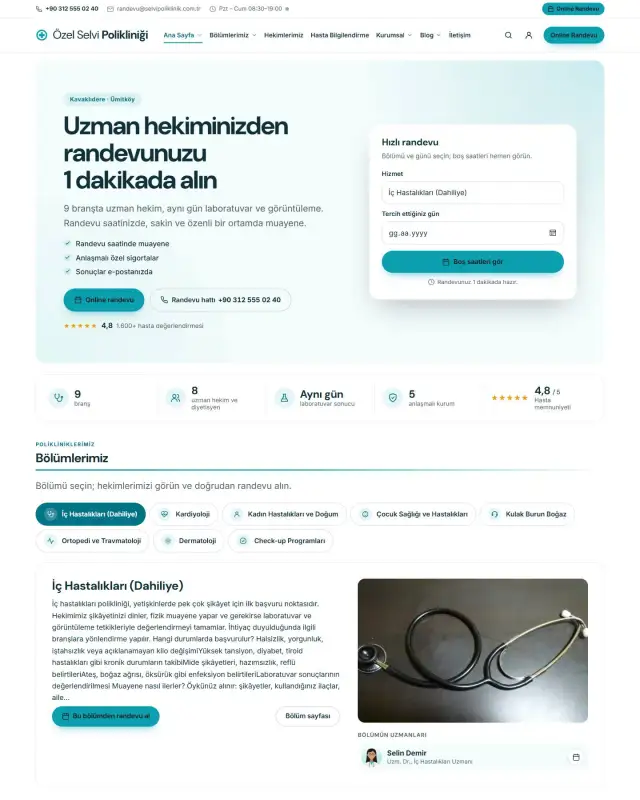
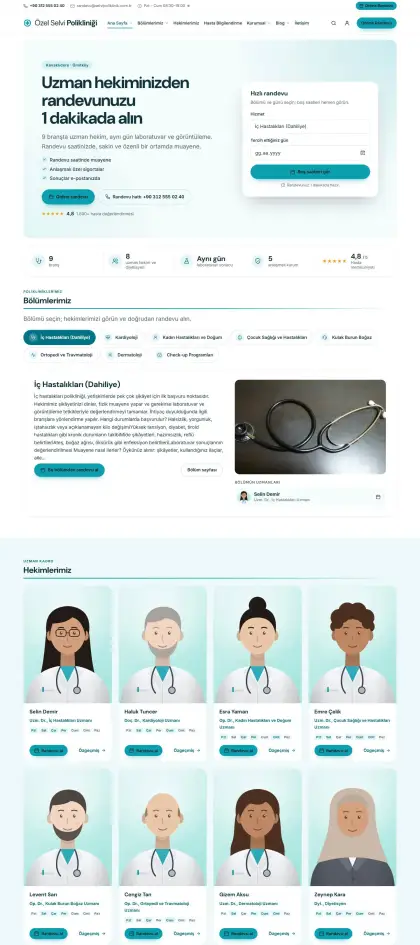
A bright private clinic in turquoise and white: departments, specialists, online booking, partner insurers, health guide.
 New
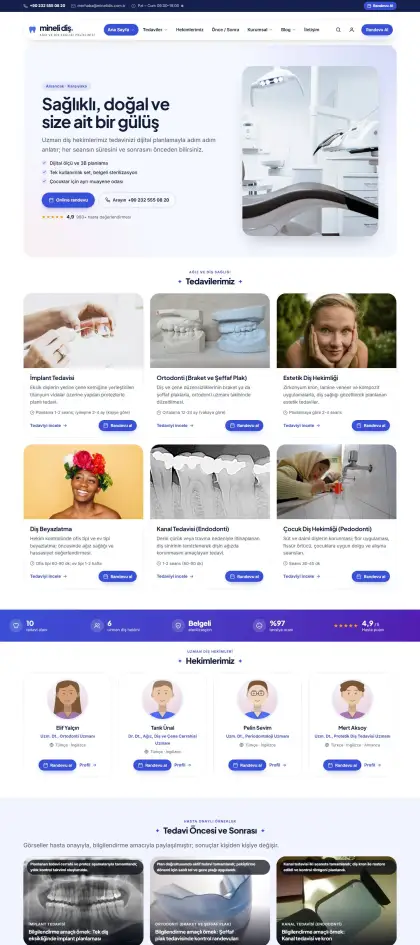
A modern, rounded dental clinic in ice blue with coral accents: treatments, dentists, hygiene principles, online booking.
 New
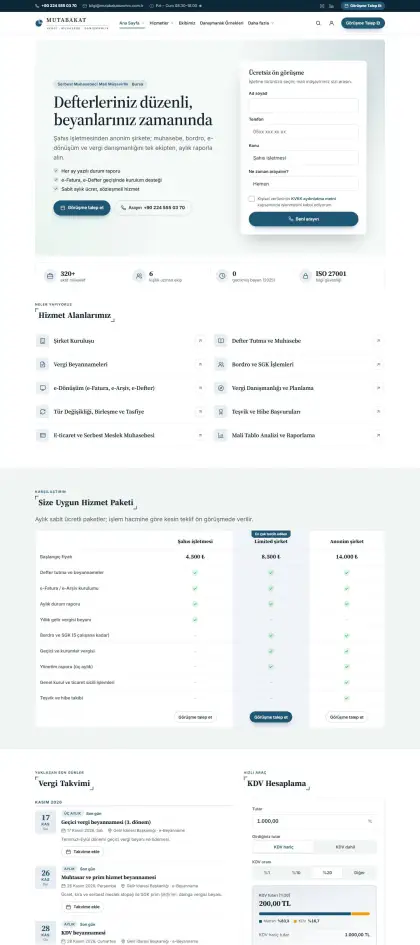
A calm accounting firm in petrol blue and sage with serif headings: services, tax calendar, team and regulation updates.
 New
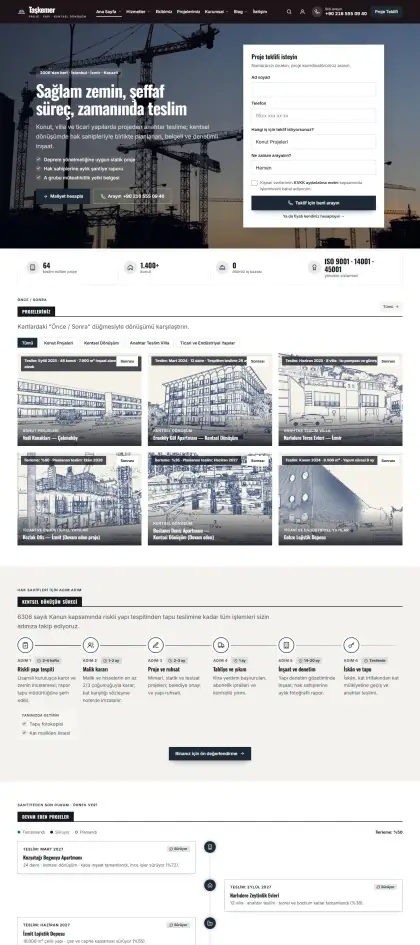
A sharp-edged construction and architecture firm in anthracite and safety yellow: projects, ongoing work, urban renewal guide, cost calculator.
 New
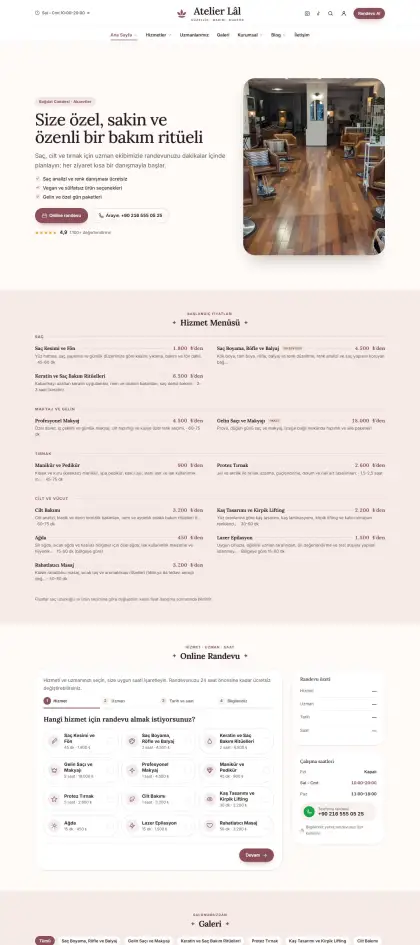
Elegant beauty center and hair salon in dusty rose and champagne: service menu, price list, specialists, online booking.
 New
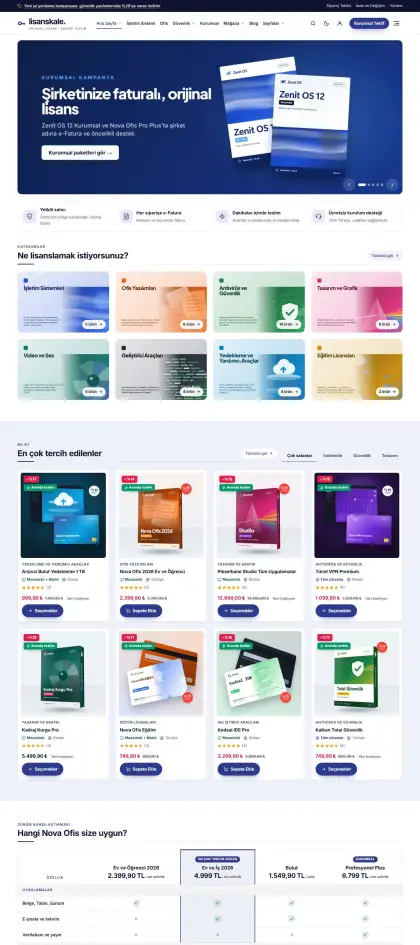
Software license store in navy-indigo and amber: a trustworthy storefront with e-invoice and instant delivery, boxed product grids.
 New
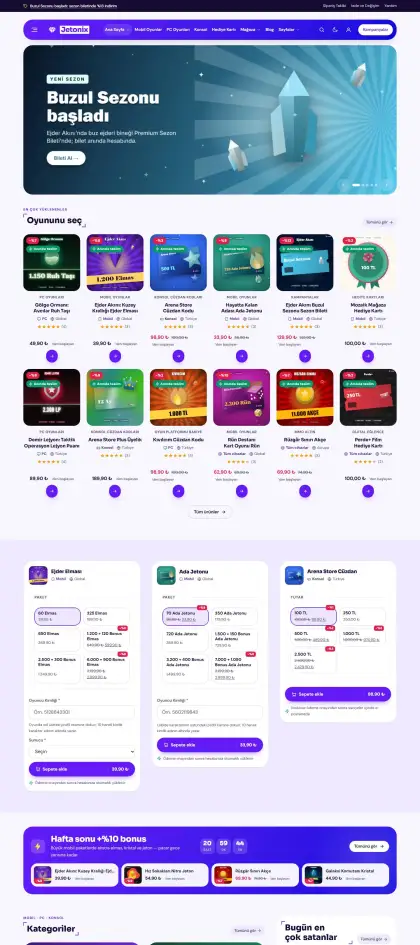
Game code and in-game currency store in electric purple and lime: rounded cards, denomination picker, player ID field and live promo bars.
 New
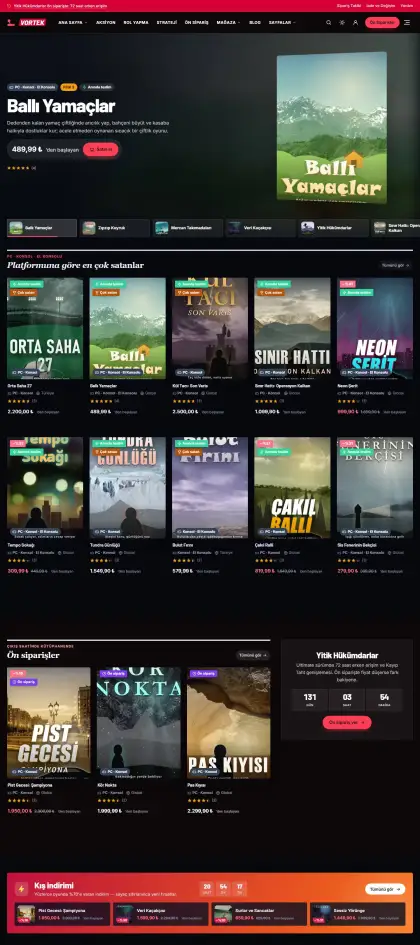
Digital game store with a cinematic dark storefront: crimson and amber accents, vertical cover cards, pre-order and sale bands, system requirement tables.
 New
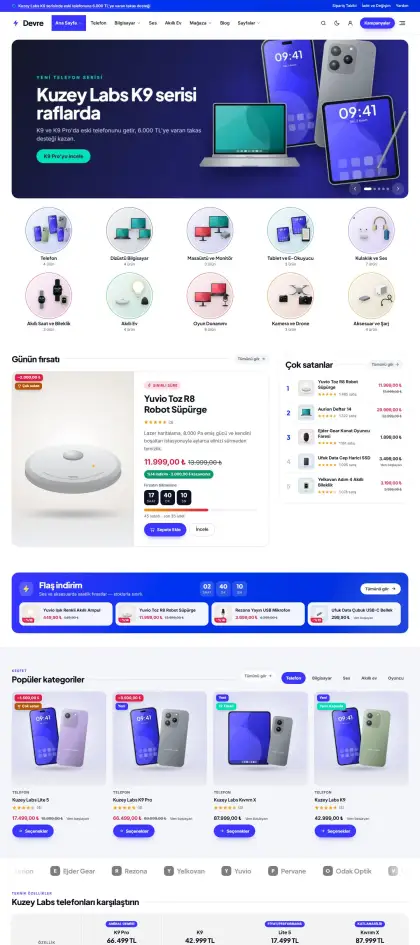
Tech store in ultramarine and mint: airy gray backgrounds, soft-shadow product cards, color/storage options and detailed spec tables.
 New
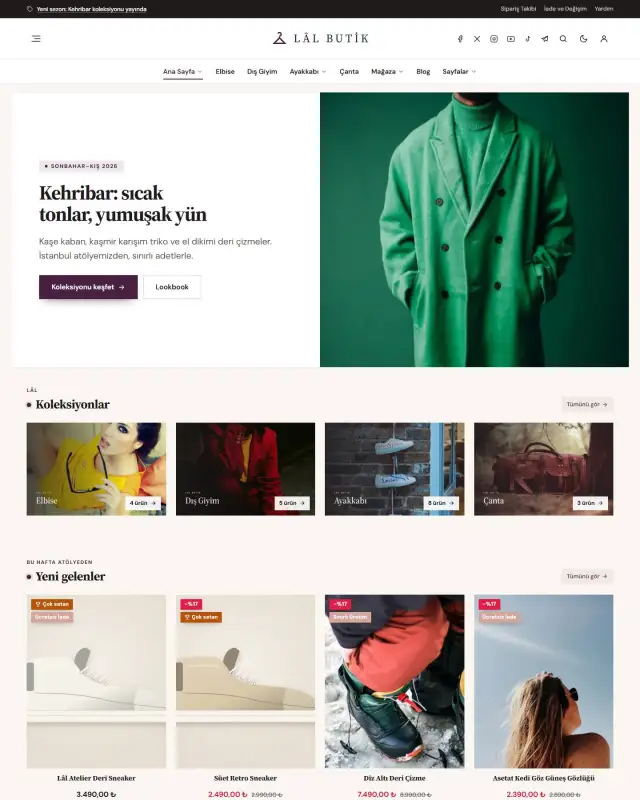
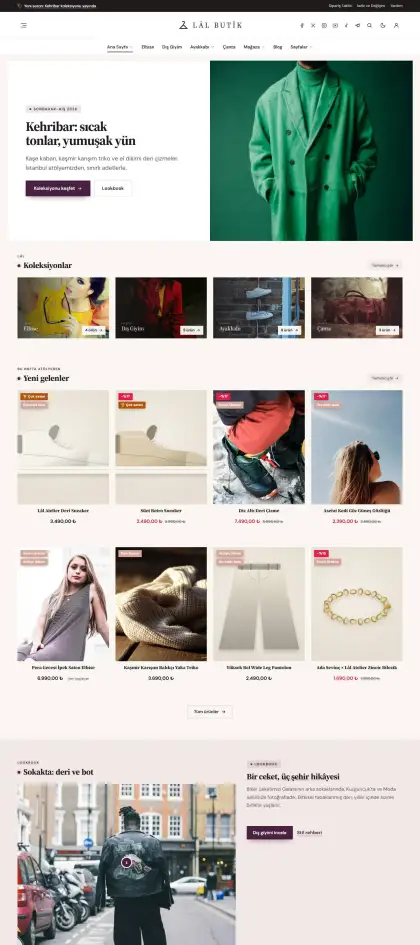
Fashion boutique: ivory background, aubergine and rose gold, centered logo, fine serif headings, sharp editorial cards, size and color selection.
 New
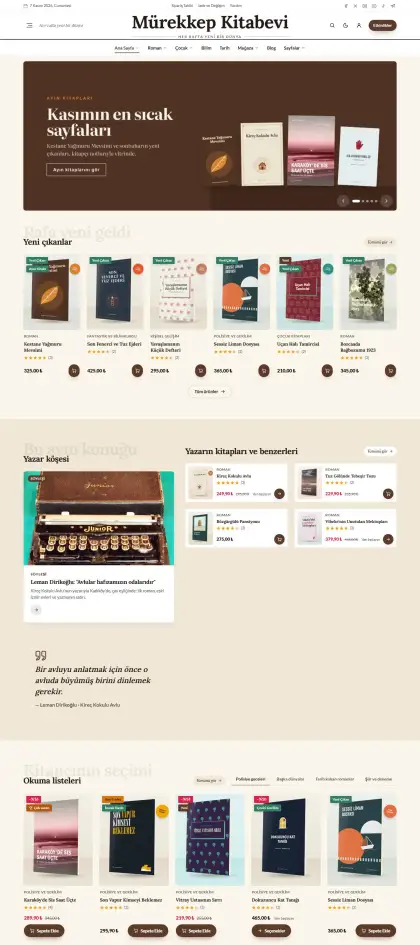
Bookstore on cream paper in walnut brown and bottle green: newspaper-style logo, serif headings, author and publisher filters, bookseller notes.
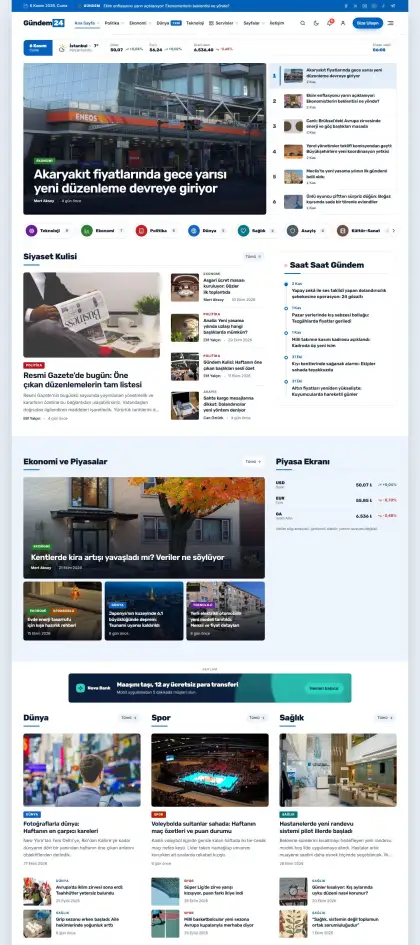
Blue, boxed general news portal: highlighted headline, breaking news box, video cards.
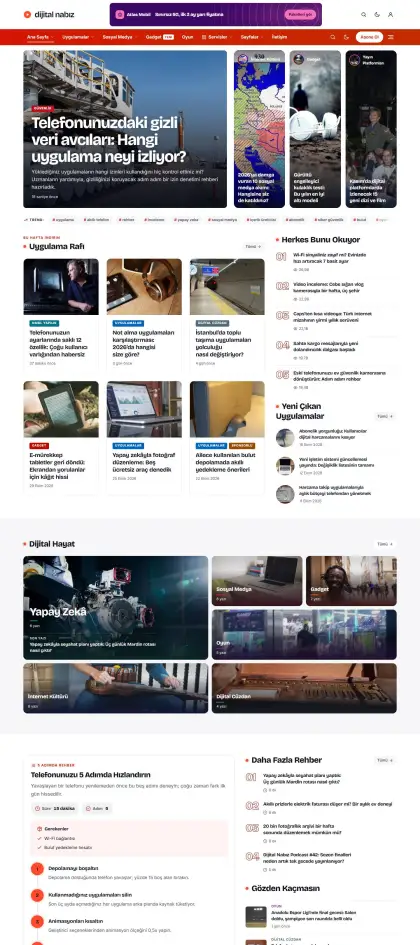
Digital lifestyle magazine with an orange-red gradient menu: ad-ready header, category boxes, bento grids.
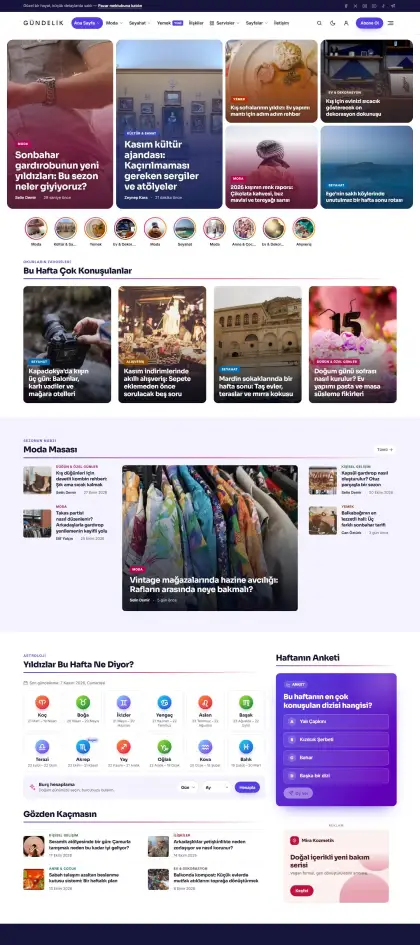
Daily lifestyle magazine with indigo-pink gradients: slider with side list, author list, video showcase.
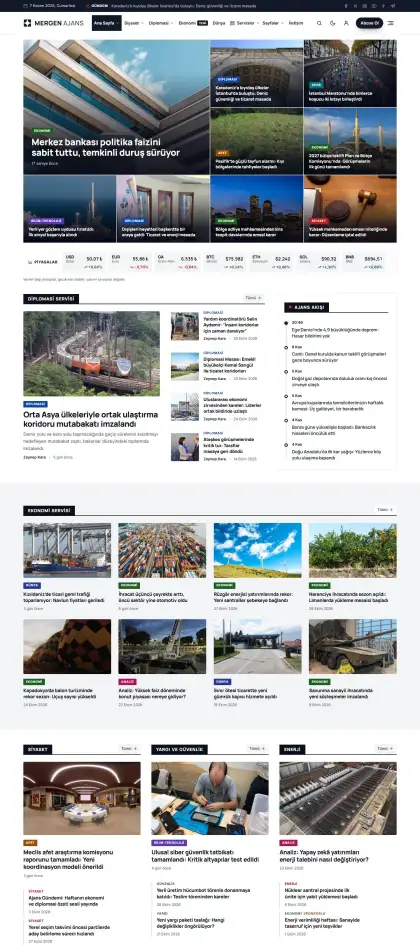
Serious black-and-white news agency look: full-width carousel headline, tabbed categories, tag boxes.
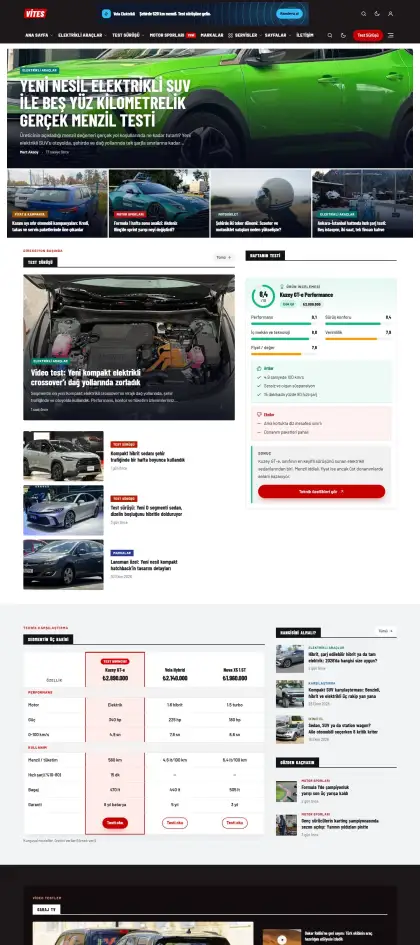
Car magazine with a dark header and red accents: brand boxes, review grids, carousel showcases.
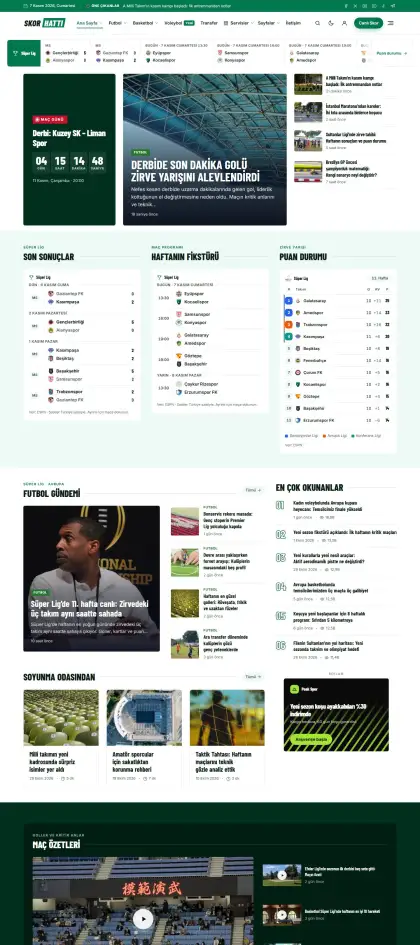
Emerald green sports portal: big headline with featured cards, tabbed latest news, league table, dark match summary band.
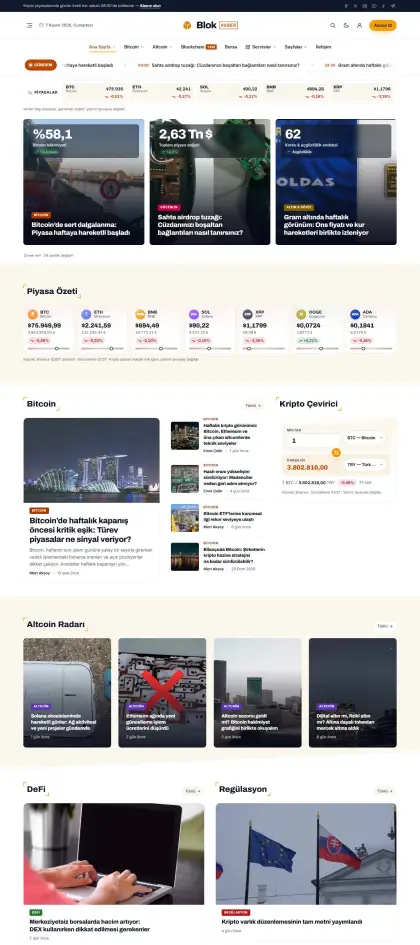
Crypto and finance site with gold accents: market ticker, numbered popular list, corner-framed headings.
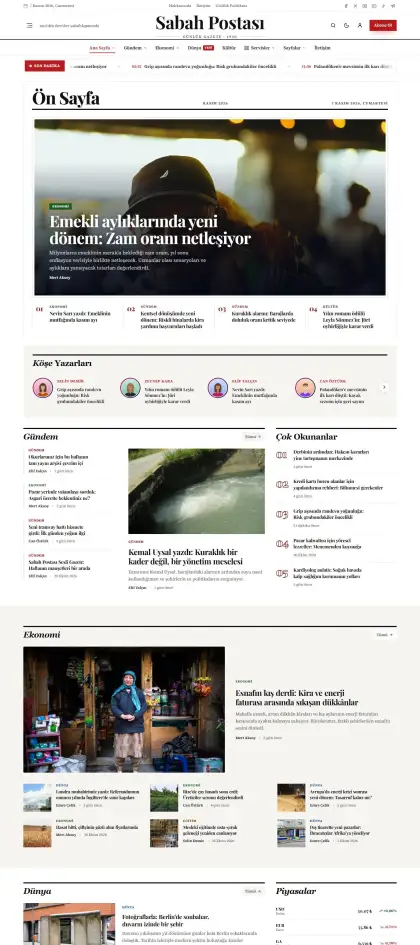
Classic national newspaper: serif masthead, double-ruled menu, columnists and dense news grids.
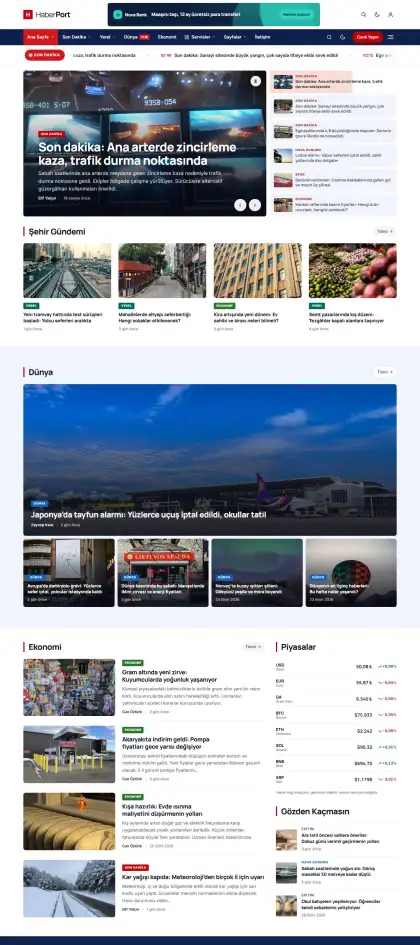
Red and navy news portal: logo with ad header, navy menu bar, latest news carousel, video list.
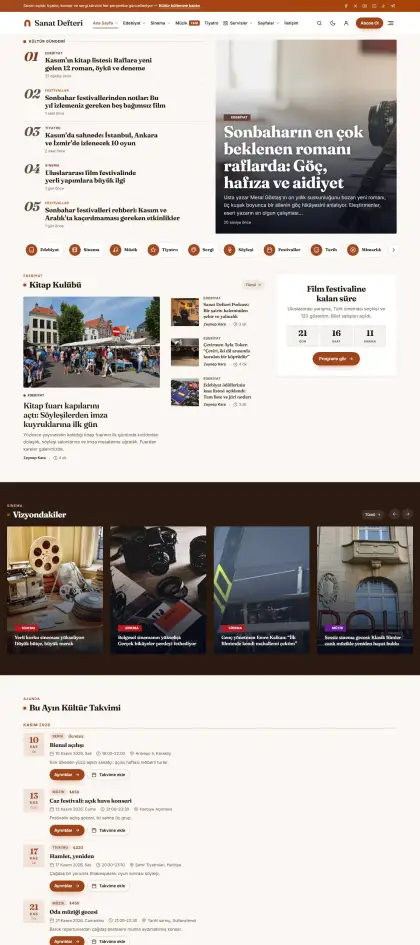
Arts and culture magazine in warm beige: serif headings, editorial headline, Instagram strip, elegant cards.
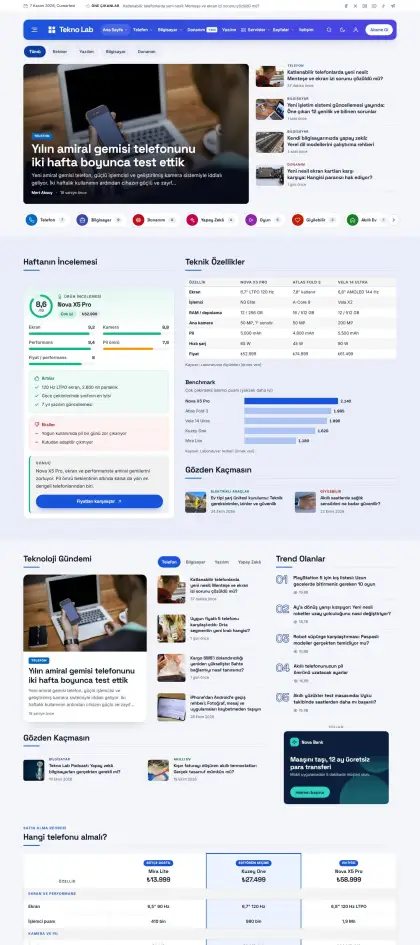
Tech reviews with a floating blue-purple gradient header: trending list with slider, category boxes, editor’s picks.
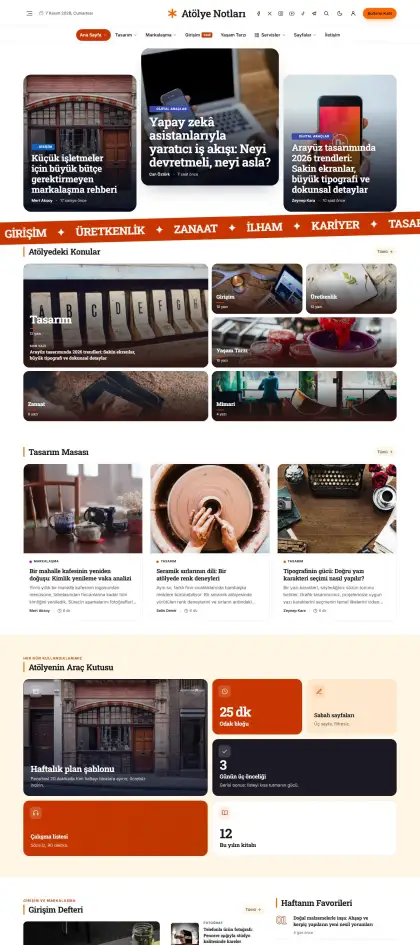
Design and lifestyle blog with orange and yellow bands: centered logo, floating menu, large scrolling type, colorful category cards.
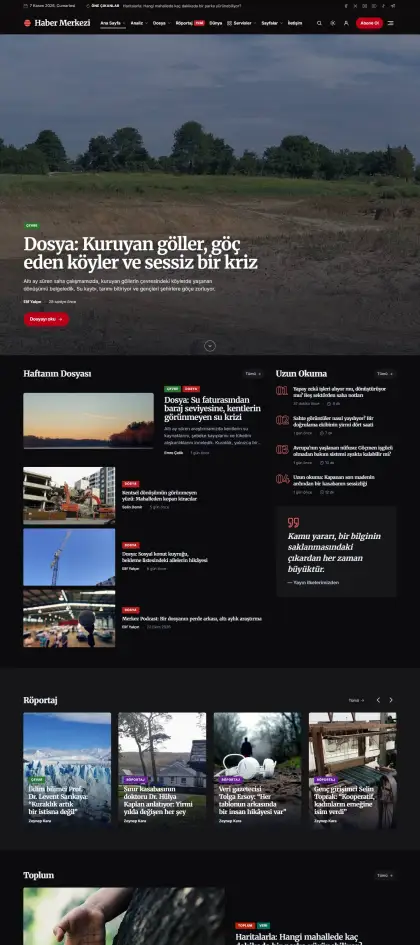
Dark investigative journalism: serif headings, shadow-text section titles, numbered lists, red accent.
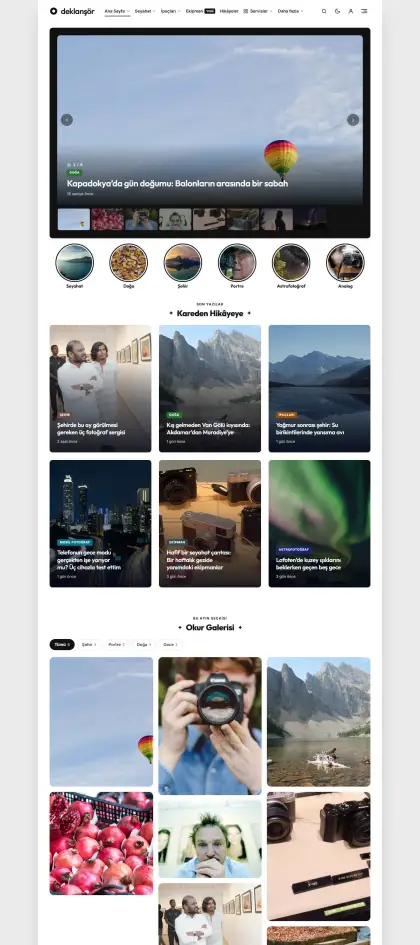
Boxed, minimal photography and personal blog: twin headline, centered titles, about-me card, lots of white space.
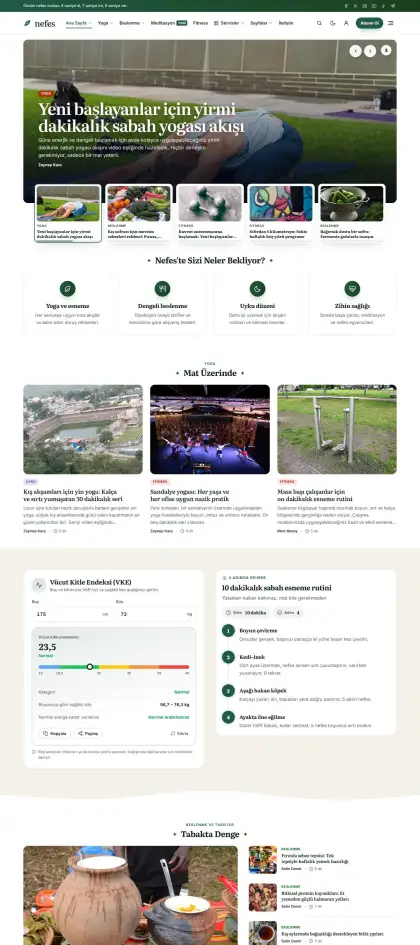
Healthy living blog in forest green and beige: serif headings, wavy sections, video lessons, scrolling slogans.
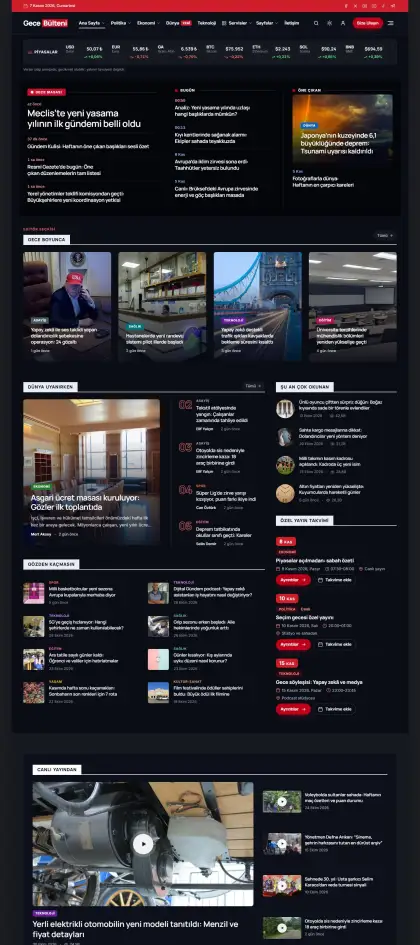
A 24/7 news portal that opens in dark mode with red accents, live breaking news and a market ticker.
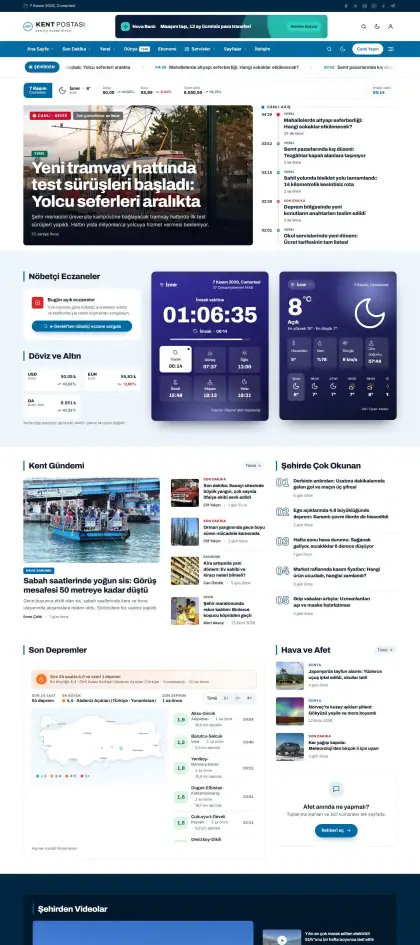
City newspaper: weather, prayer times, pharmacies on duty, latest earthquakes and fuel prices on the homepage.
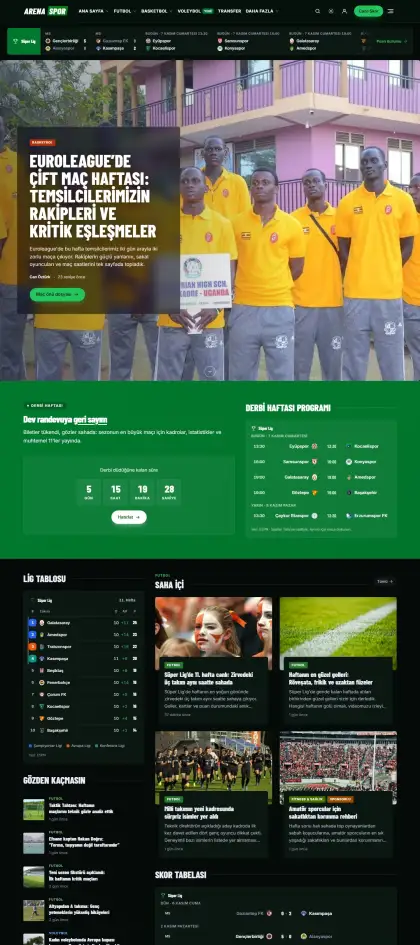
Neon green under stadium lights: dark background, big match images, fixtures and standings band.
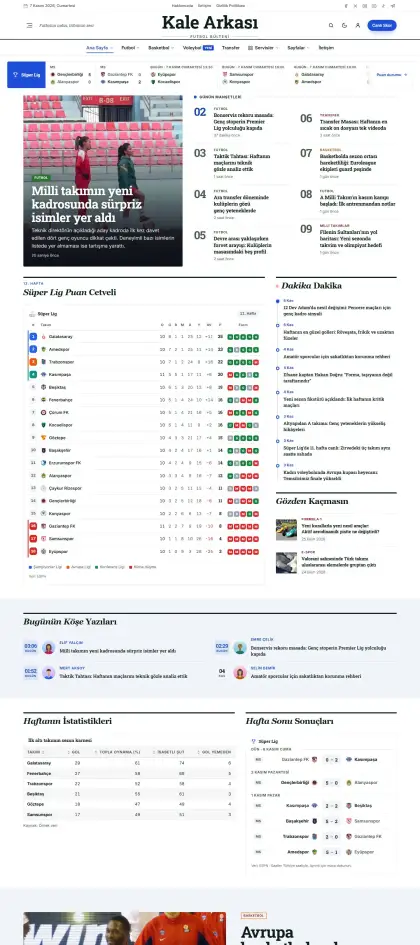
Classic sports newspaper in navy and red: serif headlines, tight columns and a league table.
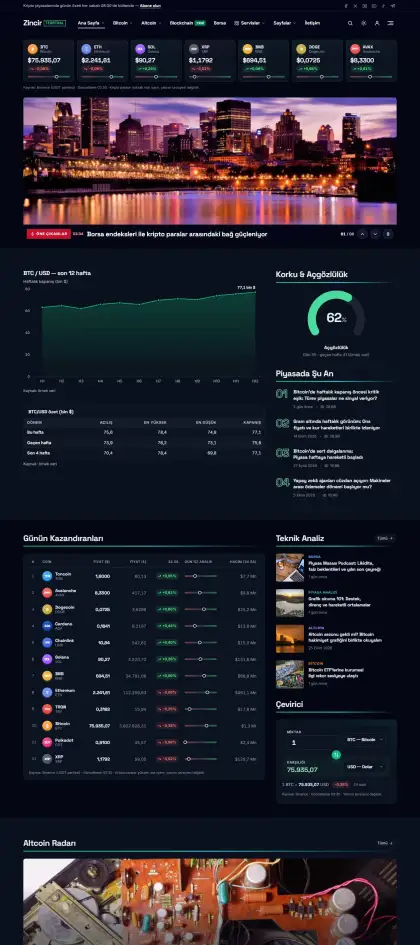
Trading-terminal aesthetic: dark background, neon green, live crypto table and converters.
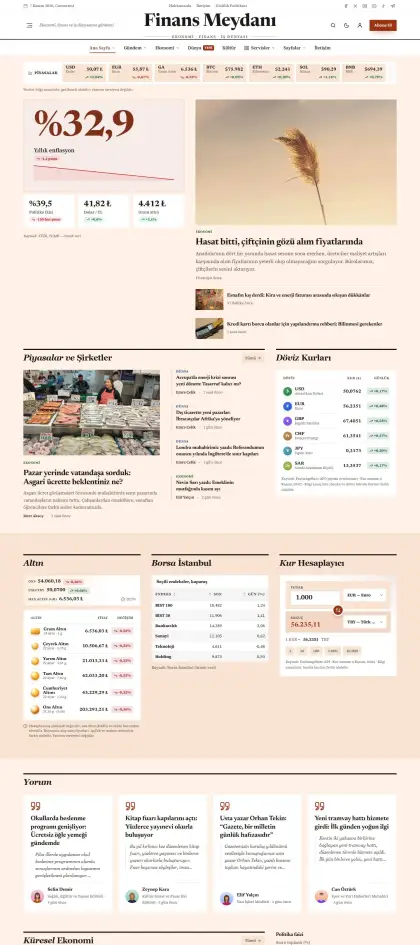
A finance newspaper on salmon paper: serif headlines, currency and gold tables, columnists.
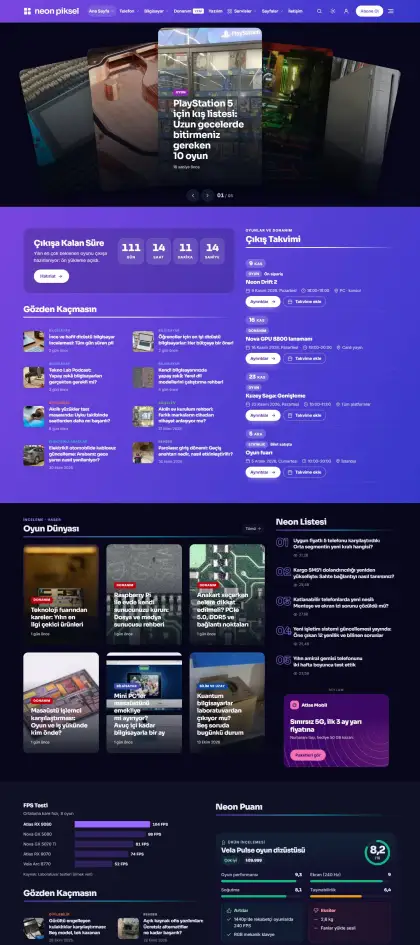
Purple-blue neon gradients and glass cards: a technology magazine focused on gaming and hardware.
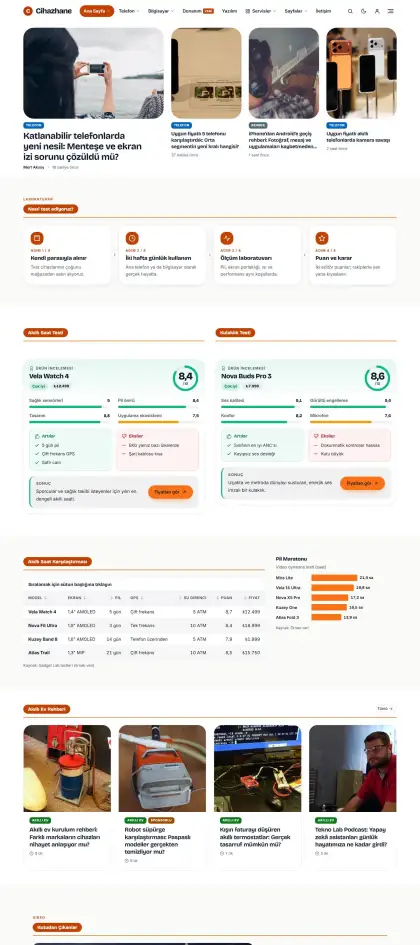
A review site with an airy white background, orange accent and large rounded cards.
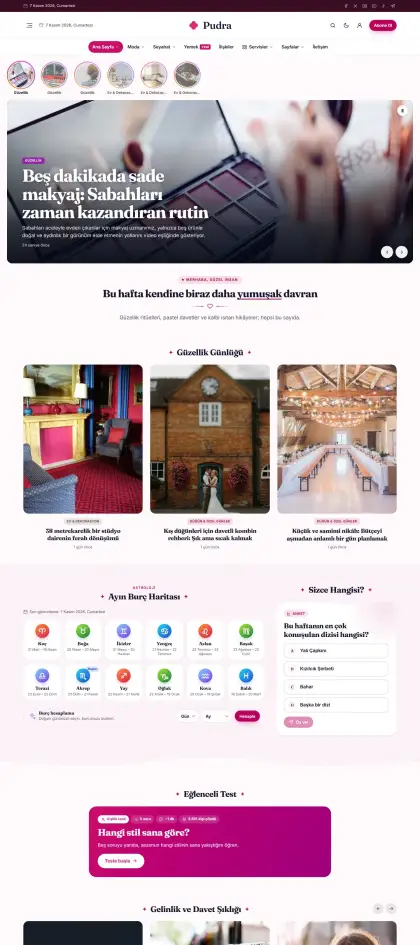
A soft lifestyle magazine in powder pink and lilac with serif headings.
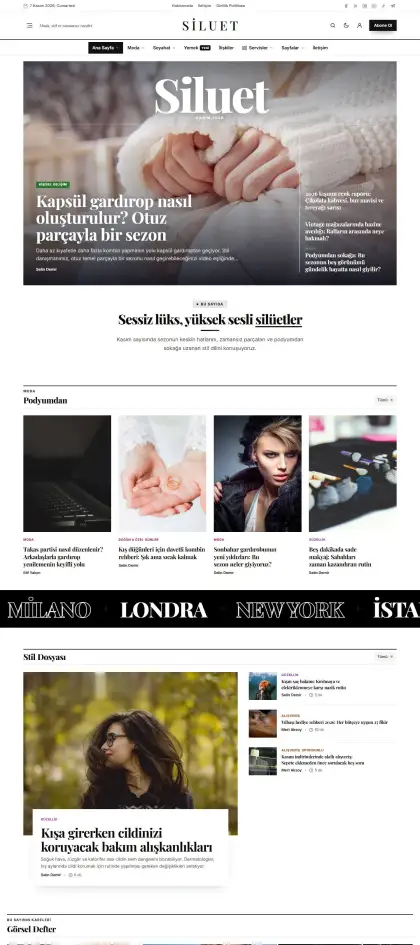
Black-and-white editorial fashion magazine: large serif headlines, generous white space, fine rules.
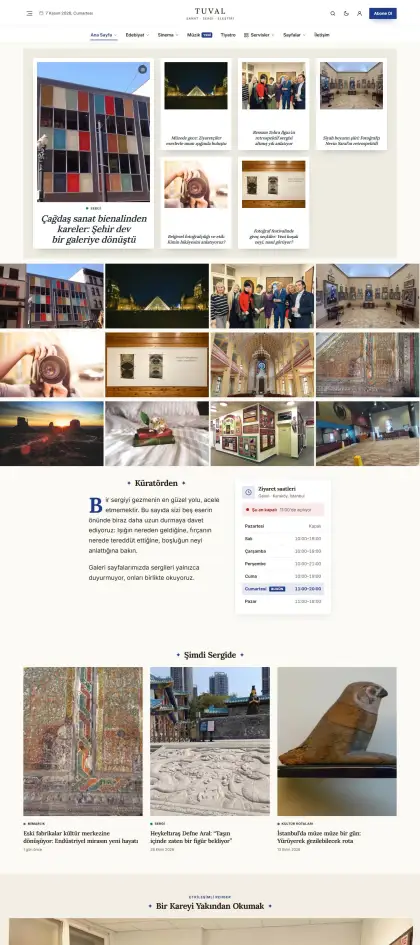
Cream background, navy serif headings and wide images in a gallery rhythm.
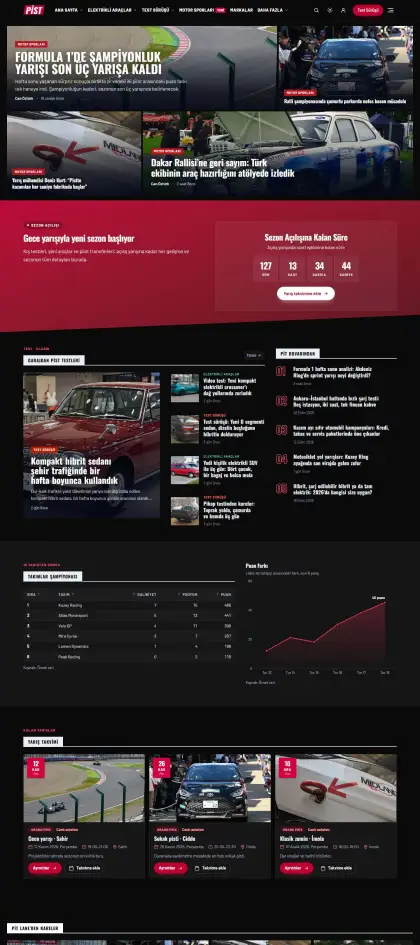
Carbon black and racing red: slanted headings that feel fast, big car imagery.
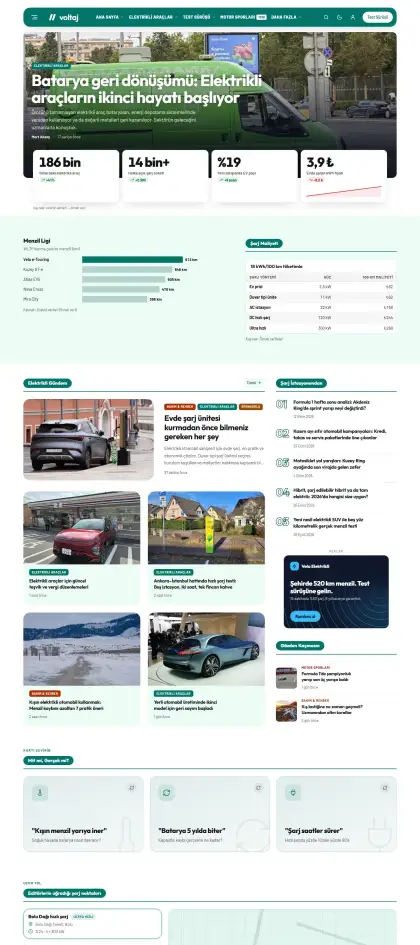
A clean-energy theme in turquoise and green: electric vehicles, charging and technology in an airy layout.
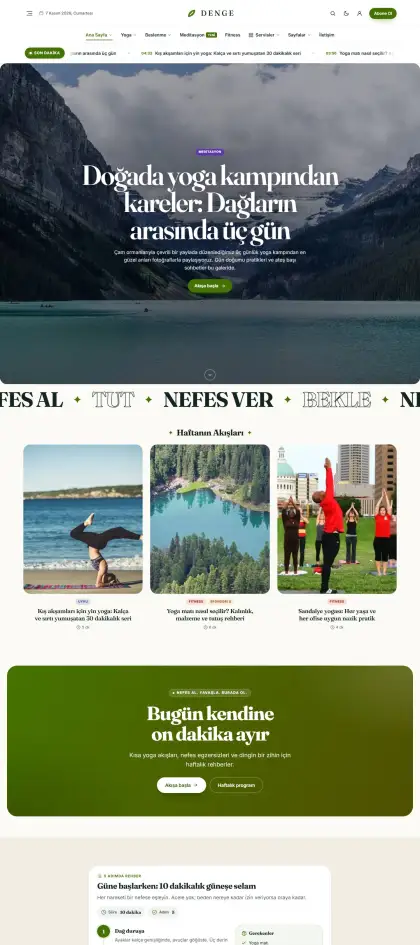
A calm, spacious yoga and breathwork blog in sage green and sand.
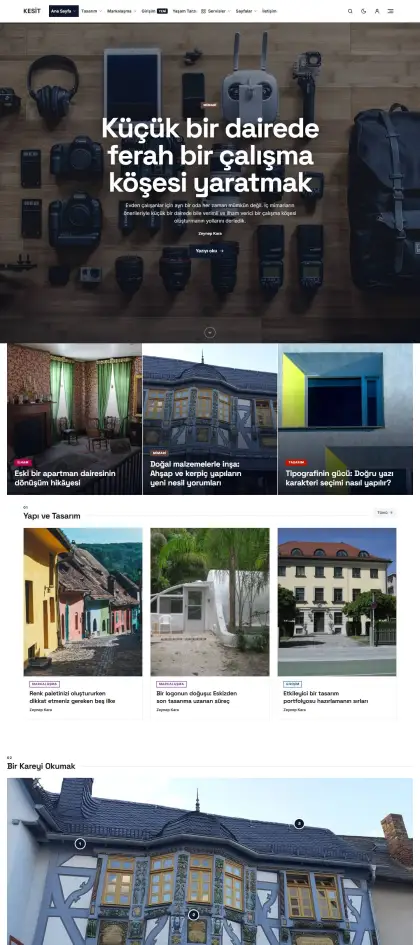
Architecture and design blog in concrete gray with a single accent color: sharp corners, grid layout.
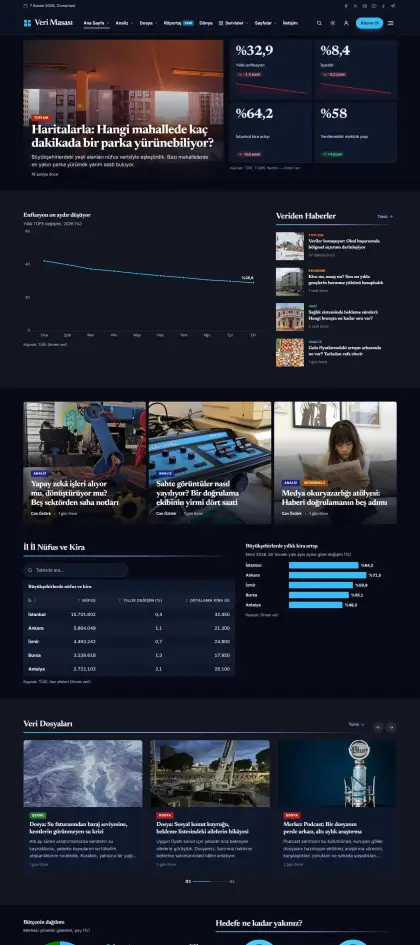
Data journalism in navy and cyan: a dark design focused on analysis, special reports and long reads.
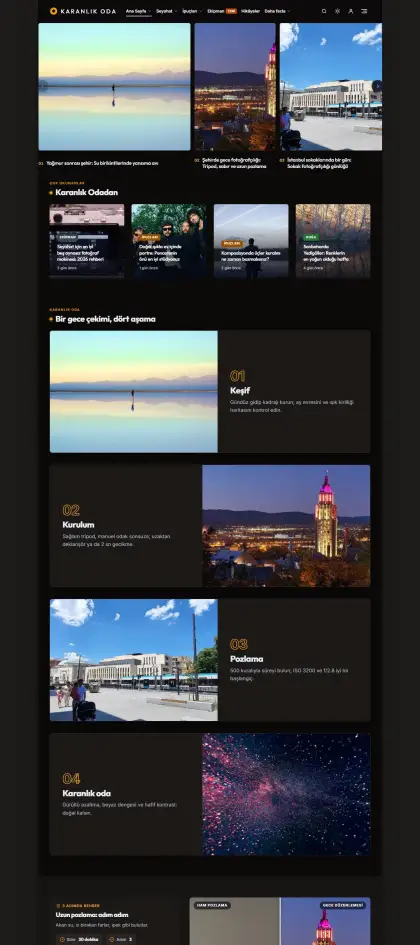
A darkroom for photographs: charcoal background, warm accent and full-width image grids.
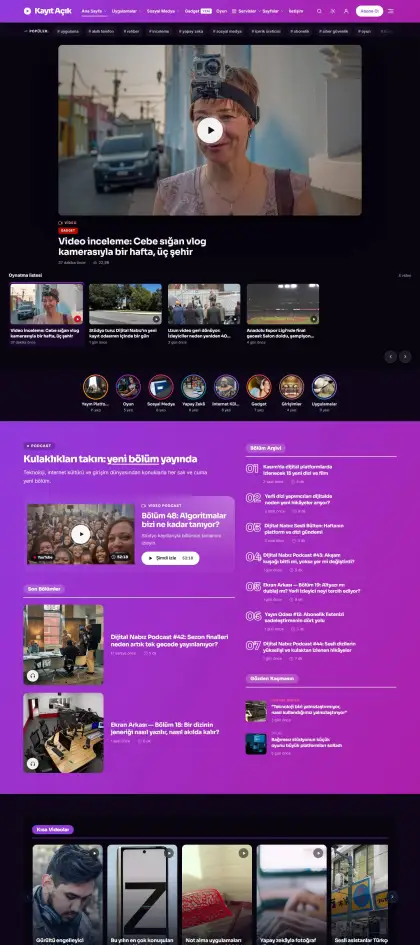
Video- and podcast-first digital media: purple gradients, playlists and large video showcases.
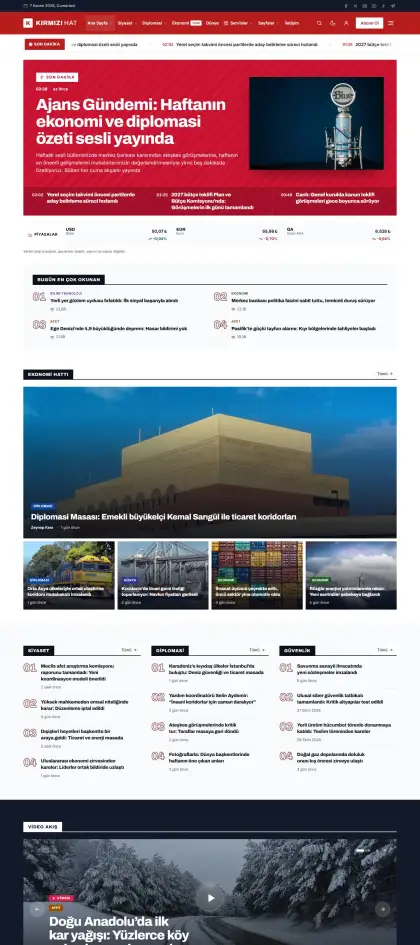
News-wire speed in red and black: tight lists, a timeline and a breaking-news-first layout.
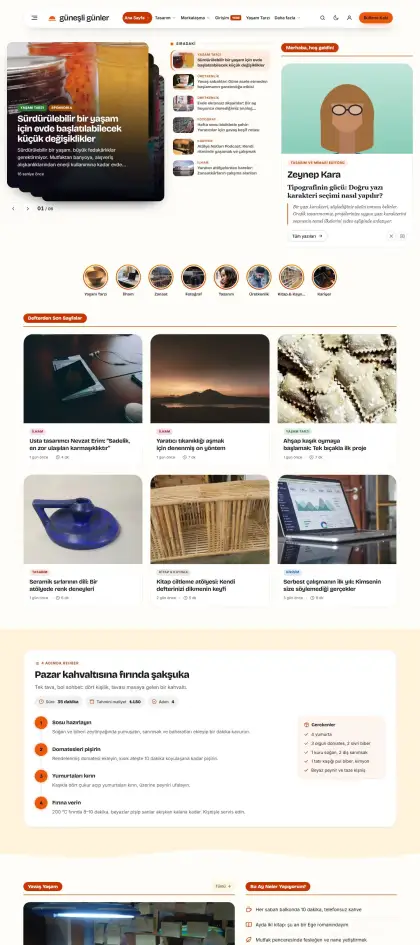
A cheerful lifestyle site in sunflower yellow and coral with a personal blog feel.
No demos match this search. Try a different word or .
Install
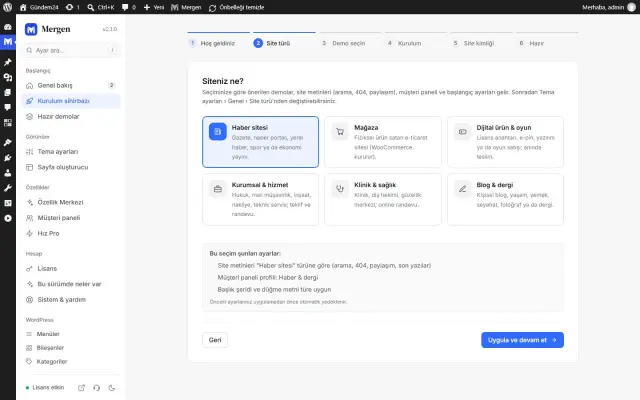
Choose a site type, upload your logo, pick your colours.
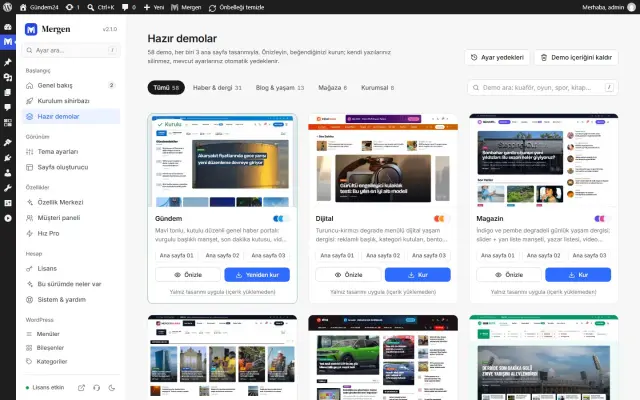
Content, menus and settings in one click; roll back any time.
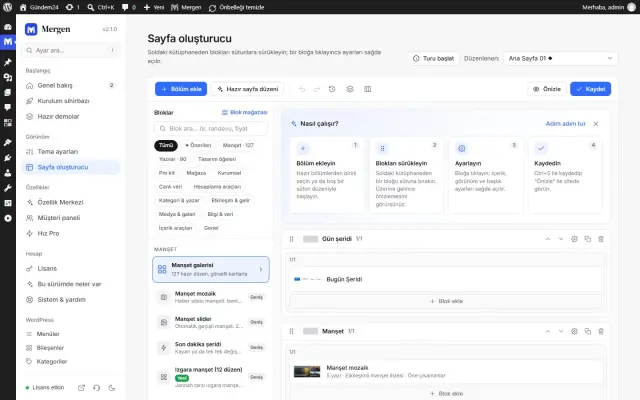
190 blocks, 127 headline and 90 post layouts in the builder.
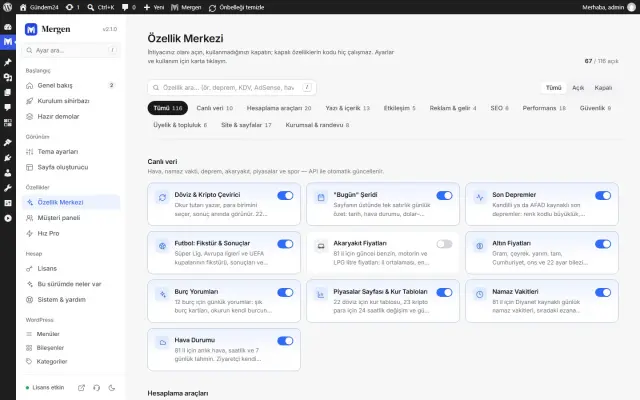
Feature Hub · 118 modules
Turn modules on and off from the Feature Hub. What you don't use doesn't load.
A tabbed writing studio for breaking news, sponsored posts, video and SEO preview, plus AI-search (GEO) fields and a publishing readiness score.
Weather, markets, gold, fuel, earthquakes, football and more; cached and fast.
Shapes itself to the sector: store, clinic, hotel, restaurant, education. Wallet balance turns into personal coupons.
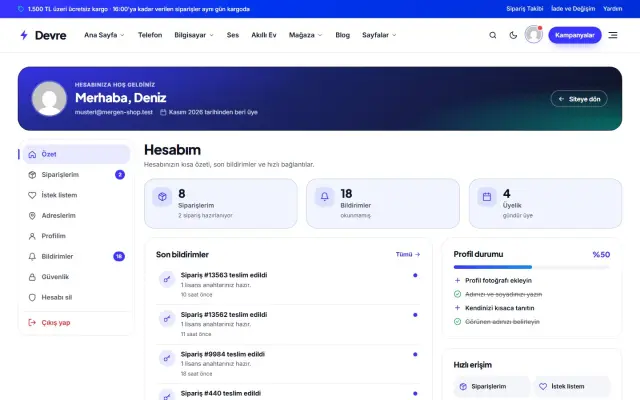
Hosting companies give customers cPanel login, DNS and usage in the same dashboard (requires a WHM/WHMCS connection).
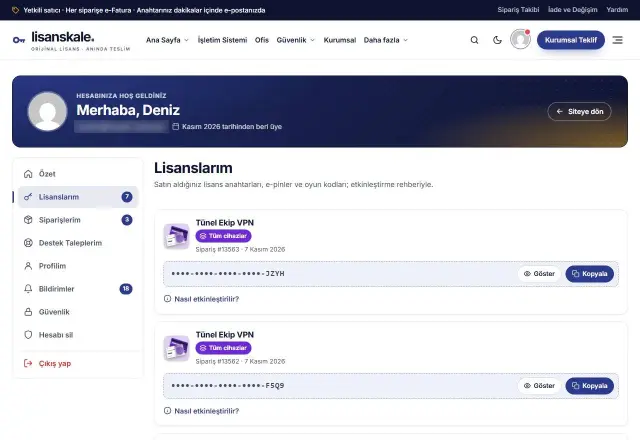
Custom login address, failed-login lockout and CAPTCHA on one screen; keys are stored with AES-256-GCM.
18 performance settings, WebP conversion and a 404 monitor with one-click 301 redirects. Speed Pro adds page caching.
Theme, dashboard and demos in Turkish and English; visitors from outside Türkiye see the English version.
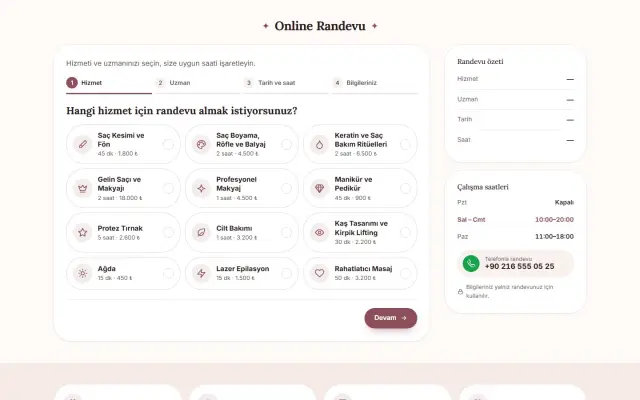
Appointment flow, quote calculator, careers and applications, branch finder and case results.
KVKK/GDPR cookie consent, e-mail verified sign-up, account deletion requests, WPML/Polylang configuration and WooCommerce HPOS.
Dashboard
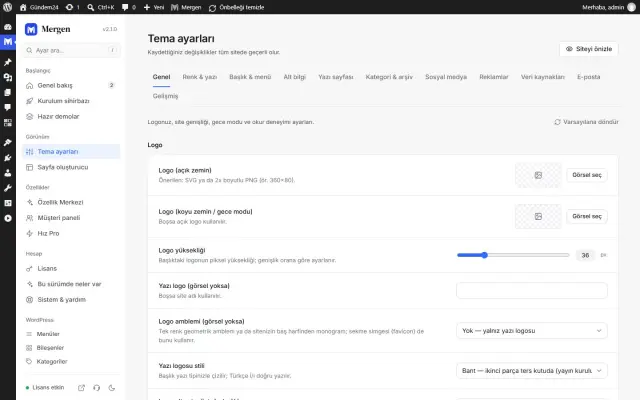
Logo, colours, fonts, header and footer layouts. Instant search takes you to any setting.
118 modules: on, off, configure. Nothing extra loads.
Drag blocks into columns, click to configure. Undo, history and layout presets included.
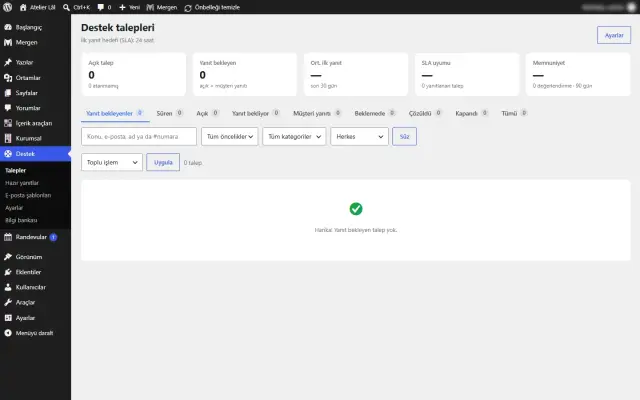
Tickets, canned replies, internal notes and satisfaction ratings for your own customers.
Changelog
Fashion store mode, a redesigned account menu and more natural read-aloud
License verification fix, a cleaner domain search and a handier hosting panel
The admin panel unlocks with a license, demo install 5× faster
Accurate time remaining, less license-server traffic
FAQ
Have a question that isn’t answered here? Write to us.
News portals, newspapers, magazines and blogs; stores for digital products, gift cards / game codes or physical goods; business sites for clinics, law firms, accountants and agencies. Ready demos (60 in total): news 31, content and blog 13, store 8, business 8.
Preview a demo under Mergen › Demos and install it in one click: content, menus, images and settings all come with it. On a site that already has content, try “Apply design only” first; if you don’t like it, restore the settings backup or remove the demo content. Your own content is never deleted. The cleanest result is on a fresh WordPress install.
A license is tied to the domains you activate it on. localhost, .test and staging.* addresses don’t count toward your limit, so you can build and test freely before going live. When you move a site, transfer the license to the new domain from the dashboard.
While your license is active and your update / support period is running, new versions appear on the WordPress Updates screen and install in one click; your settings and content are kept. If the period ends, the theme keeps working; you just can’t download new versions until you renew.
WordPress 6.2 and PHP 7.4 at minimum; PHP 8.2 or later is recommended. The ZipArchive, OpenSSL, Sodium and GD or Imagick extensions are required. Your host’s one-click WordPress install is all you need.
Store demos run on WooCommerce, which is installed for you during demo import. Digital license and game code delivery, the key pool, bank transfer / cash-on-delivery flows and the “My licenses” screen in the customer area are built into Mergen.
A cookie banner that loads scripts by category (compatible with Google Consent Mode v2), imprint / privacy notice / cookie policy page templates, consent checkboxes on forms and fonts served from your own server. You still need to adapt the texts to how you work; these tools are not a substitute for legal advice.
Speed Pro is an optional, separately licensed speed pack: page cache, WebP/AVIF conversion, JavaScript delay, Gzip/Brotli and CDN support. Mergen works fine without it; the theme already includes 18 performance settings.
Yes. Make code and template changes in the child theme (mergen-child) so they survive updates. Colors, fonts, header / footer layouts and page layouts need no code at all: they’re all in Mergen Settings and the page builder.
Open a ticket from the support section of your Temorya account. Every topic, from installation to stores and booking, is also covered step by step with screenshots in the 16-chapter documentation (Turkish; English edition in progress).
Every purchase comes with a 14-day refund guarantee; you can request a refund from Customer Panel › My Orders without giving a reason. Products sold as open-source software distribution are non-refundable and are clearly marked on their page.
One licence, every demo, every feature, both languages.