




















Cloud gaming services compared: Latency, library and image quality
Can you play new games without a powerful PC or console? We tested popular cloud gaming services at different internet speeds.
Cloud gaming services run games on remote servers and stream the picture to your screen over the internet. That makes it possible to play the latest games even on an old laptop, a TV or a phone. In our tests, latency was barely noticeable in story-driven games on a fiber connection, but it made a difference in competitive shooters. Over Wi-Fi and at peak hours, image quality can fluctuate. The size of the game library and the subscription model are among the most important differences between services.
How does cloud gaming work?
With cloud gaming, your device serves only as a screen and controller. The game runs on a powerful machine in a data center, the picture is streamed to you as video and your inputs are sent back. Because this loop repeats sixty times a second, connection stability matters as much as internet speed. That's why network quality is as decisive as visual quality.
Thanks to this setup, a laptop bought years ago, a TV app or a mid-range phone can run demanding games. In return you pay a monthly subscription; some games are included in the membership, while others have to be bought separately. The services differ significantly in their libraries, image quality and controller support.
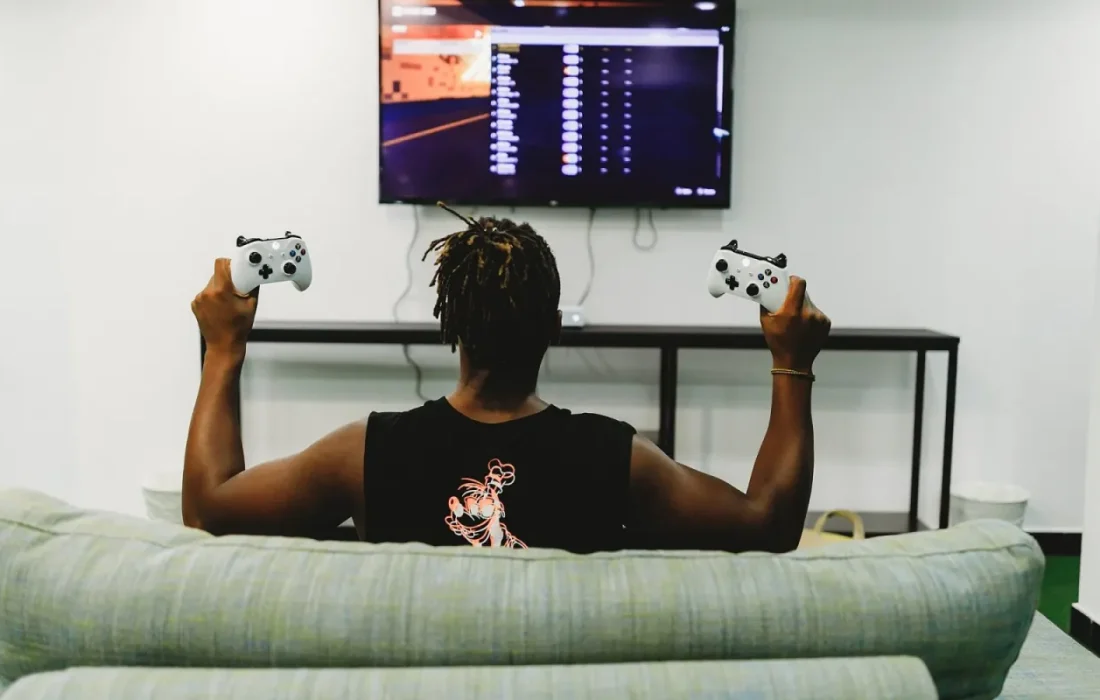
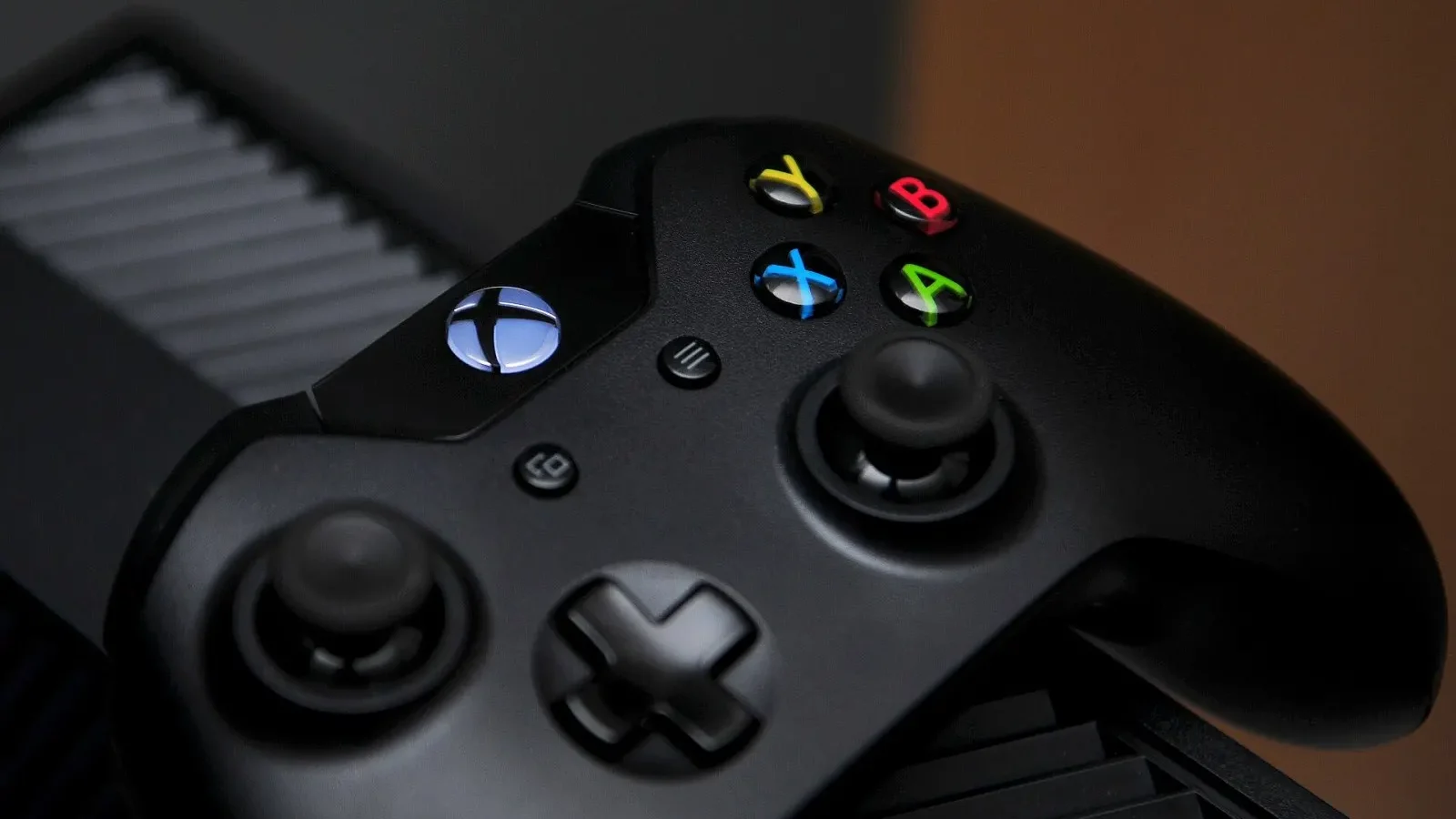
Cloud gaming quality depends as much on the router in your home as on the server.
Jake Morales
Latency tests
We measured latency on three different connections: 100 Mbps fiber, 50 Mbps Wi-Fi and mobile data. On fiber, latency averaged around 45 milliseconds. That's almost imperceptible in story-driven and slow-paced games. In competitive shooters and fighting games, however, it can affect the split-second reaction times that matter.
Over Wi-Fi, image quality fluctuated during the busy evening hours; some services lowered the resolution automatically to maintain smoothness, while others stuttered. On mobile data, only two services offered an acceptable experience. The method that gave the best results was connecting the computer or console to the router with a cable. If you're using mobile data, remember that usage can reach several gigabytes an hour.
Which gamers is it right for?
Library size and the subscription model are the most decisive differences between services. One service offers hundreds of games for a flat fee, while another works by streaming games you already own. If you want to play big new releases on day one, keep a close eye on the library; some games can leave the catalog over time. In the long run, this affects your freedom to play as well as your monthly costs.
| Topic | Game |
|---|---|
| Highlights | console, comparison, gaming |
| Reading time | 8 minutes |
| Written by | Jake Morales |
Key takeaways
- On fiber, latency is unnoticeable in story games but matters in competitive ones.
- Over Wi-Fi, image quality can fluctuate at peak hours.
- Library size and subscription model set the services apart the most.
Which gamers is it right for? It's a great solution for players with older devices, those who travel often and anyone who wants to try games out. For competitive players and those with weak connections, local hardware is still more reliable. Use the free trials, play for a week on your own internet connection and only then commit to longer terms such as an annual subscription.
What do you think about this post?

Leave a comment