



























































Table of contents
Even though smartphones get more powerful every year, battery life remains users' biggest complaint. Yet a few simple settings changes can keep your phone going all day. Setting screen brightness to automatic, using a high refresh rate only when needed and limiting apps running in the background all cut battery drain significantly. Your charging habits also have a direct impact on your battery's health over the years.
Display and refresh rate settings
The display is the component that drains a phone's battery the most. Setting brightness to automatic, letting it adjust to ambient light and not leaving it on high brightness manually can cut daily consumption by around 15 percent. Dark mode also saves extra power on phones with OLED screens. Both settings make a difference from day one without installing any extra apps, and they're easy to undo.
For refresh rate, adaptive mode changes automatically with the content and is the best balance for most users. Staying at a high refresh rate all the time gives you smoothness but drains the battery quickly. Lowering the screen timeout to thirty seconds and turning off features such as raise to wake when you don't need them also bring small gains that add up.
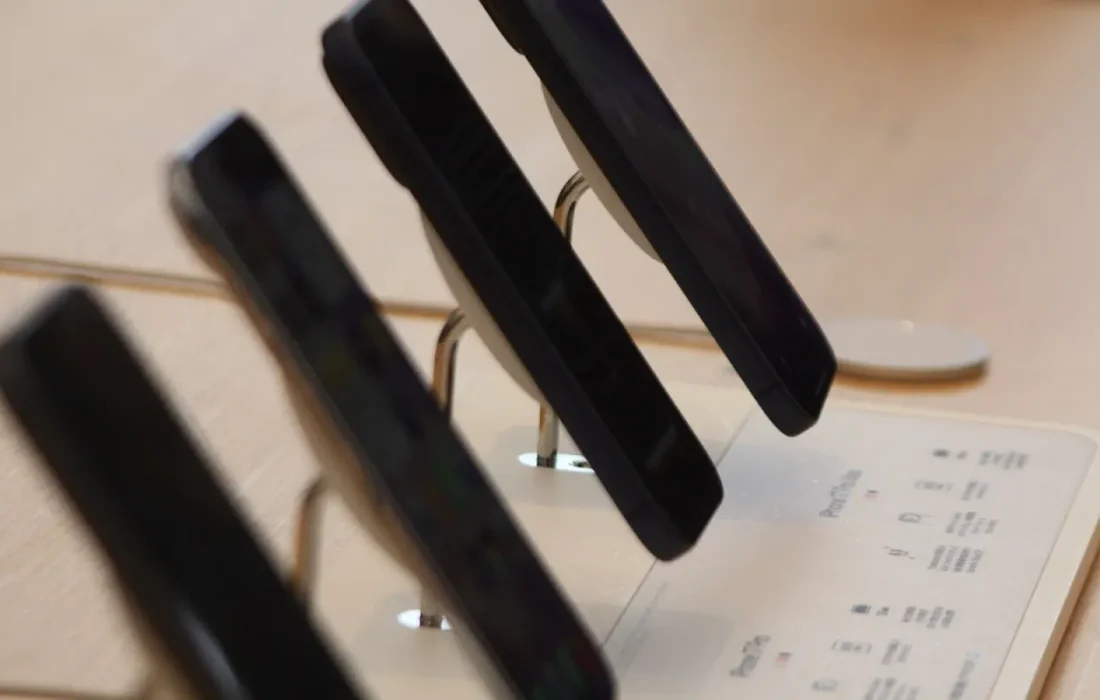
Keeping your battery between 20 and 80 percent extends its lifespan.
Mark Ellison
Keeping background apps in check
Apps running in the background are silent battery drainers. On the battery usage page in settings, you can see how much each app consumes. Restrict background activity for apps you rarely use, or uninstall them. Only allow apps that constantly request your location, such as social media and maps, while you're using them. Reviewing your app list once a month helps you spot problem apps early.
Review your notifications too; every notification wakes up the screen. Turning off notifications from unnecessary apps protects both your attention and your battery. Switching between Wi-Fi and mobile data also uses power; in places with a weak signal, the phone constantly searches for a network. In that case, airplane mode or low power mode can be a temporary fix.
Ways to protect battery health
Your battery's long-term health depends on your charging habits. Lithium-ion batteries wear out faster when they are constantly charged to 100 percent and drained close to zero. Keeping the charge between 20 and 80 percent whenever possible extends their lifespan. Many phones have a setting that limits charging to 80 percent; turn it on for overnight charging. This setting slows the battery's capacity loss over the years.
| Topic | Phones |
|---|---|
| Highlights | battery life, smartphone, how-to |
| Reading time | 6 minutes |
| Written by | Mark Ellison |
Key takeaways
- Auto brightness and adaptive refresh rate reduce display power use.
- Limit background apps and unnecessary notifications.
- Keeping the charge between 20 and 80 percent extends battery life.
Excessive heat is a battery's worst enemy. Don't leave your phone in the sun, in the car or inside a thick case while charging. Use fast charging when you need it, not all the time. Choose an original or certified charger. When battery health drops below 80 percent, taking it to an authorized service center for a replacement is a sensible option.
What do you think about this post?

Leave a comment