















































Saving with Bundles: A Day-One Shopping List for a New Computer
How to save 20% by buying the operating system, office suite and security as a bundle, and how to install them in the right order.

Table of contents
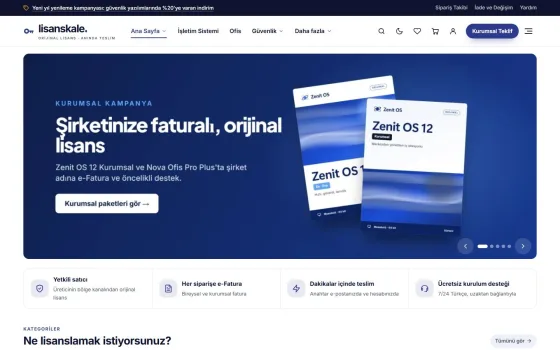
When you buy a new computer, most of the budget goes to hardware, and the software list is an afterthought. This is where bundles come in: they put compatible products together at a discounted price. For example, buying an operating system and an office suite together saves 20%.
Which products go into a bundle?
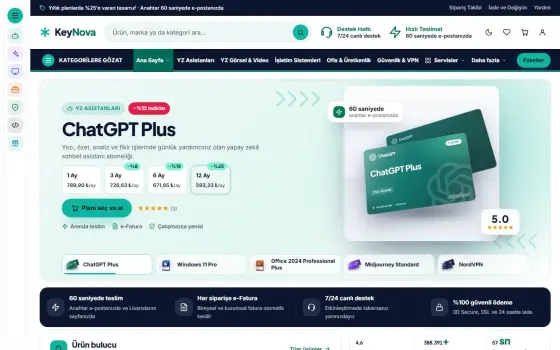
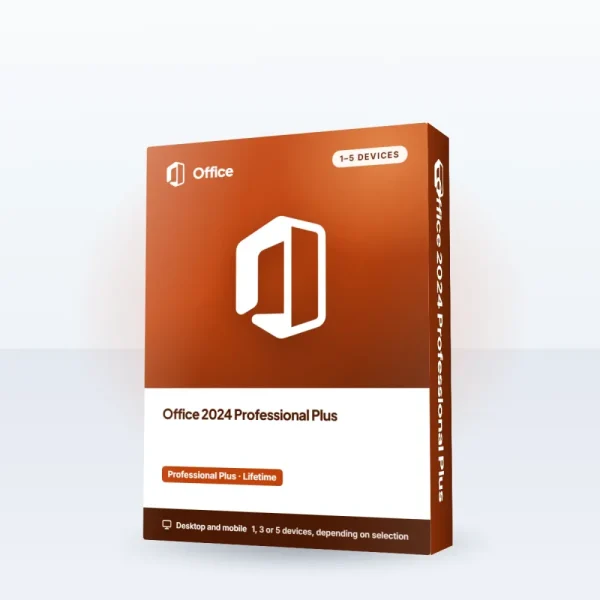
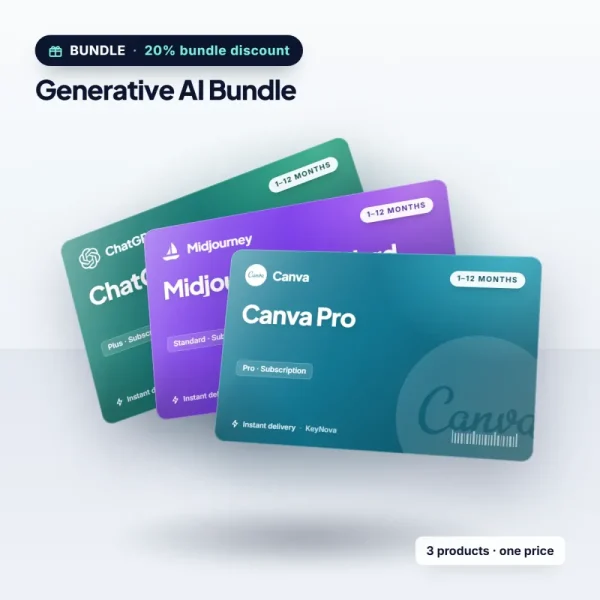
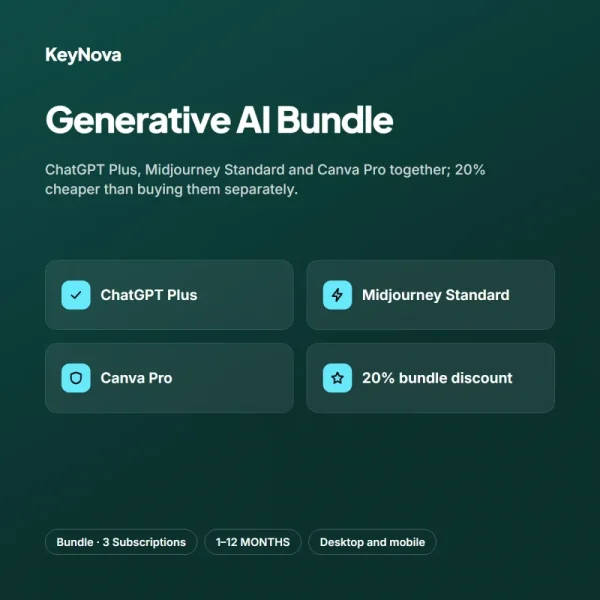
A bundle is a combination of compatible products in a single order at a discounted price. KeyNova has three bundles: the Windows 11 Pro + Office 2024 Bundle includes the operating system and office suite, the Secure Work Bundle includes the operating system, antivirus and VPN, and the Generative AI Bundle includes ChatGPT Plus, Midjourney Standard and Canva Pro. The contents are listed item by item on each bundle's product page, so you see what you are buying before you buy it. When deciding which products to put in a bundle, ask yourself: which of these was I going to buy anyway? If the answer is "all of them," a bundle directly saves you money; if it is "some of them," first compare the separate purchase prices.
What bundles have in common is that they are twenty percent cheaper than buying separately. This discount is applied on the logic that the products will be used together, and it gives you two benefits: your budget gets breathing room and the risk of dealing with incompatible products disappears. When setting up a new computer or a new business, the most confusing question is which product works with what; bundles solve this from the start. Bundle products are mostly delivered the same day and arrive in a single email. So instead of hunting for keys one by one, you find them all in the same place and don't lose time during setup.

A bundle's strength is not its discount, but that you forget nothing.
Sarah Bennett
Compare buying separately with the bundle price
A simple calculation is enough to see the savings. Windows 11 Pro is $31.99 and Office 2024 Professional Plus is $57.99: separately that adds up to $89.98. The bundle offers the pair for $71.98; so about $18 stays in your pocket. The same logic applies to the other bundles. If products also have their own campaign prices on top of the bundle discount, compare which is the better deal. During campaign periods, the discount on some products may be higher than the bundle discount. So before making the final decision, writing both total prices side by side and comparing them is the soundest way.
A word of caution: before buying a bundle, make sure you will really use every product in it. If you use two of the three products, you are paying for the share of the one you don't use. In that case buying the products separately may make more sense. Bundles deliver real savings when you already plan to buy most of the products in them; so making a list beforehand and comparing it with the bundle contents is the best habit. For company purchases the bundle advantage grows even more; a single invoice, a single payment and a single delivery simplify the accounting process. If you are buying for several computers, also take a look at the device count options.
Setup order and storing your keys
Setup order saves time. First install and activate the operating system, because the other software depends on it. Next come the security software and VPN, then the office suite and the apps you use every day. At each step, activate the relevant key and mark it as used on the My Licenses page. That way you will remember which key is on which device even months later. Following this order also cuts down on the restart prompts that come up during setup. Restarting once after each step and then moving on to the next app weeds out possible incompatibilities from the start.
| Topic | Savings & Bundles |
|---|---|
| Highlights | bundle discount, operating system, desk setup |
| Reading time | 5 minutes |
| Written by | Sarah Bennett |
Key takeaways
- The bundle contents are listed item by item on the product page.
- You save twenty percent compared with buying separately.
- Operating system first, then security, and last the office suite and apps.
Also save your keys in a secure password vault or an encrypted notebook. Even if your email is deleted, your My Licenses page acts as a backup, but a second copy is always a good idea. When you change devices, these records spare you a lot of trouble. Since an invoice is also issued with every bundle order, the accounting record for company purchases goes smoothly too. Also write the purchase date and order number next to your product keys. Years later, when you need support, these two details help us find your record in seconds.
What do you think about this post?




2 Comments
Really useful piece, thank you for putting it together.
I had never thought about this side of it. Looking forward to a follow-up.