


































How to Choose an AI Subscription: A 5-Question Guide
Which AI subscription is right for you? Five questions that pin down your needs, your budget and how often you will use it.
Table of contents
There are dozens of AI subscriptions on the market and every one of them claims to do everything. In reality, writing, images, video and code each have different needs. The right choice starts with knowing your purpose, your monthly volume and your team size. In this guide we list the five questions you should ask yourself.
Decide what you will use it for first
The first question is always the same: what exactly will I do with this tool? A chat assistant is enough for writing, summaries and translation, but if you will create campaign visuals you need an image studio, and if you will make short videos you need a video tool. A single subscription that does everything is often mediocre at each of them. First list your weekly tasks, then estimate how many minutes of each task you could hand over to the tool. This simple table shows which subscription will truly pay for itself and keeps you from paying for a tier you don't need.
For example, for someone who does three email summaries and two translations a week, the Plus tier is more than enough. An analyst who reads dozens of pages of reports a day, on the other hand, saves time on a Pro tier with long-document memory and source citations. The difference between plans like ChatGPT Plus and Claude Pro is exactly this: usage intensity. As your volume grows, moving up a tier makes sense, but don't overdo it at the start; you can upgrade the tier later without canceling your account. That way you won't wonder at the end of the month why you paid for a subscription; a short note showing what each item returned will be your most valuable guide for next year, too.

The right tool is not the flashiest one, but the one you open at least three times a week.
Emily Carter
Read the tiers and usage limits
Every subscription has another side that matters as much as the price on the shelf: usage limits. The number of messages, the monthly image credits, the minutes of video you can export or the file size you can upload all vary by plan. Read the feature list on the product pages carefully and compare your monthly average need against the limits. For example, 1,500 image credits a month easily covers a boutique brand's needs, but may not be enough for an agency producing hundreds of variations every day. Hitting a limit costs more than the price difference. Reading the limits table on the product page takes five minutes, but it saves you from running out of quota mid-month, leaving the work half done and being forced onto an expensive higher plan for a quick fix.
Another important item is commercial use rights. If you will use the images or text you create in client work, make sure the plan grants that right. Also check whether your data is used to train the model, whether team sharing is available and whether your workspace is kept separate. These details are criteria that outweigh price, especially for businesses working with client data, and they are usually stated clearly in the product description. Even if the commercial use and data privacy terms are in small print, they give anyone doing client work more protection than a price difference ever could; read them before you buy.
Start with a trial, then extend the term
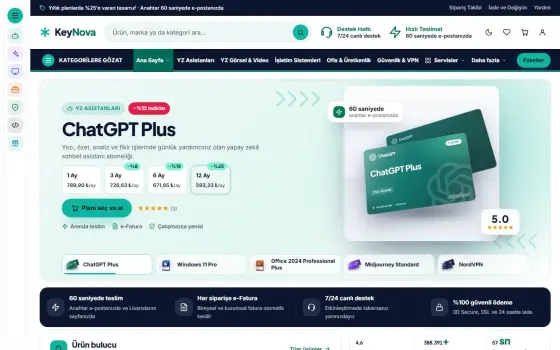
If you are not sure, the best way is to start small. First get the one-month option, use it on your real work for two weeks and note how many minutes you saved. If you are happy, choose the three, six or twelve-month option for your next order, because at KeyNova longer plans get noticeably cheaper per month. You save about 8% on three months, 15% on six months and up to 25% on twelve months. That way you try first and take advantage of the discount afterward. During the trial, keep a record of the results: how many emails you wrote, how many images you created, which task had a high error rate. These records base your decision to extend on measurement rather than intuition.
| Topic | AI Guides |
|---|---|
| Highlights | artificial intelligence, subscription, productivity |
| Reading time | 6 minutes |
| Written by | Emily Carter |
Key takeaways
- A code you enter into your account just once shouldn't scare you for weeks.
- Plus, Pro, 1 month, 12 months: choose the right one by need.
- Try one month first, then extend the term if you are happy.
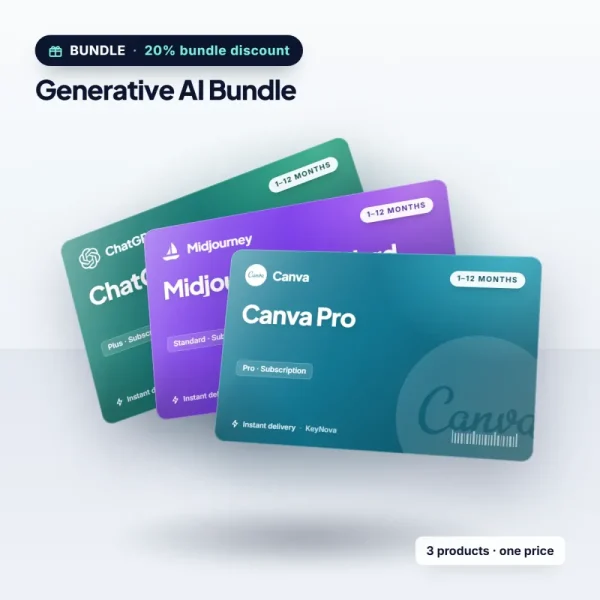
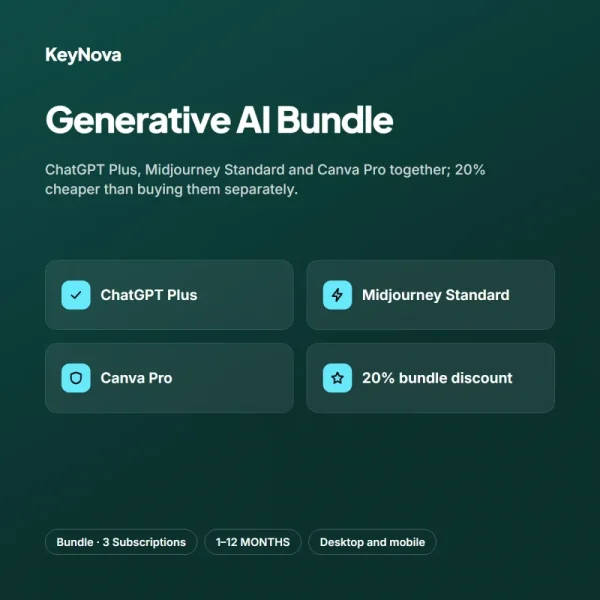
One last tip: if you will use several AI tools, look at the bundles. The Generative AI Bundle offers ChatGPT Plus, Midjourney Standard and Canva Pro together and is 20% cheaper than buying them separately. If your work runs on a flow that two or three tools share, a bundle gives you both a better price and easier management. You don't need to juggle a different code for each app; you get all three codes in the same email at the same time. Managing subscriptions one by one takes time when three tools are used together. With a bundle you simplify both your renewal dates and your invoices, and your budget becomes more predictable.
What do you think about this post?




2 Comments
Really useful piece, thank you for putting it together.
I had never thought about this side of it. Looking forward to a follow-up.