



































Contactless phone payments: Five security settings you should turn on
Paying with your phone is fast and convenient, but without the right settings it carries risks too. Here's our checklist for using your wallet app safely.
Table of contents
Tapping a phone at the checkout has quickly become an everyday habit for millions of people. The method is actually considered safer than a physical card, because transactions send one-time codes instead of your card number. But a phone with a weak screen lock, or one that can't be locked remotely when lost, can easily wipe out that advantage. In this article, we walk through five key settings to check before you start using your digital wallet.
Screen lock and biometric authentication
The security of paying with your phone depends first and foremost on the screen lock. A four-digit, easy-to-guess passcode weakens every layer of protection the wallet app provides. We recommend at least a six-digit code or biometric authentication such as face or fingerprint. Biometrics are both fast and very hard for someone else to guess, making them the most practical defense at checkout.
In the wallet app's own settings, keep authentication required for every payment. Some devices let you skip verification for small amounts; that convenience can become a risk if your phone falls into the wrong hands. Keeping the auto-lock time short also protects you when your phone is left on a table or slips out of a bag.
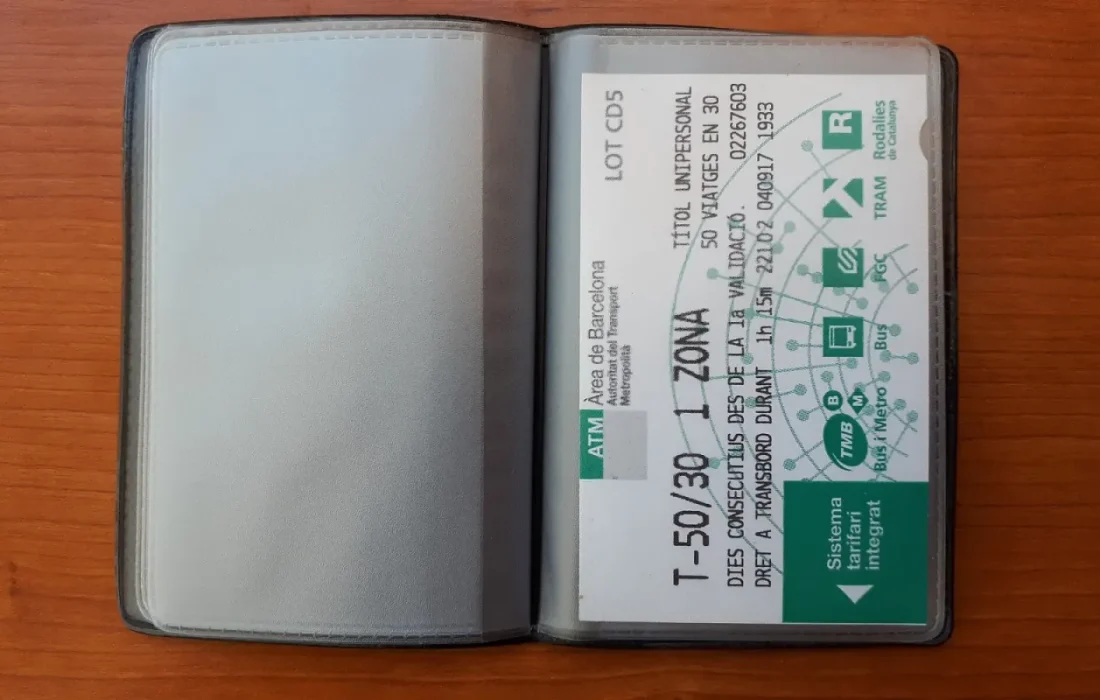
Your phone is now your wallet, so guard it at least as carefully.
Ethan Brooks
Preparing for a lost phone
If you lose your phone, the first thing that matters is that remote lock and location services were already turned on. You can't set them up after the phone goes missing. By signing in to your account from another device, you can lock the phone, suspend the cards in your wallet and wipe the data remotely if needed. Trying these three steps ahead of time saves you time in a moment of panic.
Also, write down your bank's customer service number somewhere that isn't tied to your phone. At most banks, temporarily freezing your cards after a loss takes just a few minutes. Put a PIN on your SIM card too, so that even if the phone is stolen, others can't access verification texts. A little preparation can head off a big problem.
Keep spending notifications on
Spending notifications are an often overlooked but highly effective security measure. Make sure an instant notification reaches your phone and your bank's app after every payment. That way, you can spot an unauthorized transaction within minutes. In many fraud cases, the damage grows because the transaction isn't noticed until days later.
| Topic | Digital Wallet |
|---|---|
| Highlights | digital payments, cybersecurity, smartphone |
| Reading time | 5 minutes |
| Written by | Ethan Brooks |
Key takeaways
- A six-digit code or biometric authentication is the foundation of wallet security.
- Remote lock and location services must be turned on before a loss.
- Instant spending notifications let you spot unauthorized transactions within minutes.
Alongside notifications, get into the habit of reviewing your account activity once a month. If you see a transaction you don't recognize, call your bank right away and freeze your card. Install only the version of the wallet app downloaded from official stores, and don't put off updates. Once you've set up these five settings correctly, you can enjoy the convenience of contactless payments without worry.
What do you think about this post?

Leave a comment