

































Description
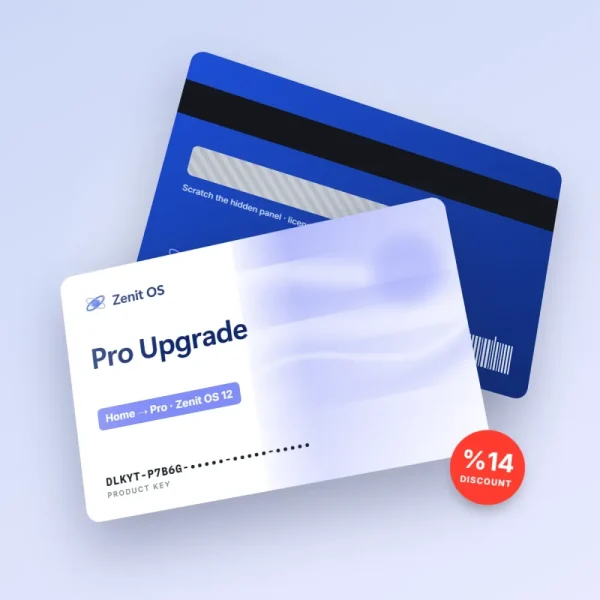
Zenit OS Server 2026 Standard lets small and mid-sized businesses consolidate the core workloads in their server room on one dependable platform. The roles you need for file sharing, user and domain management, print services and web applications are ready right out of the box.
Key roles
- Domain controller and centralized user management
- Virtualization layer with rights to two virtual machines per license
- File server with version history and storage pools
- Remote monitoring from a browser-based admin center
The Standard edition covers one server with up to 16 physical cores. If you need more cores or unlimited virtual machines, our sales team will prepare a custom quote for the Datacenter edition.
Installation and activation
Your key arrives instantly by email. Download the installation media from the official Zenit download center, install it on your server, and activate from the admin center or the command line. Please note that users may need separate remote access licenses to connect to the server — our Touchstone Remote Access pack covers exactly that. Enter your tax ID and the e-invoice is issued to your company name, and our business support line can help you plan the installation.
If you’re setting up a server for the first time, you’ll find our getting-started guide in your order email, explaining the order in which to install roles and how to put together a backup plan. If you’re migrating from an older server, tools for moving user accounts and share permissions are included on the installation media.
Nina G. (verified owner) –
Installation went smoothly. Good to know in advance that we needed remote access licenses separately — the page states it clearly.
Henry C. (verified owner) –
We split our old physical server into two virtual machines and the license covered it. Support gave us a clear answer on core counts.