








































Description
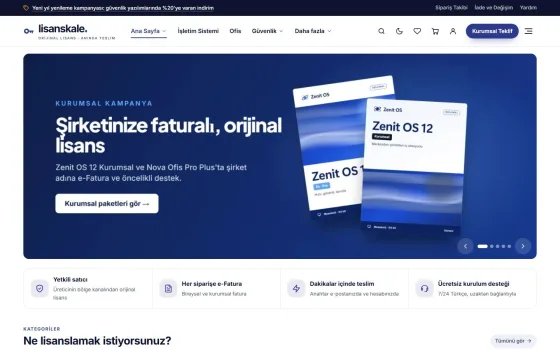
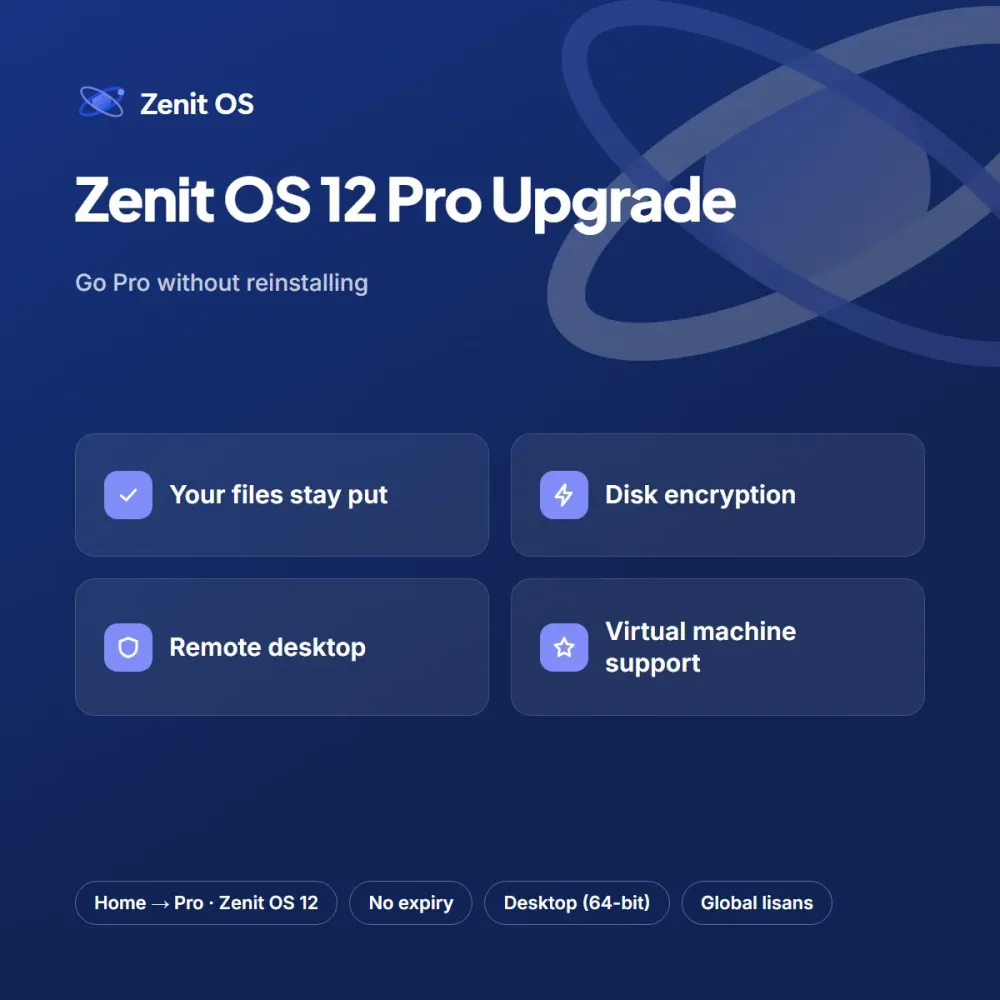
If your computer already runs an activated Zenit OS 12 Home installation, you don’t need to wipe it and start over to get Pro features. The Pro Upgrade key switches the edition in place without touching your files, apps or settings; on most computers it takes a single restart.
What the upgrade adds
- Encryption for disks and USB drives
- A remote desktop host you can connect to from another computer
- Built-in virtual machine manager and an isolated sandbox
- Group policy editor and advanced update deferral
It’s an economical route for freelancers and students who find that the Home edition preinstalled on their laptop falls short. It costs noticeably less than a full Pro license.
How to apply it
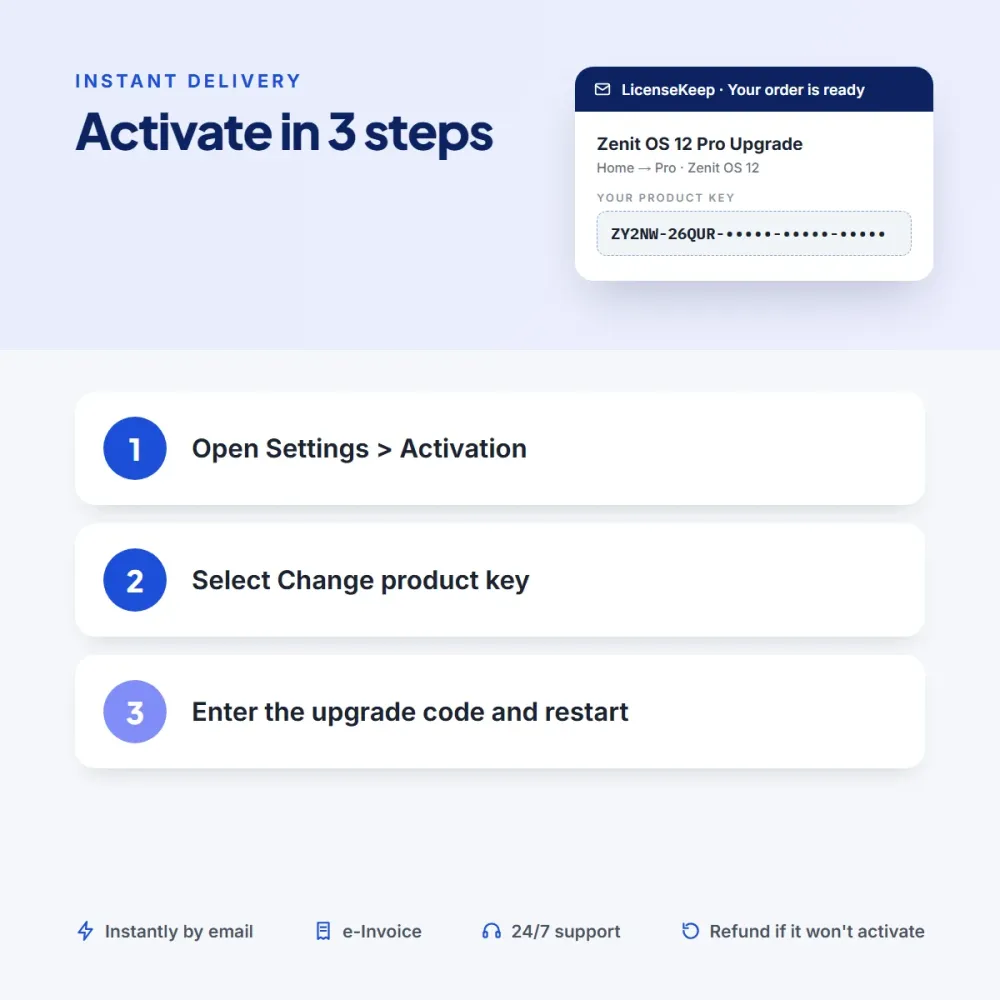
On the Activation screen in Settings, click Change product key, enter the upgrade code from your email and follow the prompts. Important: this key only works on an activated Home edition; a clean install requires a full license. If you think you’ve bought the wrong product, we’ll refund you with no questions asked within 14 days, as long as the key hasn’t been used.
After the upgrade, most Pro features are turned off by default. You can switch on disk encryption under Privacy & Security in Settings and remote desktop from the System menu in a few clicks. Be sure to store your encryption recovery key somewhere safe — the system may ask for it if you replace a hardware component.

Tom S. (verified owner) –
Much more sensible price than a full Pro license. Thanks to the warning in the description, I didn’t buy the wrong product.
Chloe E. (verified owner) –
Bought it for remote desktop and it does the job. It kept me waiting a few minutes after the restart.
Michael O. (verified owner) –
Turned the Home edition that came with my laptop into Pro in ten minutes — not a single file was lost.