




Description
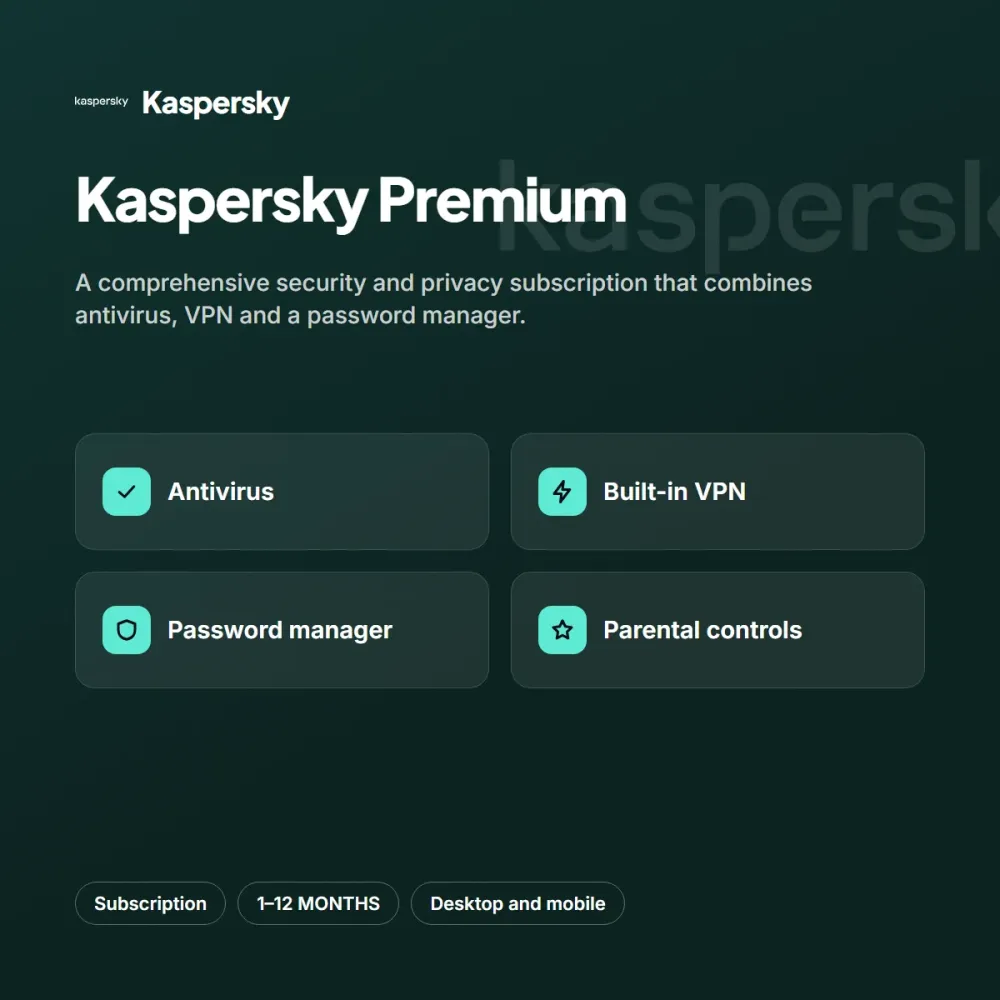
Kaspersky Premium offers many tools in a single package to protect your devices and your identity. Real-time protection, secure payments, a password manager and a built-in VPN keep your accounts and your connection safe.
Highlights
- Antivirus, VPN and password manager in one
- Secure payment and banking protection
- Parental control tools
- Identity leak alerts
You can manage family devices from a single dashboard and set screen time and content limits for your children. Identity protection alerts notify you when your information is found to have leaked.
Who is it for?
Kaspersky Premium is an ideal choice for remote workers, families and anyone who often uses public networks. People who want to save time with antivirus and security don’t want to deal with complicated steps; the short activation flow after purchase takes care of that. If you try the subscription for a month first and are happy, you can move to the three, six or twelve-month option to lower the monthly cost. You can add the option that suits you to your cart from the product page, and reach our support team every day from 9 AM to 11 PM with any questions.
Delivery and activation
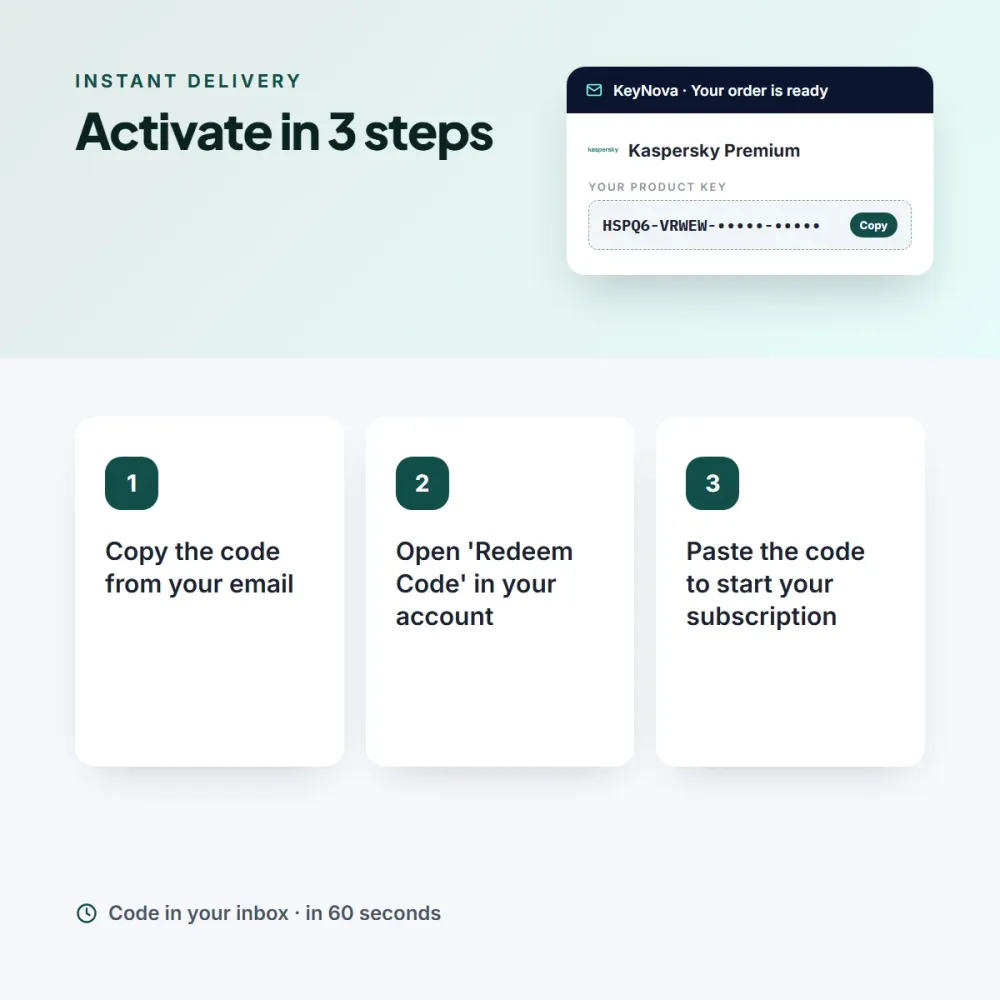
As soon as your payment is confirmed, your Kaspersky Premium code arrives in your email and appears on the My Licenses page in your account. The term you choose starts the moment you enter the code; a code you haven’t used simply waits. Activation: Enter the code under Account > Activate in the app. An invoice is issued for every order.
Diane C. (verified owner) –
We all use it on the team, and accounting processed the invoice without any trouble.
Megan D. (verified owner) –
Fair price and the code worked without a hitch. The renewal reminder is a nice touch, too.
Emma S. (verified owner) –
I got the 12-month option; there’s a real difference compared with the monthly price. Happy with it.