
















































Description
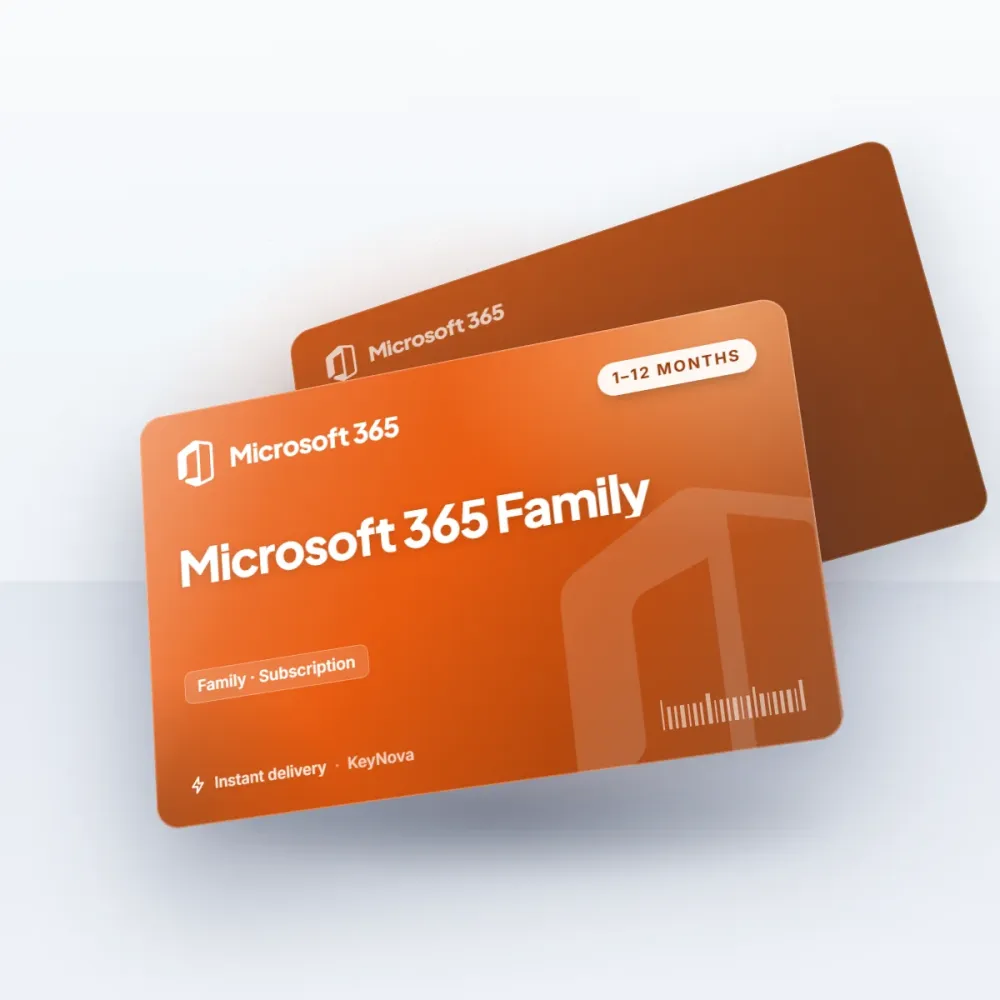
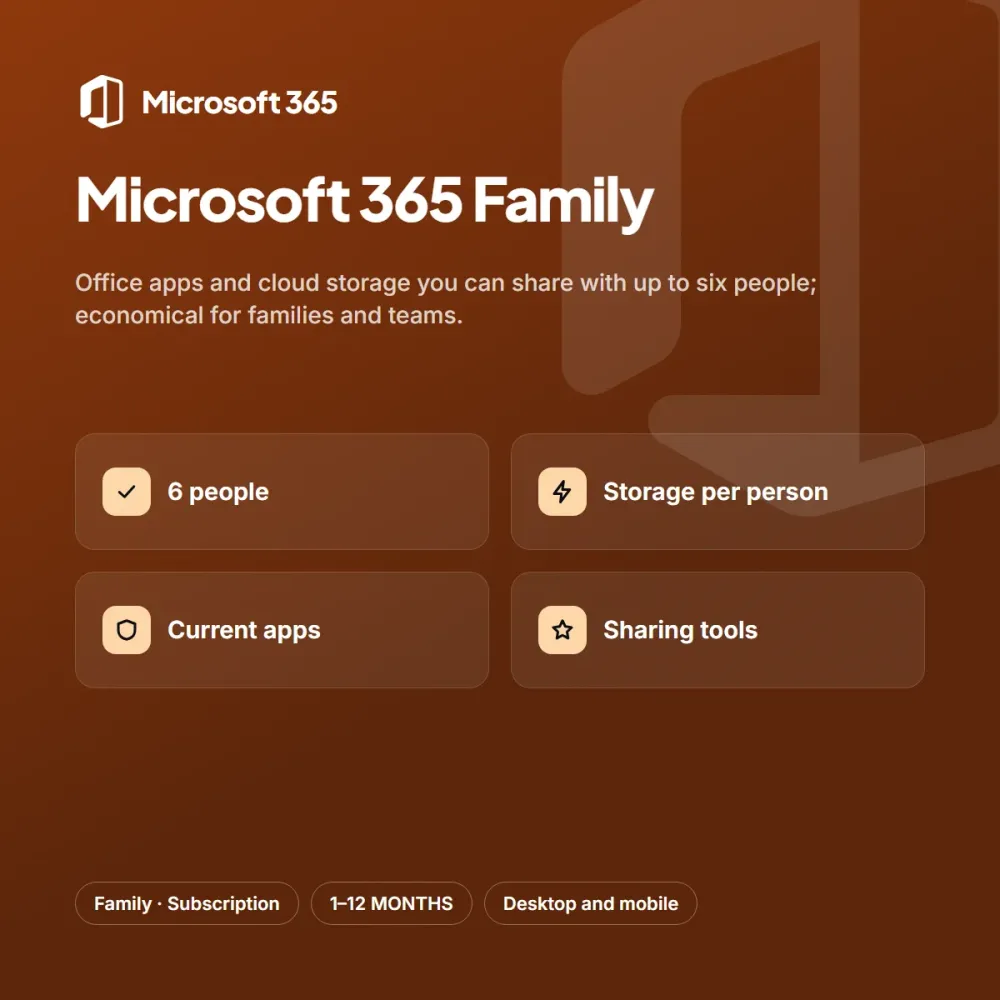
Microsoft 365 Family lets several people use the office apps and cloud space on the same subscription. For family members or a small team, it noticeably lowers the cost per person.
Highlights
- Sharing with up to 6 people
- Separate cloud storage per person
- Current office apps
- Security and sharing tools for the family
Each user signs in with their own account and has a separate storage space. Everyone using the same up-to-date apps makes collaboration easier for homework, budgets and documents.
Who is it for?
Microsoft 365 Family is an ideal choice for students, home users, freelancers and office teams. People who want to save time with office suites and family use don’t want to deal with complicated steps; the short activation flow after purchase takes care of that. If you try the subscription for a month first and are happy, you can move to the three, six or twelve-month option to lower the monthly cost. You can add the option that suits you to your cart from the product page, and reach our support team every day from 9 AM to 11 PM with any questions.
Delivery and activation
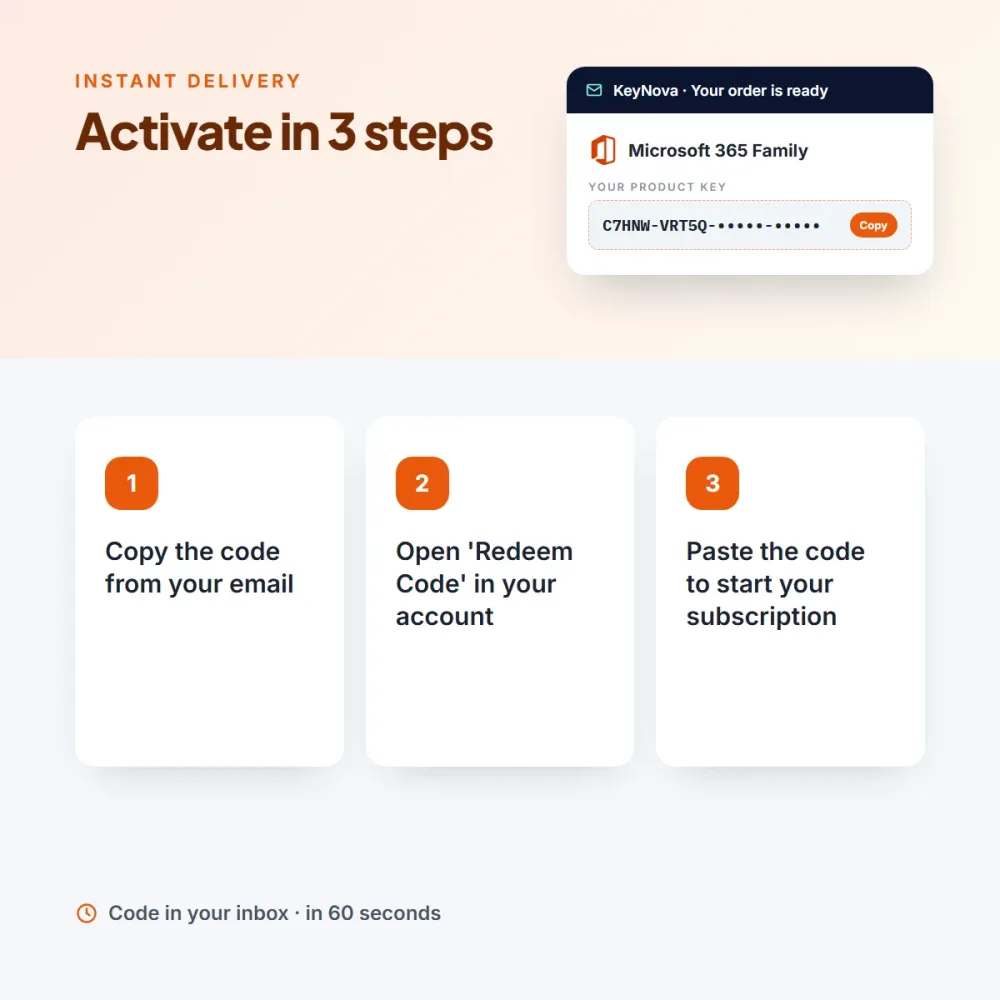
As soon as your payment is confirmed, your Microsoft 365 Family code arrives in your email and appears on the My Licenses page in your account. The term you choose starts the moment you enter the code; a code you haven’t used simply waits. Activation: Redeem the code in your account to start the subscription. An invoice is issued for every order.




Oliver Y. (verified owner) –
I tried 1 month at first and moved to 6 months once I liked it. The support team replied quickly.
Kyle A. (verified owner) –
It really sped up my workflow; the multilingual support is better than I expected.