




















































Description
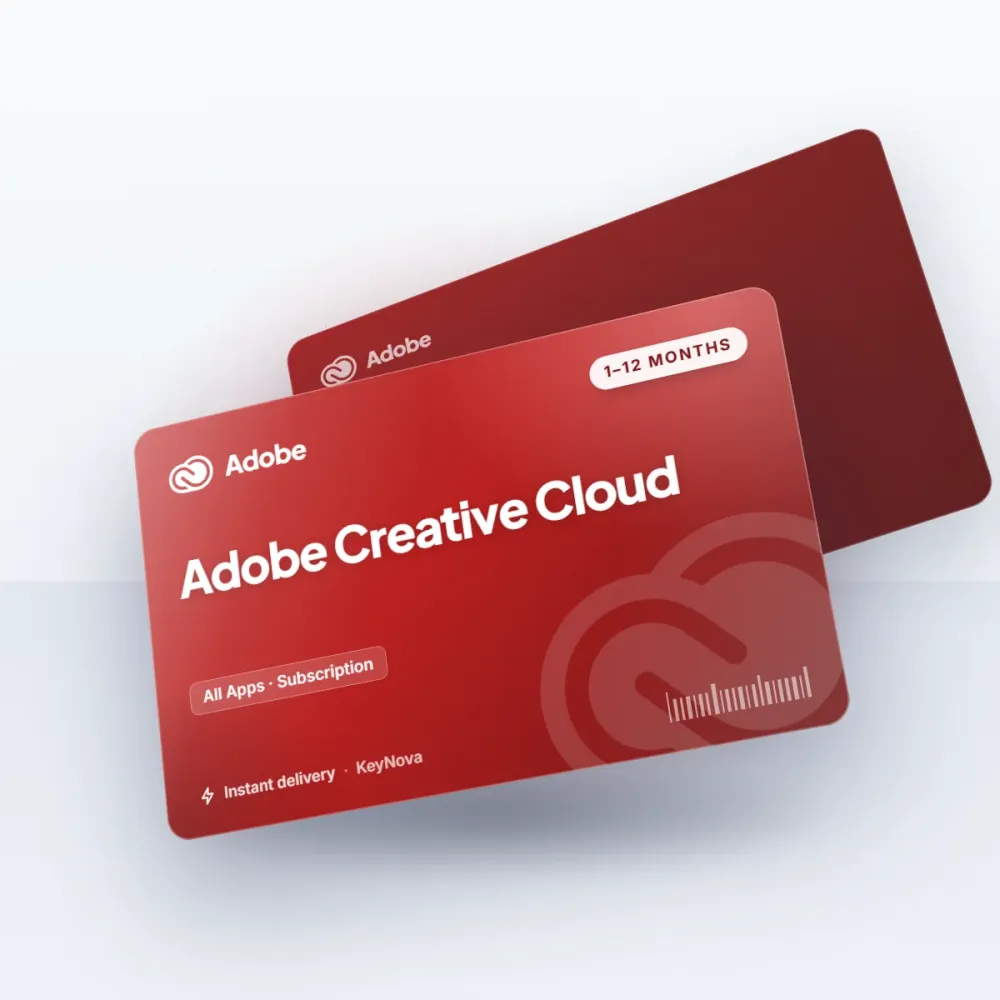
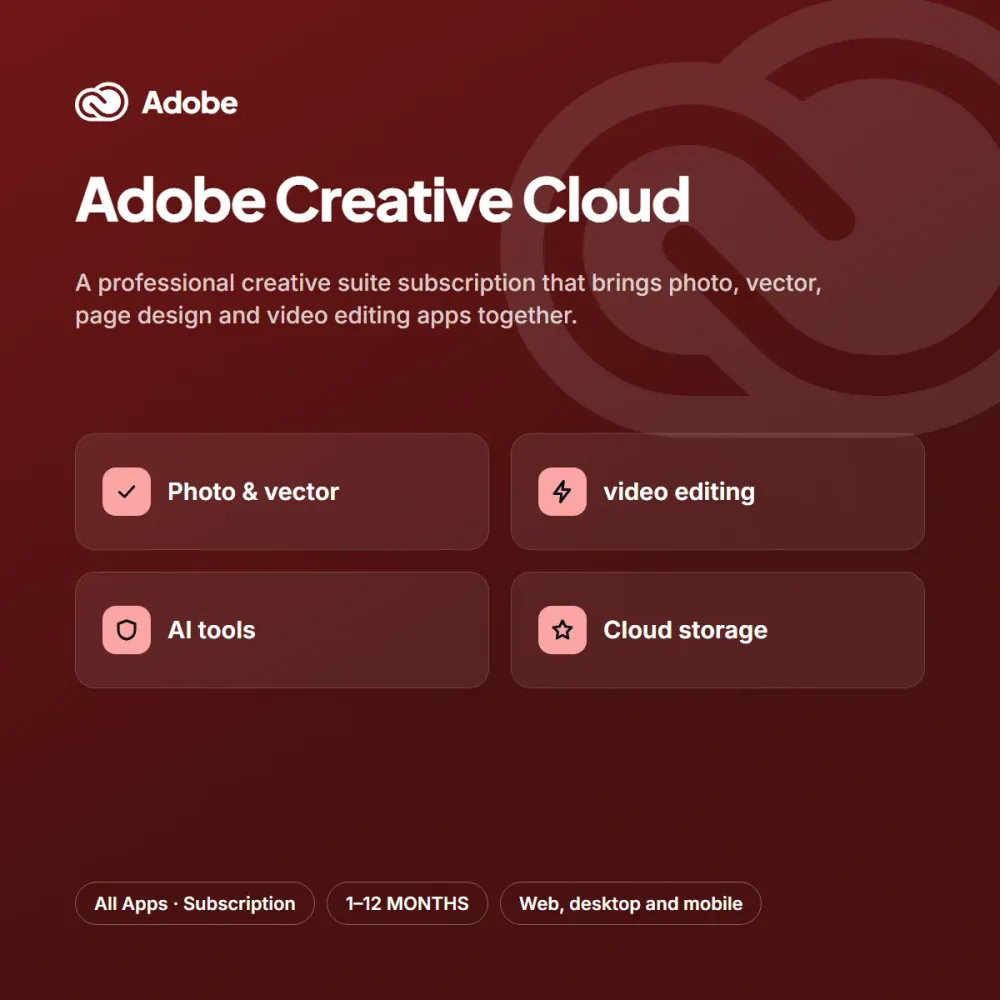
Adobe Creative Cloud brings the apps widely used across the industry for professional design and editing workflows into one subscription. Photo editing, vector drawing, page layout and video editing tools work together seamlessly.
Highlights
- Photo, vector, page and video apps
- AI-assisted editing tools
- Cloud storage and a font library
- Always up-to-date versions
For as long as your subscription runs, new versions and AI-assisted features are added to your account automatically. With cloud storage and the font library, your files are ready on every device for agency and freelance design work.
Who is it for?
Adobe Creative Cloud is an ideal choice for content creators, boutique brands, agencies and social media managers. People who want to save time with design and photography don’t want to deal with complicated steps; the short activation flow after purchase takes care of that. If you try the subscription for a month first and are happy, you can move to the three, six or twelve-month option to lower the monthly cost. You can add the option that suits you to your cart from the product page, and reach our support team every day from 9 AM to 11 PM with any questions.
Delivery and activation
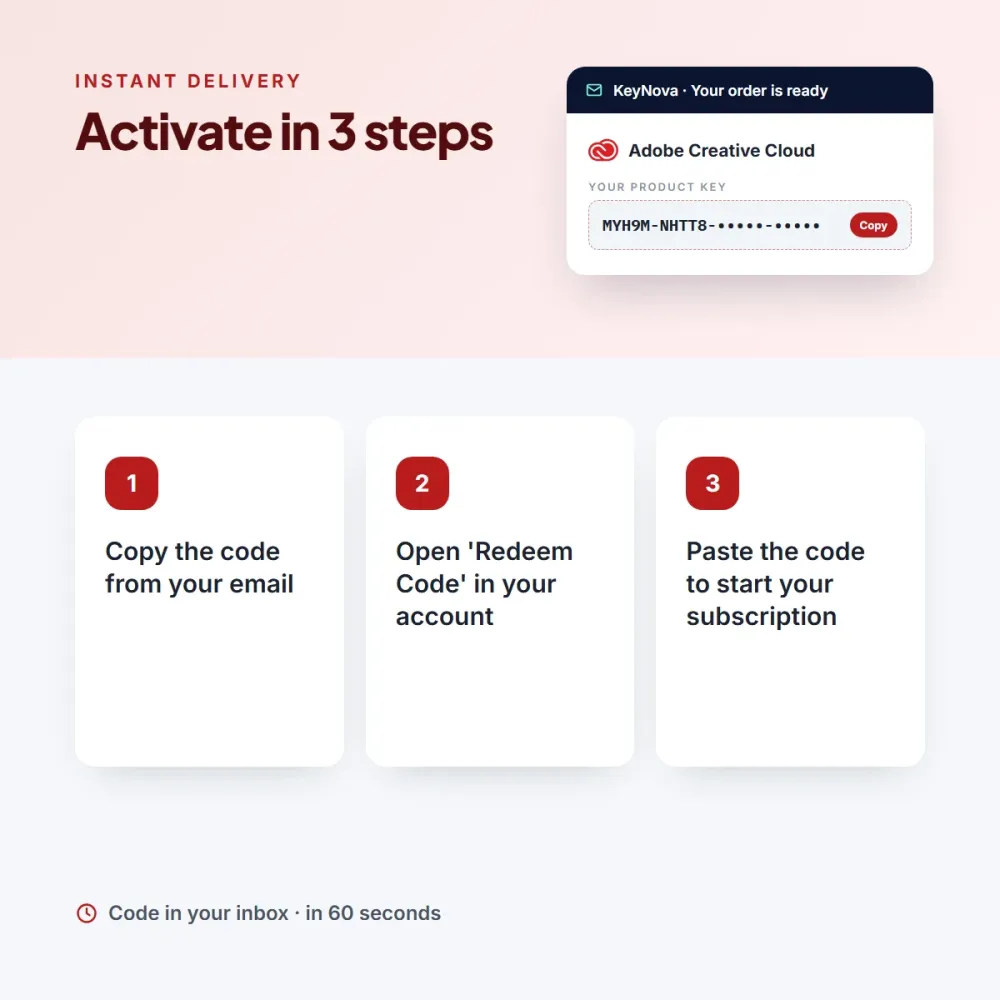
As soon as your payment is confirmed, your Adobe Creative Cloud code arrives in your email and appears on the My Licenses page in your account. The term you choose starts the moment you enter the code; a code you haven’t used simply waits. Activation: Go to the subscription/redeem code section of your account. An invoice is issued for every order.





Henry P. (verified owner) –
It met my expectations; the monthly plan’s only drawback is that it doesn’t auto-renew, so I’m switching to the 3-month plan.
Ben T. (verified owner) –
Found the code in my email within minutes, and activating it took a minute.