



































Description
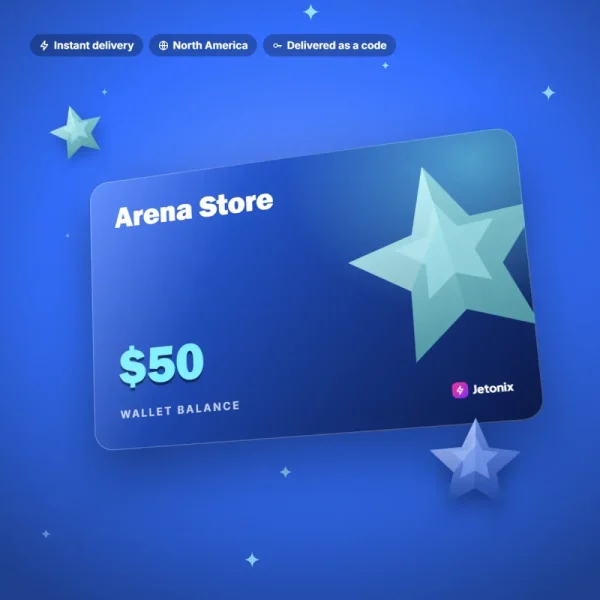
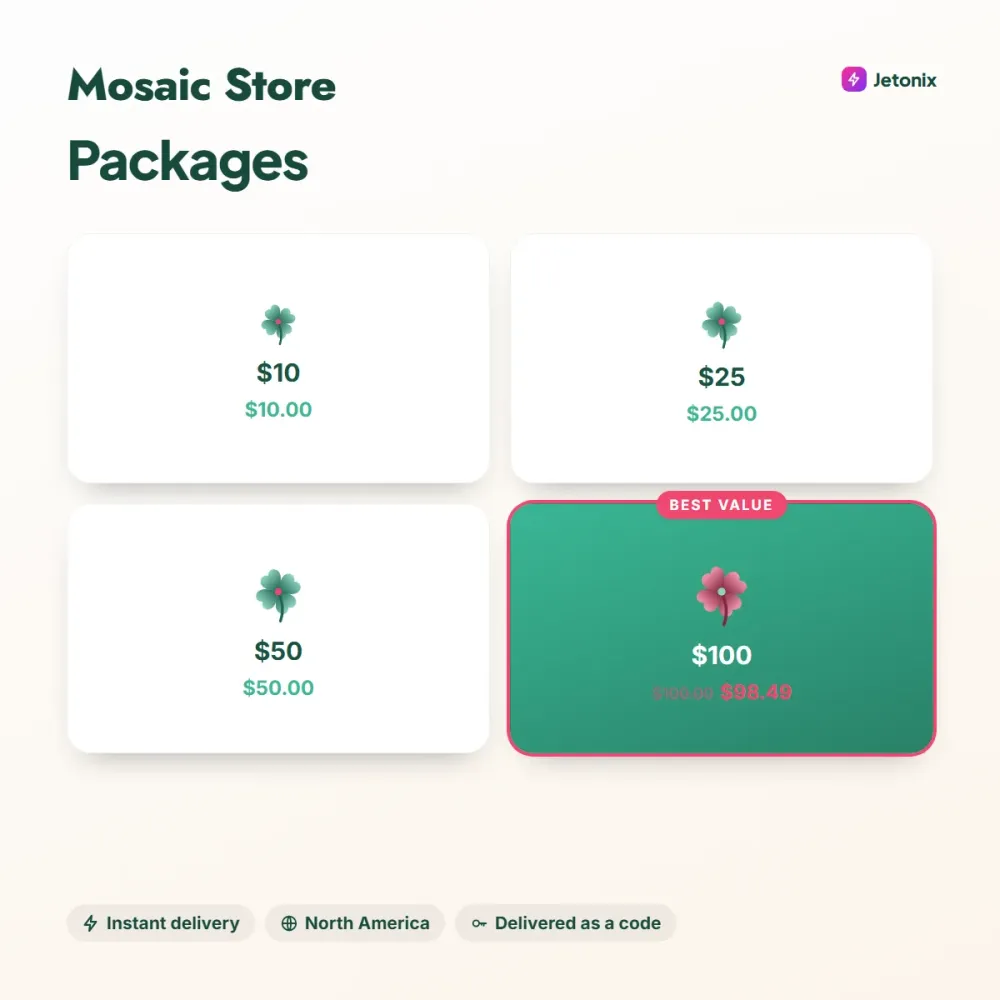
Mosaic Store is a fictional app store for buying apps, games, e-books and subscriptions on phones and tablets. The gift card adds USD balance to your store account, which then pays for in-app purchases, premium apps and monthly subscriptions.
Mobile spending without card details
Rather than saving a credit card on their kids’ phones, many families prefer to load a set balance with a Mosaic Store gift card. Once the balance runs out, no further payments can be made, so surprise bills are a thing of the past. The same approach is a safe alternative for adults who’d rather not store their card on their phone.
How to load it
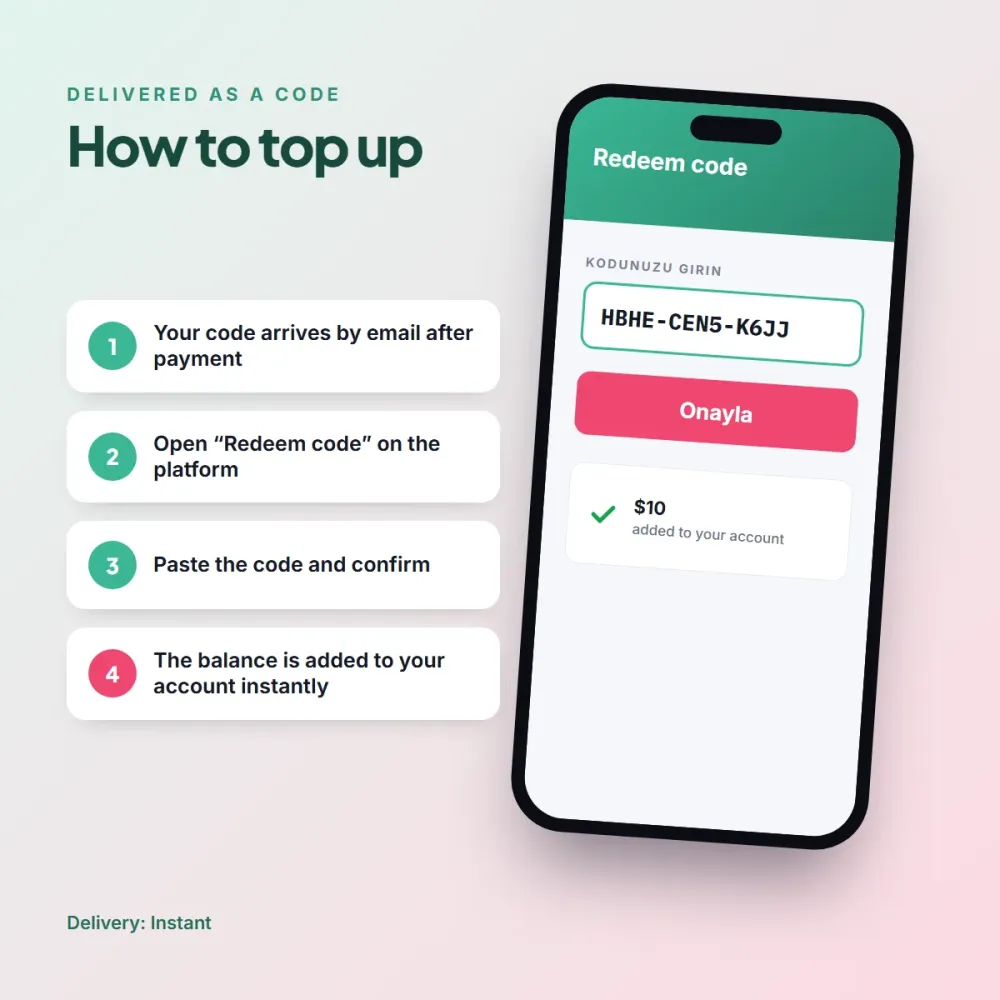
- Open the Mosaic Store app and tap your profile icon.
- Go to Payments > Redeem Code.
- Type in the code or scan the QR code on your order page with your phone.
Validity
Cards work on North America region accounts, and the balance never expires. Your balance is used first for subscription renewals; if it runs short and no other payment method is saved, the subscription is paused until your next top-up. These cards are among the fastest-selling products in our store, so we restock them every day.
If you want to share the balance across a family group, Mosaic Store’s family sharing feature lets you split the amount you’ve loaded among group members and set a monthly cap for each. That way, a single gift card lets you keep a transparent eye on several kids’ app spending from the same screen.



Daisy S. (verified owner) –
My subscription renewal came out of the balance with no problems.
Kenneth R. (verified owner) –
Loading it with the QR code is really handy. I didn’t have to bother typing the code.
Helen Y. (verified owner) –
My card is no longer saved on my daughter’s phone; I just load $10 once a month. Total peace of mind.