




Description
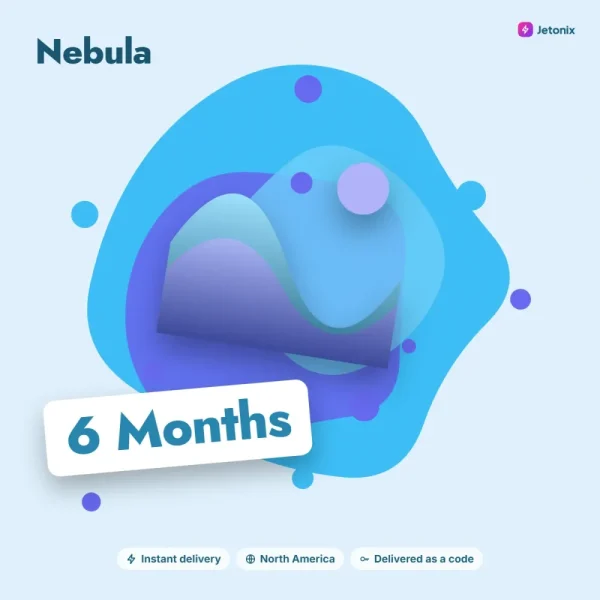
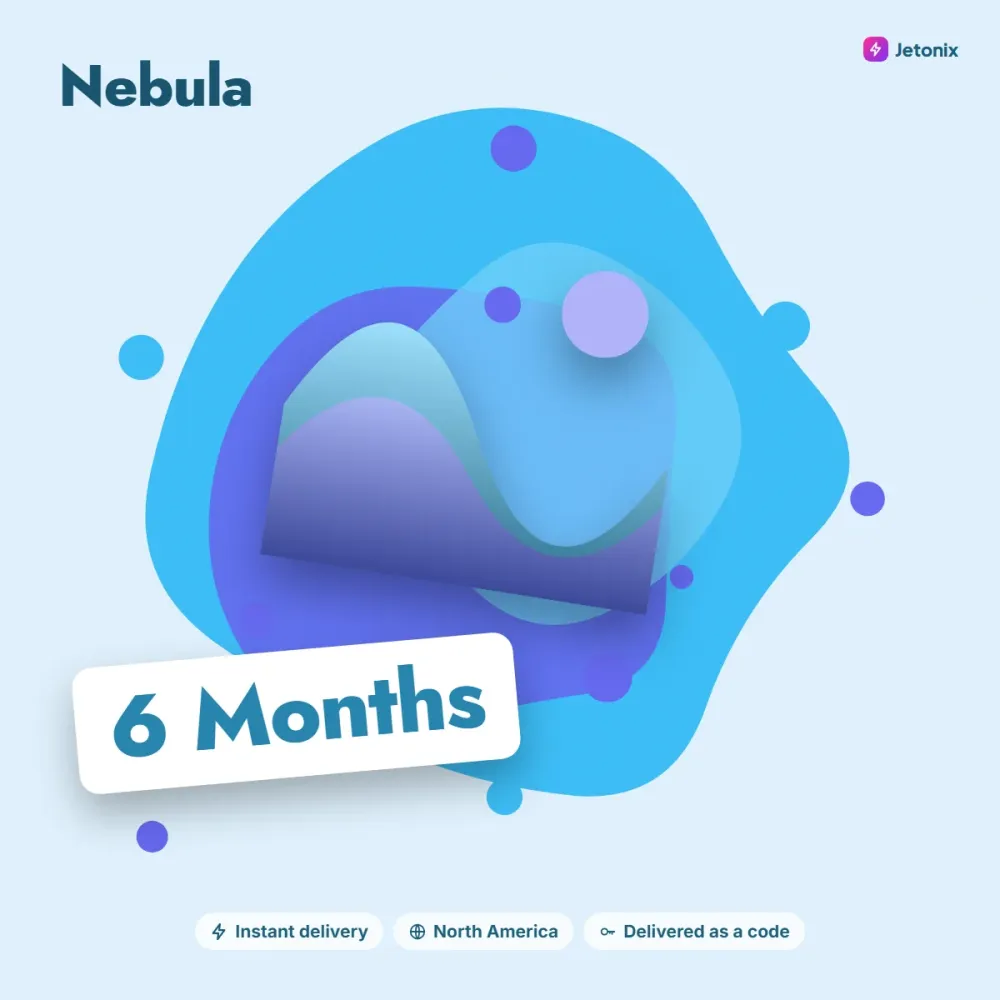
Nebula is a fictional cloud gaming service that runs games on remote servers and streams the picture to your device. No graphics card or console needed; a good internet connection and a controller are all it takes. Pick up where you left off on your phone, tablet, laptop or smart TV with the same account.
Membership details
- 60 frames per second at 1080p, with a 4K option on a suitable connection
- Up to six hours of uninterrupted play per session
- Link compatible games from your own library
- Priority place in the server queue
Connection tips
For smooth play, we recommend at least 25 Mbps and the 5 GHz band on Wi-Fi. Thanks to data centers in Chicago and Dallas, latency across most of North America stays under 30 milliseconds.
Choosing a duration and getting started
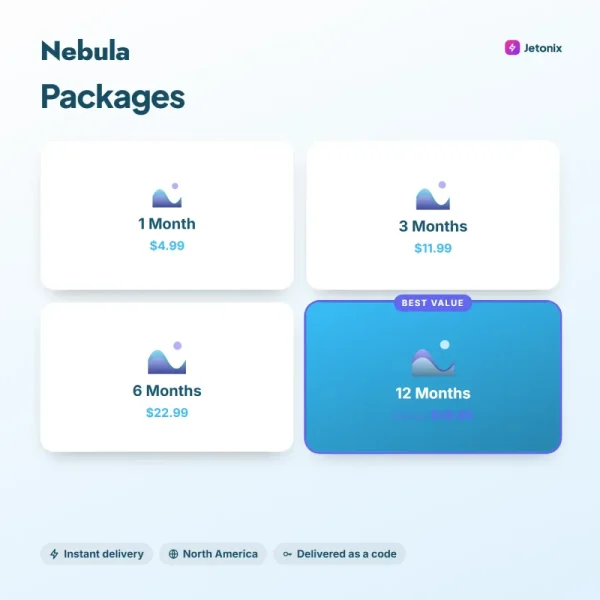
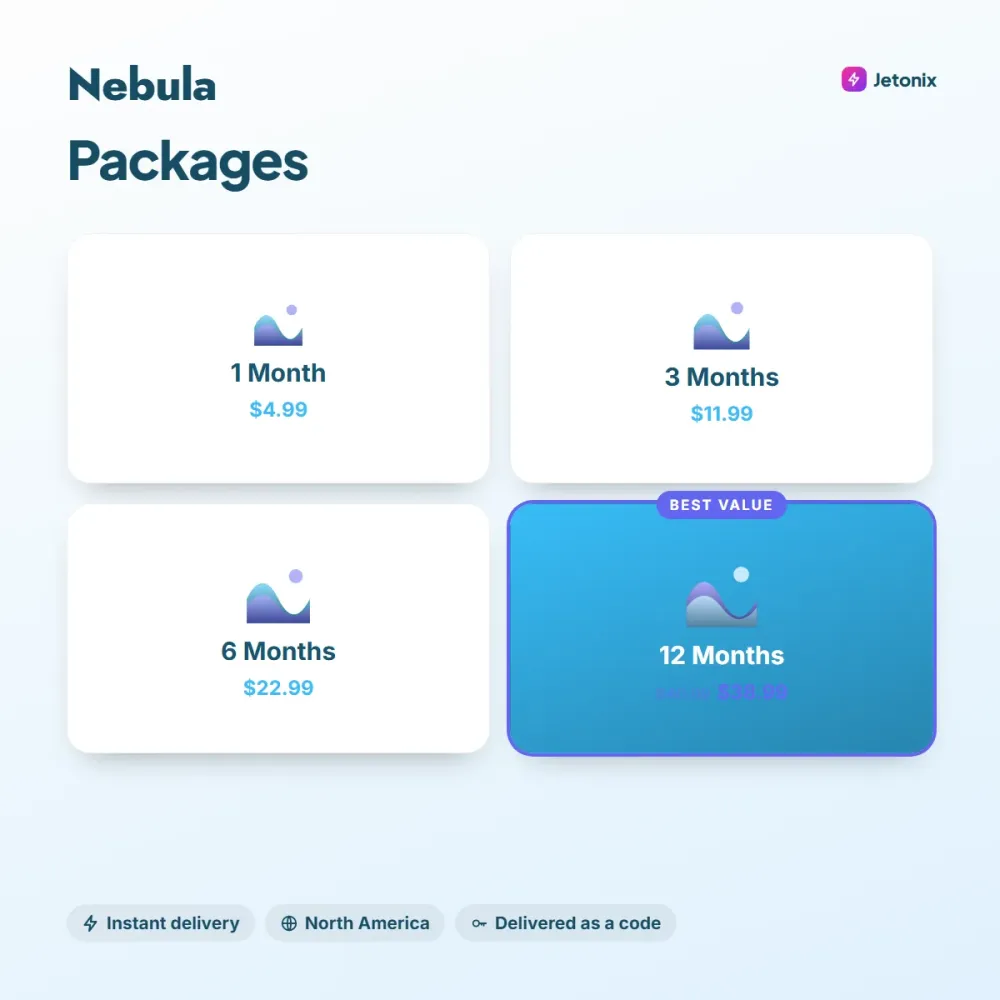
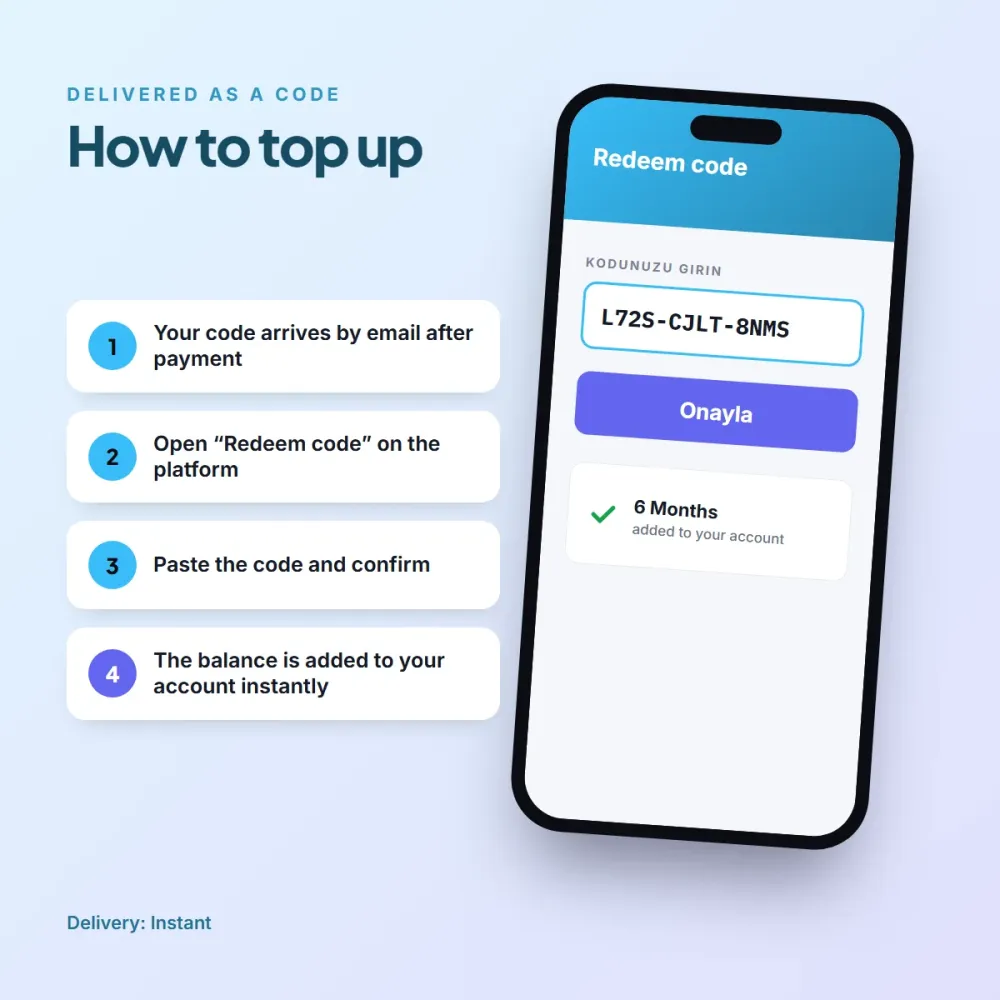
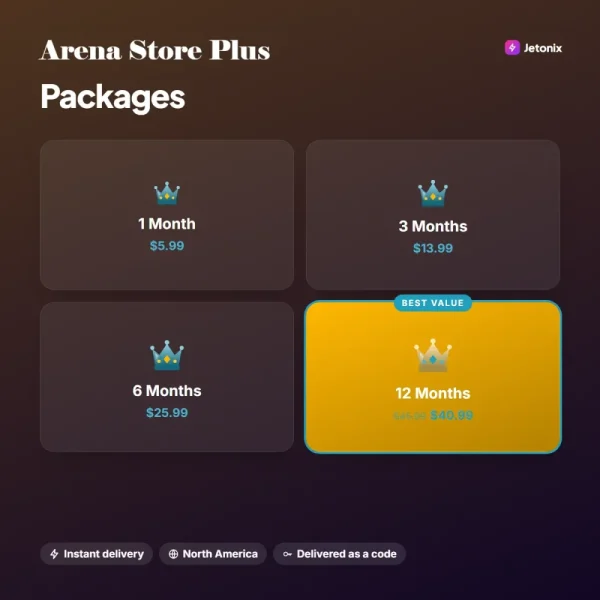
1-, 3-, 6- and 12-month codes are activated under Membership > Redeem Code in your Nebula account. Durations stack. We suggest testing your connection with a 1-month code first, then moving to a longer code if you’re happy. Codes are valid on North America region accounts.
A Nebula membership can be used by several people in a household, but only one session can be open at a time. You can use your phone’s touchscreen as a controller too, though a wireless controller makes action-heavy games far more comfortable. The list of compatible controllers is in the app’s help section.
Rachel K. (verified owner) –
We play on the TV with a controller, and setup took five minutes.
Evan L. (verified owner) –
I can play brand-new games on my old laptop, which is incredible. There’s a bit of lag in the evenings.