





























































Gaming desk setup: tips for a comfortable, tidy corner
The right desk height, monitor angle, cable management and lighting... Tips for a desk setup that protects both your performance and your health through long gaming sessions.
Table of contents
The corner where you game for hours shouldn't just look good; it should also protect your back, eyes and wrists. A well-designed gaming desk keeps you focused during matches and reduces fatigue after long sessions. In this gallery, inspired by setups sent in by our readers, we've gathered tips you can adapt to any budget.
Ergonomics: desk, chair and monitor
The foundation of a good setup is the right height. When you sit down, your elbows should rest comfortably on the desk at roughly a ninety-degree angle, with your feet flat on the floor. If your feet don't reach the floor, a small footrest makes a big difference. Lumbar support in your chair noticeably reduces back pain during long sessions, and adjustable armrests keep your shoulders from tensing up. Getting these settings right once gives you years of comfort. When choosing a chair, also look for adjustable seat depth; there should be a few fingers' width of space between the backs of your knees and the seat.
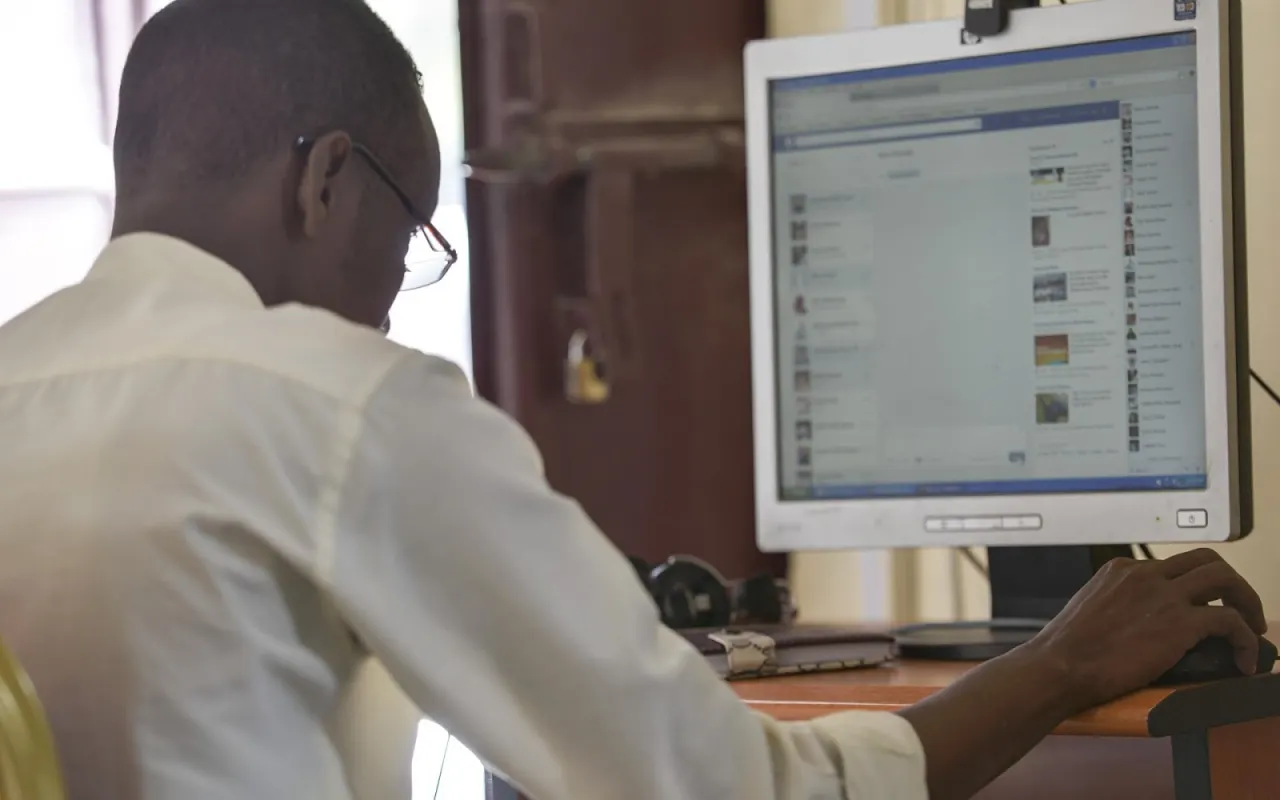
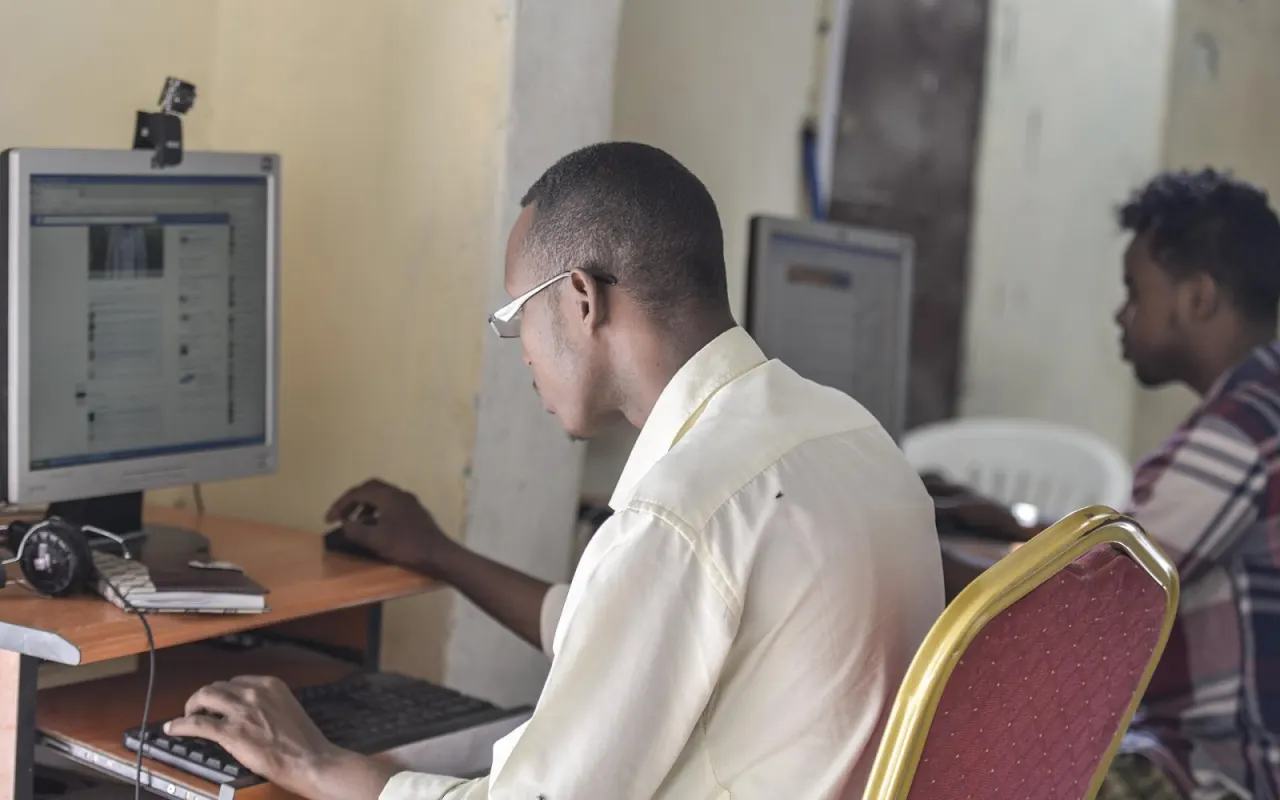
The top edge of your monitor should be at or slightly below eye level, with the screen about an arm's length away. That distance keeps your eyes from tiring and stops your neck from craning forward. If you use two monitors, put the main screen directly in front of you and the second at a slight angle beside it. If you use a TV for console or cloud gaming, adjust your seating distance to the screen size; sitting too close increases eye strain in fast-paced scenes. Matching screen brightness to the room light and turning on a blue light filter in the evening also protect your eyes during long sessions.

The best gaming desk is the one that feels as comfortable five hours in as it did in the first minute.
Mark Ellison
Cable management and accessories
Messy cables spoil the look and make the desk harder to clean. A cable tray or mesh basket mounted under the desk keeps power cords and the power strip out of sight. Bundling each device's cable separately with Velcro ties makes it easier to swap out a device later. Opting for a wireless keyboard, mouse and headset also cuts down the number of cables on your desk dramatically. Sticking small labels on your cables makes it easy to see which cable belongs to which device and saves time if something breaks.
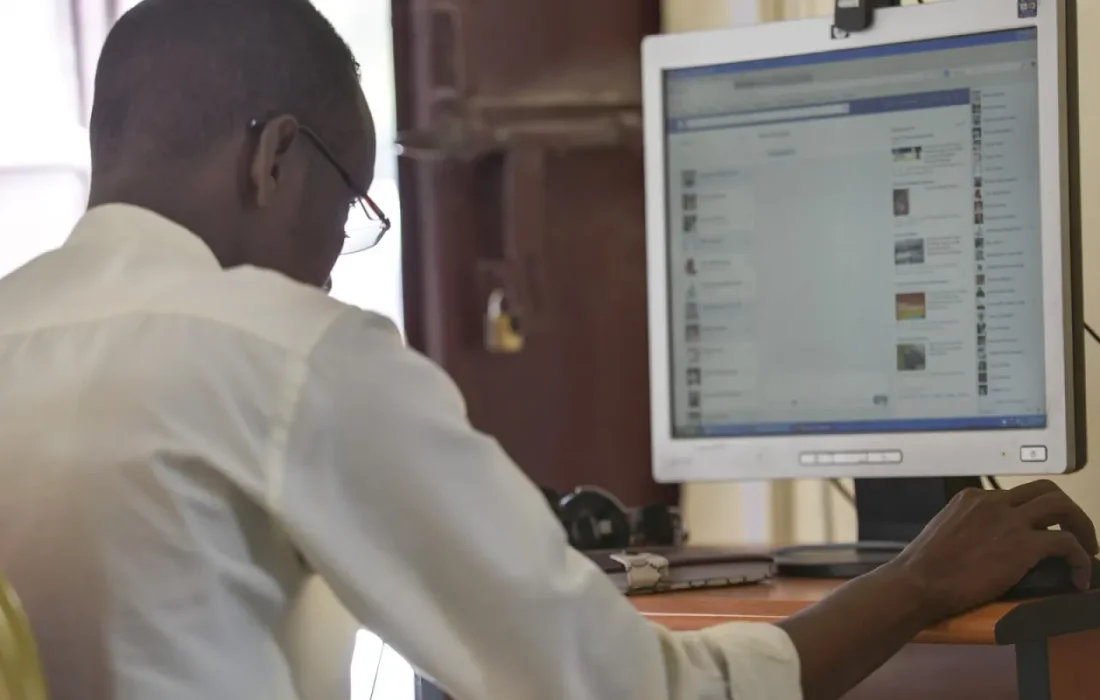
When it comes to accessories, a large mouse pad improves mouse precision and keeps your keyboard in place. A headset stand stops your headset from taking up desk space and protects the cable. For mobile gamers, an adjustable phone stand keeps your neck from bending down for long stretches. And don't forget to keep a small water bottle on your desk; staying hydrated during long sessions affects attention and focus more than you might think. These small additions noticeably reduce the fatigue you feel after long gaming sessions.
Lighting and atmosphere
Staring at a bright screen in a dark room tires your eyes quickly. A soft backlight placed behind your monitor reduces the brightness gap between the screen and the room and eases eye strain. In a room that gets daylight, positioning your monitor perpendicular to the window prevents glare on the screen. If you use a desk lamp, make sure the light falls on your desk's work area rather than directly on the screen. Shifting your lighting to warmer tones in the evening also makes it noticeably easier to fall asleep after gaming and gives your eyes a rest.
| Topic | Guides |
|---|---|
| Highlights | Gaming desk, Esports, Mobile gaming |
| Reading time | 5 minutes |
| Written by | Mark Ellison |
Key takeaways
- Sit with your elbows at ninety degrees and your feet flat on the floor.
- Bring the top edge of your monitor to eye level.
- Tidy cables with an under-desk tray or mesh basket.
Atmosphere is the finishing touch that makes a setup your own. Color-changing LED strips can match the palette of your favorite game, while seasonal posters or small figures add character to your desk. That said, keeping the decor in check matters for focus. In our gallery of setups sent in by readers, you'll find all kinds of ideas, from clean, functional corners to colorful, bold battlestations. Don't forget to share your own setup with us too. The best setup is one shaped by your gaming habits and your room, one that keeps evolving with small touches over time.


Leave a comment