













































Table of contents
Kids' spending in the gaming world is a source of worry for many families. A card saved on a phone can turn into an unexpected bill in just a few taps. Yet rather than banning spending entirely, setting clear limits builds a child's money sense and cuts down on arguments at home. In this guide, we suggest a simple, effective family plan you can put into practice with gift cards.
Why a gift code instead of a card?
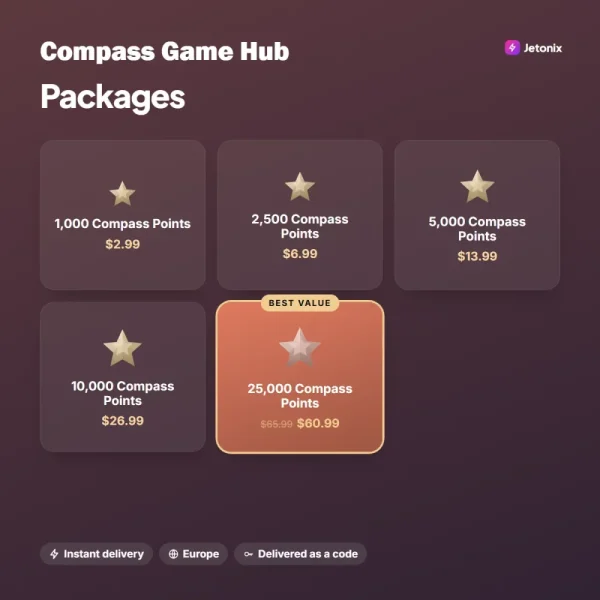
A bank card saved on your child's tablet or phone is often where the trouble starts. In-game stores are designed so perfectly for one-tap purchases that a young child can make dozens of purchases without realizing what they're buying. Gift cards and wallet codes solve this at the root: only a set balance is loaded onto the device, and once it runs out, no further spending is possible. This is the easiest, least contentious way to set clear limits on spending without banning it altogether.
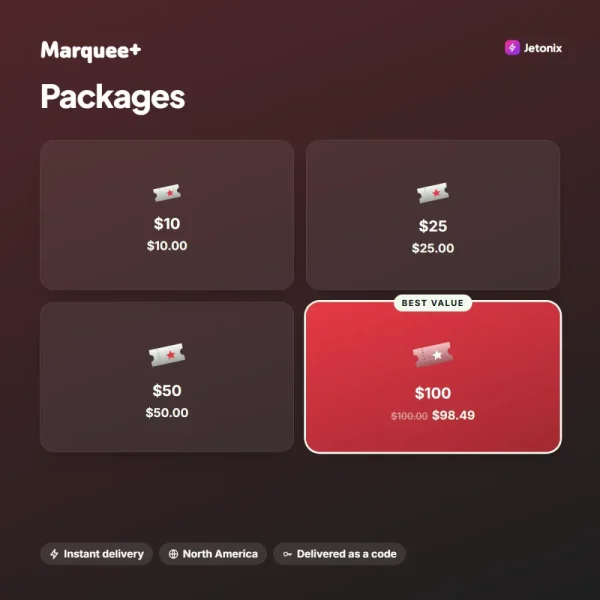
Another advantage of this approach is transparency. A $10 or $25 code loaded at the start of the month makes it easy to track how much your child spends and what they spend it on. Gift cards from platforms like Mosaic Store or Pocket Arena don't require card details, so they protect your family's financial information too. And your child picks up a valuable habit by learning to manage a limited budget. Over time, seeing which games your child spends on, and how much, also helps you better understand their interests.

A budget with clear limits teaches a child far more than a ban ever could.
Emily Carter
Building a family spending plan
For a plan that works, start by setting a monthly gaming budget together with your child. Depending on their age, that amount can be part of their allowance or a reward for a good report card. Then load the budget with a single code at the start of each month and be clear that there are no extra top-ups mid-month. That consistency helps your child plan their spending in advance; they start thinking for themselves about which pack to buy and which event to wait for. Encouraging your child to share their plans with you along the way also opens the door to weighing spending decisions together.
For the plan to work, it's essential to talk through the rules together. Discuss openly which games spending is allowed in, and whether you'll save up for a few months for big purchases like season passes. Some families add small bonuses based on how much a child helps around the house, turning the budget into a tool for responsibility. What matters is that spending is seen not as something forbidden but as something you manage together. That way, gaming spending becomes a small learning space that reflects your family's shared values and money sense.
Using it with parental controls
The impact of gift cards multiplies when you use them alongside the platforms' parental controls. With Mosaic Store's family sharing, you can set a separate monthly cap for each child and require approval for purchases. Pocket Arena's parental controls app blocks any spending beyond the loaded balance entirely. Turning on age-appropriate content filters also ensures your child only has access to games suited to their age group. Most of these settings take just a few minutes and, once set, keep working automatically for every member of the family.
| Topic | Security |
|---|---|
| Highlights | Parent guide, Gift card, Account security |
| Reading time | 7 minutes |
| Written by | Emily Carter |
Key takeaways
- Load gift cards onto devices instead of saving a bank card.
- Set the monthly budget together with your child.
- Turn on the platforms' parental controls and approval features.
Finally, try playing the games your child plays together every now and then. Seeing through their eyes what each currency does and why a particular pack looks so tempting makes it easier to set healthy limits. All gift cards at Jetonix are sold at face value, with no service fee. If you have any questions, our live support team is available around the clock to help you choose the right product for your family. Every game you play together as a family is a small step that shows the digital world can be a safe and enjoyable space to share.



2 Comments
Really useful piece, thank you for putting it together.
I had never thought about this side of it. Looking forward to a follow-up.