




































































Where to start with a smart home? A step-by-step first-month plan
We've put together a four-week plan that starts with a single smart bulb and builds up to a robot vacuum and security camera, without breaking the budget and with devices that talk to each other.
Table of contents
When we hear "smart home," most of us picture expensive, complicated systems. Yet today you can start with a single smart bulb and transform your home step by step. What really matters is laying the right foundation from day one and choosing devices that work together. In this guide we share an affordable setup plan, from network infrastructure to routines, that you can complete in a month.
The foundation: network and a common standard
The unsung hero of the smart home is the network. However smart your devices are, a weak Wi-Fi connection leads to delayed commands and devices that keep dropping off. In the first week, check the signal strength in every corner of your home. If you have coverage problems, adding a mesh-capable router like the Horizon Data Tower 7 or a second access point will be your best investment. Creating a separate 2.4 GHz network for smart home devices improves stability. Even placing the router in the center of the home and up off the floor noticeably improves coverage.
The second foundational step is choosing a common standard. Matter is a standard that lets devices from different manufacturers work seamlessly with the same app and assistant, and as of 2026 it's supported by the vast majority of new devices. If you make sure every device you buy is Matter-compatible, switching brands or mixing different products later becomes much easier. That way you can run your entire home from a single app. The standard's logo on the box or the compatibility line in the spec table is the easiest way to tell. If your older devices don't support the standard, they can be brought into the system with a bridge.
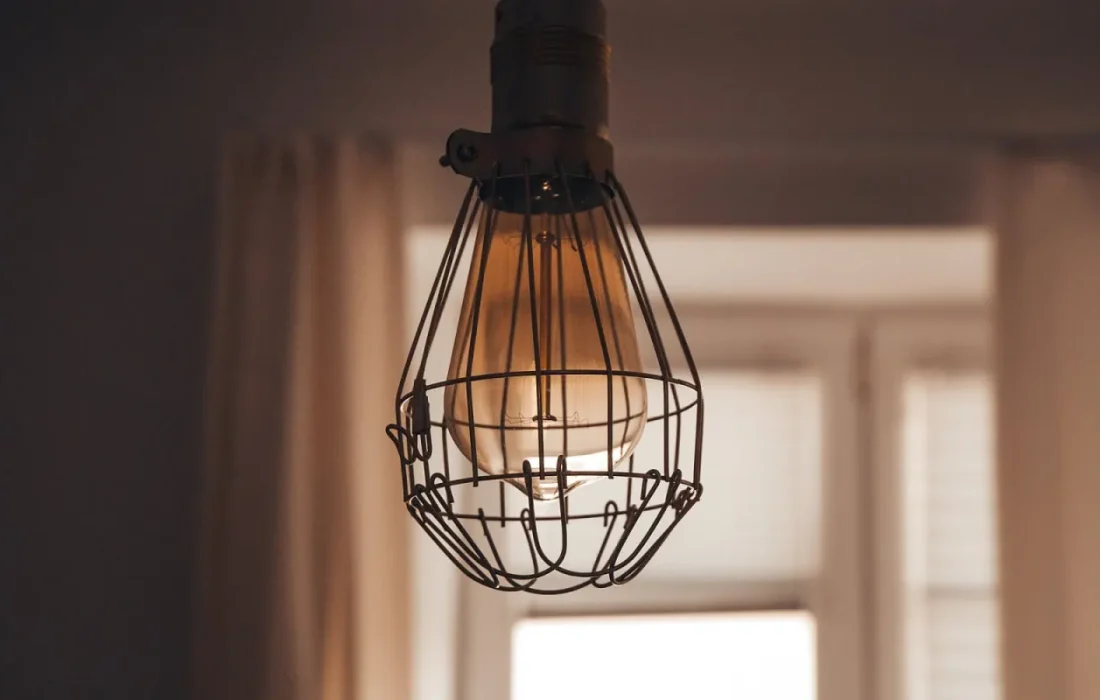
A good smart home is one that does its job without you even noticing.
Sarah Bennett
First devices: lighting and voice control
For week two, the easiest and cheapest place to start is lighting. Screwing a smart bulb like the Yuvio Glow into an existing socket and adding it to the app takes a minute. A schedule that switches the living room to warm white in the evening, or sunrise simulation in the bedroom, gives you an immediate taste of the comfort a smart home adds to daily life. We recommend focusing on the two or three rooms you use most at first. Grouping lights by room in the app also makes the routines you'll set up later much easier. When naming your bulbs, choose clear names like living room ceiling or living room lamp.
In week three, add voice control. A smart speaker with a built-in Matter hub, like the Yuvio Voice, controls bulbs, plugs and sensors without needing a separate bridge. Voice control is a big convenience, especially when your hands are full or for older family members. You can also add a robot vacuum at this stage; a model like the Yuvio Sweep R8, set to start cleaning automatically when you leave home, saves hours every week. Leaving doors open and picking up cables from the floor during the vacuum's first mapping run produces a more accurate map.
Routines, security and privacy
Week four is the time to create routines that link your devices together. For example, a “good night” command can turn off the lights, switch the security camera to night mode and set your morning alarm. Location-based automations that start the vacuum when the last person leaves and switch on the hallway light when the first person gets home are what make a smart home truly smart. Keep routines simple; overly complex scenarios can become annoying at unexpected moments. At the end of the first month, review which routines you actually use and remove the ones that don't help. That way the system keeps serving you instead of running you, and family members settle into the new setup easily.
| Topic | Smart Home |
|---|---|
| Highlights | smart home, Wi-Fi 7, ergonomics |
| Reading time | 8 minutes |
| Written by | Sarah Bennett |
Key takeaways
- The first step is building a strong, uninterrupted home network.
- Stay brand-independent by choosing Matter-compatible devices.
- Start with lighting, then expand with voice control and a robot vacuum.
When adding a security camera, prioritize privacy. Choose models like the Yuvio Eye 2K that can record locally, offer a physical privacy mode and encrypt footage. Change the default passwords on all devices, turn on two-factor authentication and set software updates to install automatically. Using a separate Wi-Fi network for guests adds an extra layer of security by isolating your smart home devices from unfamiliar ones. How long device makers provide security updates is another important criterion. Devices with long update support keep your smart home secure for years and keep gaining new features.



2 Comments
Really useful piece, thank you for putting it together.
I had never thought about this side of it. Looking forward to a follow-up.