











































Unboxing: the first 48 hours with the North Labs K9 Pro
We unboxed the North Labs K9 Pro, set it up and spent two days testing its camera, display and battery in real life. We share our first impressions in the video.
Table of contents
The day North Labs' new K9 Pro flagship arrived at our store, we opened the first box on camera. In this video we share two days of hands-on experience, from what's in the box and initial setup to the periscope zoom camera and battery performance. Our aim isn't to repeat the spec sheet but to show how the phone feels in real life. After watching, feel free to send us any questions in the comments.
What's in the box?
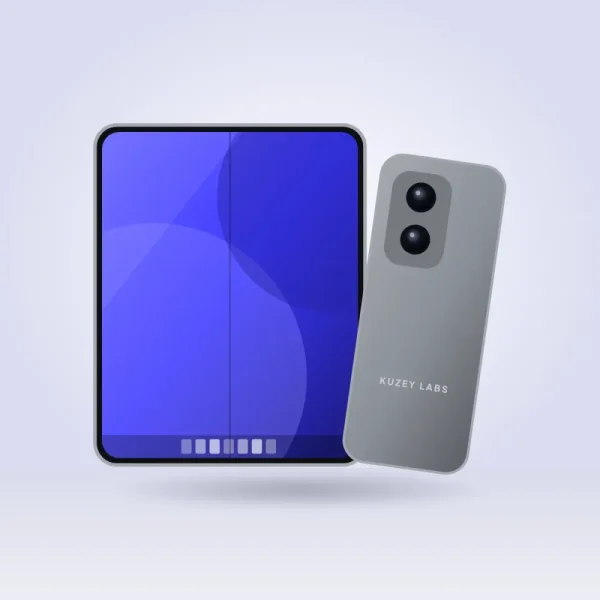
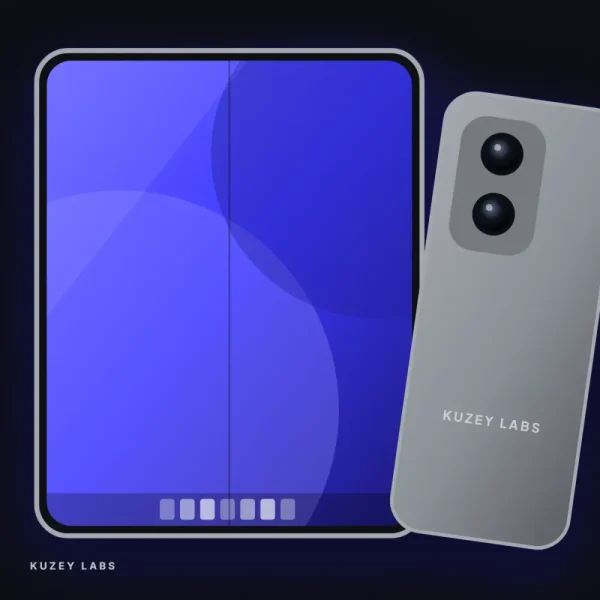
North Labs has dropped plastic from its packaging entirely this year; the box is made from recycled cardboard and the inner supports from molded pulp. Lift the lid and the phone greets you face down, with the matte glass texture on the back catching your eye at first glance. Our Titanium Grey test unit shifts subtly between cool and warm tones depending on the angle of the light. When you pick up the phone you feel its 212 grams, but the weight is well balanced so it isn't tiring. The box is about thirty percent smaller than the previous generation's.
The lower layer of the box holds a USB-C cable, a SIM tool and a clear silicone case. There's no charger in the box; North Labs says it made this choice to shrink the packaging and reduce waste. If you don't already have a USB-C Power Delivery adapter rated at 65 W or more, you may need one like the Voltra 65W GaN to take full advantage of 80 W fast charging. The case quality exceeded our expectations; its edges are slightly raised to protect the camera bump. A screen protector isn't included, so we recommend buying one separately.
A phone's true character emerges in the time it takes for its first charge to run out.
Emily Carter
Setup and first impressions
The setup wizard offers two options for transferring data from your old phone: a direct wired transfer or a wireless cloud restore. We chose the wired method, and 128 GB of data transferred in about twenty-five minutes. Apps, messages, photos and even the home screen layout were all preserved. The North OS 4 interface is clean and fast; there are very few unnecessary preinstalled apps, and those that are there can be removed easily. At the end of setup, the phone shows a short guide suggesting notification and battery settings based on your usage habits. We recommend not skipping it, because it takes care of important settings for you in a few minutes.
The display is genuinely impressive the first time you switch it on. The 6.8-inch LTPO OLED panel is easy to read even on a sunny balcony, and the 120 Hz refresh rate makes scrolling incredibly smooth. The in-display fingerprint reader is fast and recognizes even wet fingers most of the time. The stereo speakers are powerful, though high frequencies get a little harsh at maximum volume. The cool, solid feel of the titanium frame in your palm reminds you of the phone's premium character with every touch. The haptic motor is strong and precise too, giving clear feedback on every key when typing.
Camera and battery: after 48 hours
We used the K9 Pro as our main phone for two days and put the camera through its paces in particular. The 5x periscope zoom captured signs across the street and details on a concert stage with surprising clarity. In night mode, the main camera produced noise-free, naturally colored shots even in a dimly lit restaurant. Edge detection in portrait mode is good, though we noticed small errors around strands of hair against very busy backgrounds. 4K video stabilization did a great job while walking. The ultra-wide camera, in macro mode, captured more detail than we expected in photos of flowers and insects. We also noticed that color tones stayed consistent when switching cameras during video.
| Topic | Reviews |
|---|---|
| Highlights | unboxing, smartphone, fast charging |
| Reading time | 5 minutes |
| Written by | Emily Carter |
Key takeaways
- A cable and case are in the box; the charger must be bought separately.
- Wired data transfer took about 25 minutes for 128 GB.
- The 5x periscope zoom and night mode were the stars of our tests.
On the battery side, despite heavy camera use and setup on day one, we still had 18 percent left at eleven at night. On day two, with more typical use, screen-on time topped seven hours and we finished the day at 31 percent. Charging from 10 to 100 percent at 80 W took about 38 minutes. After the first 48 hours, we'd say the K9 Pro's greatest strengths are its camera and display; its weight is our only serious criticism. We'll publish our detailed long-term review in the coming weeks.


Leave a comment