




























































Product photos with your phone: studio-quality shots with window light
No expensive gear needed: in this video we show you how to shoot professional-looking product photos with a window, a sheet of white card and your phone.
Table of contents
For small businesses and makers selling handmade goods, a good product photo is one of the biggest drivers of sales. But a professional studio shoot doesn't always fit the budget. In our video, photographer Kyle Adams shows how to get near-studio-quality shots with a windowsill, a white foam board and a smartphone. Every step is covered, from softening the light and choosing a background to locking exposure on your phone and making simple edits.
Softening the light
Softening the light is the step that raises the bar most in product photography. Kyle Adams suggests placing the product not beside a window in direct sun, but in front of one that gets indirect light. Direct sunlight creates harsh shadows and bright hot spots, while soft daylight shows the product's texture and color more accurately. Hanging a thin sheer curtain or a sheet of tracing paper over the window also works.
The direction of light matters too. In the video, Adams places the product beside the window so the light falls from the side; this setup brings out both volume and texture. Light from the front makes the shadows disappear but leaves the product looking flat, while light from behind puts the silhouette in the foreground. After experimenting with a few directions, he recommends finding the one you like best for your product.
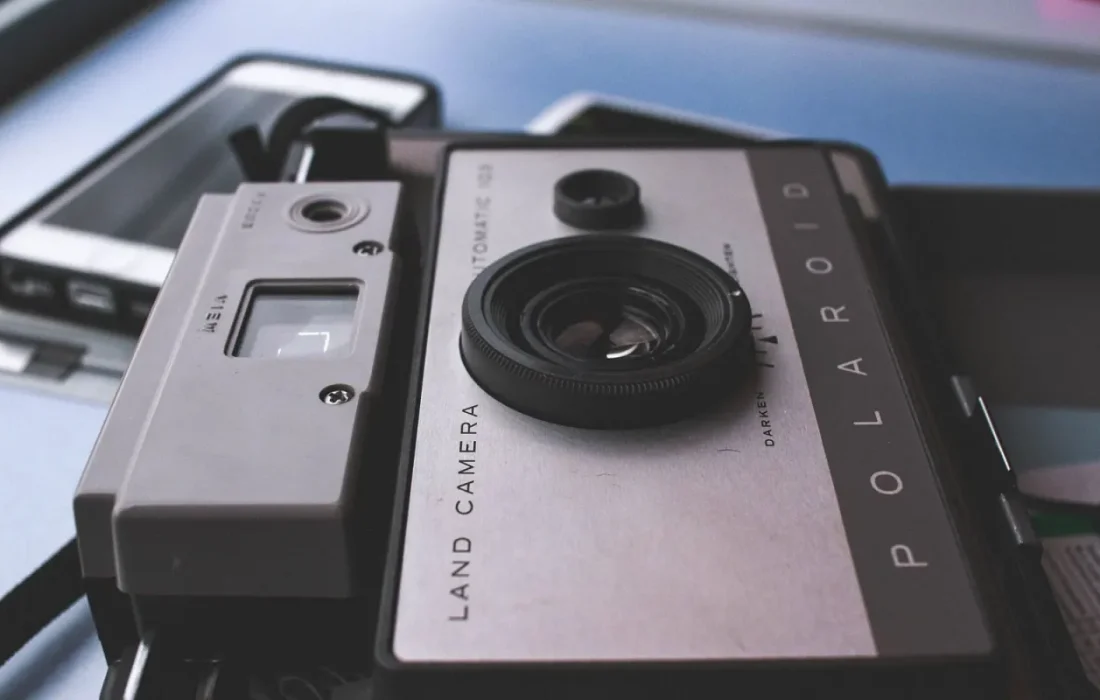
The best light source is often the window in your home.
Ethan Brooks
Background and reflector
A background and a reflector are the two simple elements that complete the studio effect at home. A plain surface set on white card or a board makes the product stand out. For the reflector, a white foam board placed on the side away from the light softens the shadows. The video shows how even changing the reflector's angle by a few centimeters affects the result.
When choosing a background, it's important to create contrast with the product's color. Shooting a light-colored ceramic on a white surface can lose detail; in that case a gray or pastel background may work better. Adams says natural wood, linen or paper surfaces tell a warm story for handmade products. Keeping the background simple and putting the product front and center is always the safest route.
The right settings on your phone
The right settings on your phone are the last and perhaps most practical part of the shoot. Adams recommends keeping the camera level using the grid if possible, tapping the product to set exposure and locking focus. Moving physically closer instead of using digital zoom preserves image quality. Keeping the phone's lens clean is a detail that often gets overlooked but has a clear effect on the result.
| Topic | Photography |
|---|---|
| Highlights | photography, handmade, entrepreneurship |
| Reading time | 6 minutes |
| Written by | Ethan Brooks |
Key takeaways
- Indirect window light shows the product more accurately than harsh shadows.
- A white foam board softens shadows on the side away from the light.
- Locking exposure and avoiding heavy filters improve the result.
After the shoot, simple edits are enough: slightly raising brightness, balancing contrast and correcting white balance. Heavy filters and saturation, on the other hand, can distort the product's true color and lead to unhappy customers. Adams suggests shooting the same product from several angles and adding one shot that gives a sense of scale. For a little consistency, do all your shoots at the same window and at the same time of day.
What do you think about this post?

Leave a comment