































































Turn your old phone into a home security camera: A step-by-step guide
With a few free apps, the old phone forgotten in a drawer can become a security camera watching over your home. We show the setup step by step in our video.
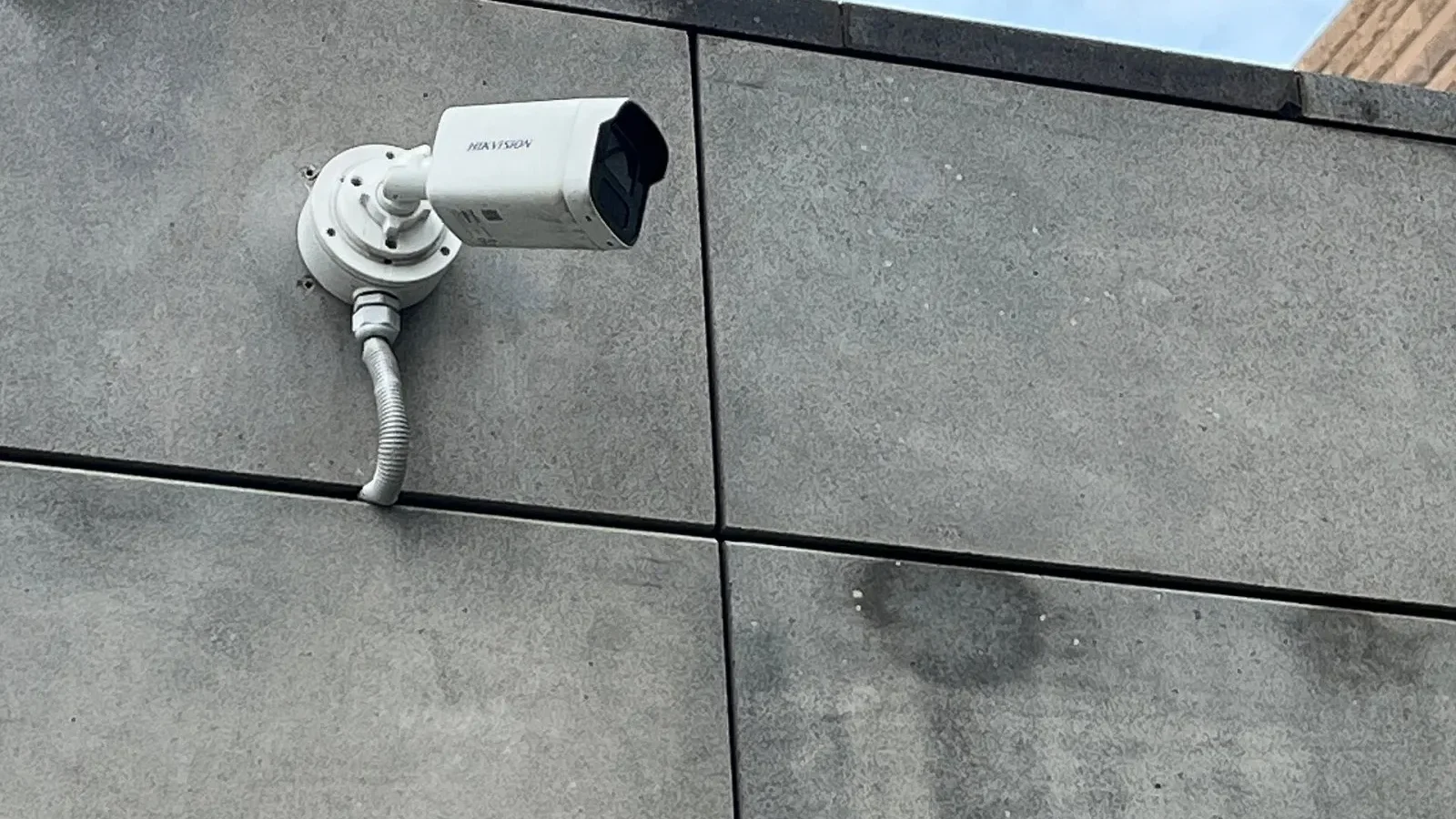
When we switch to a new phone, we usually tuck the old one away in a drawer and forget about it. Yet a phone whose camera and Wi-Fi still work can become a camera watching your pet or front door at no extra cost. In our video, we show every step, from resetting the phone and installing the app to motion detection settings and hooking it up to a steady power source. We didn't skip the security settings needed to make sure only you can access the footage.
In this article
- Which phones work?
- App setup and connection settings
- Keeping the footage private
Which phones work?
Not every old phone is suited to the job. For the conversion, the camera needs to work properly, the phone must connect to Wi-Fi and it needs to support a current app store. We recommend not using a device with a cracked screen or a swollen battery; the battery health of a phone that will stay plugged in constantly matters for safety. If the battery is swollen, send the device for recycling rather than using it as a camera.
A suitable device's camera is usually good enough; even phones a few years old can offer full HD. With no night vision, use in the dark is limited, but you can use the screen's light or a small night-light for help. The phone's speaker and microphone also work for two-way talk.

The old phone in your drawer is actually the cheapest security guard in the house.
Sarah Bennett
App setup and connection settings
To set it up, first reset the phone to factory settings and wipe your personal data. Then download a free security camera app and install the same app on the main phone you'll watch from. Link both devices to the same account and scan the pairing code. Within a few minutes, you'll be able to watch the feed from your main phone. If you like, you can add several family members to the same account.
The most important thing in the connection settings is a reliable Wi-Fi network. Place the camera somewhere in the home with a strong signal. Turn on motion detection and adjust the sensitivity; otherwise, even a curtain moving will send a notification. Scheduling notifications for certain hours only cuts down on needless alerts. A cheap tripod or wall mount is enough to hold the phone steady.
Keeping the footage private
Footage privacy is the most critical part of the setup. Use a strong password on your camera account and turn on two-factor authentication. Decide whether recordings will be stored in the cloud or on the phone's storage; for cloud recordings, check which country the data is kept in and for how long. If possible, choose local recording and record only when motion is detected; that way, you're better off in terms of both storage space and privacy.
| Topic | How-To |
|---|---|
| Highlights | guide, smartphone, smart home |
| Reading time | 7 minutes |
| Written by | Sarah Bennett |
Key takeaways
- Old phones with a working camera and a healthy battery are suitable for the job.
- With a reset, a free app and pairing, setup takes just a few minutes.
- A strong password, two-factor authentication and staying out of private spaces protect privacy.
Don't place the camera in private spaces like bedrooms or bathrooms. Being transparent with guests and neighbors is also important, both ethically and legally. Keep the device's software up to date and close the app when you're not using it. That way, the old phone in your drawer can become a cheap and secure watchman for your home.
What do you think about this post?

Leave a comment