










































Description
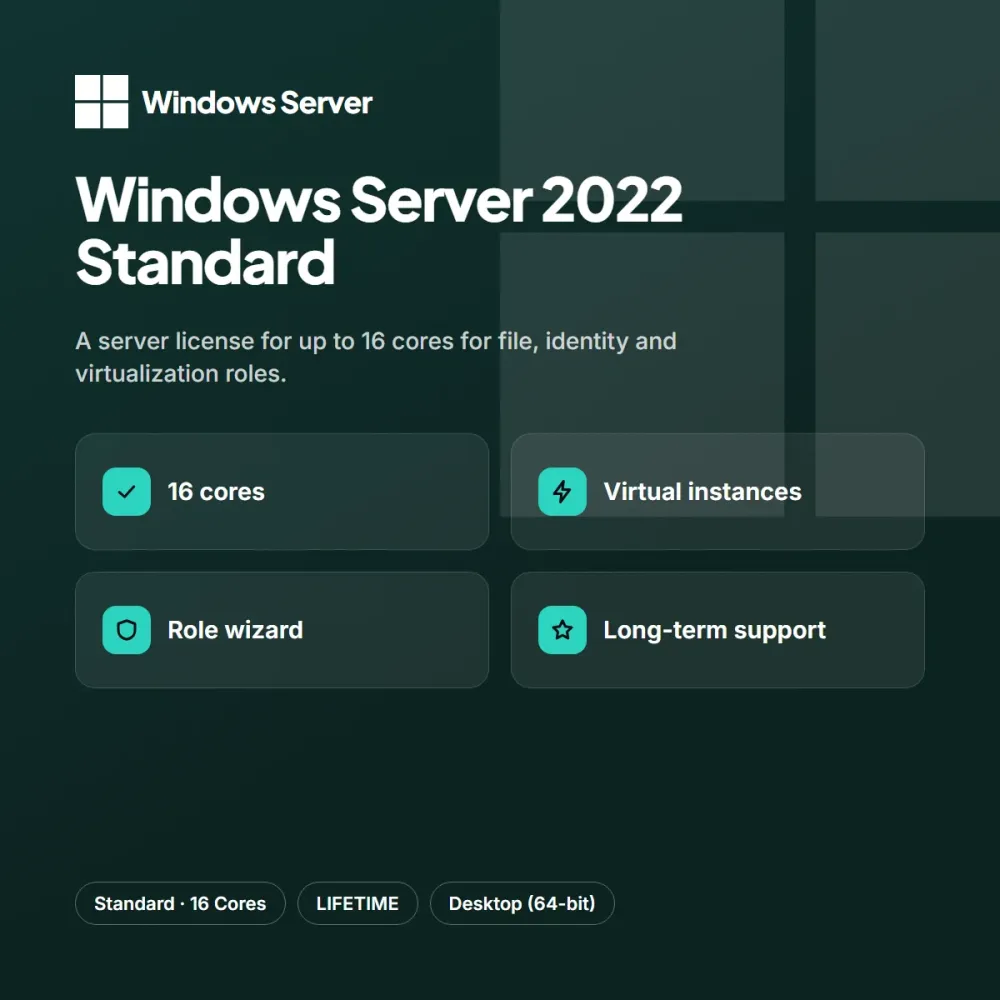
Windows Server 2022 Standard meets the file sharing, identity management and virtualization needs of small and medium-sized businesses with a single license. The role-based setup wizard gives you a smooth start from day one.
Highlights
- Perpetual license for up to 16 cores
- Limited number of virtual instances included
- Role-based setup wizard
- Long-term security updates
The Standard license is defined by core count and includes a limited number of virtual instances. Security updates are supported for a long time; the edition’s own backup and disaster recovery tools can also be used.
Who is it for?
Windows Server 2022 Standard is an ideal choice for people building a new computer, those who want to refresh an older device and small offices. People who want to save time with servers and enterprise setups don’t want to deal with complicated steps; the short activation flow after purchase takes care of that. It is bought with a one-time payment; keys in stock are assigned immediately after payment and there are no extra renewal costs. You can add the option that suits you to your cart from the product page, and reach our support team every day from 9 AM to 11 PM with any questions.
Delivery and activation
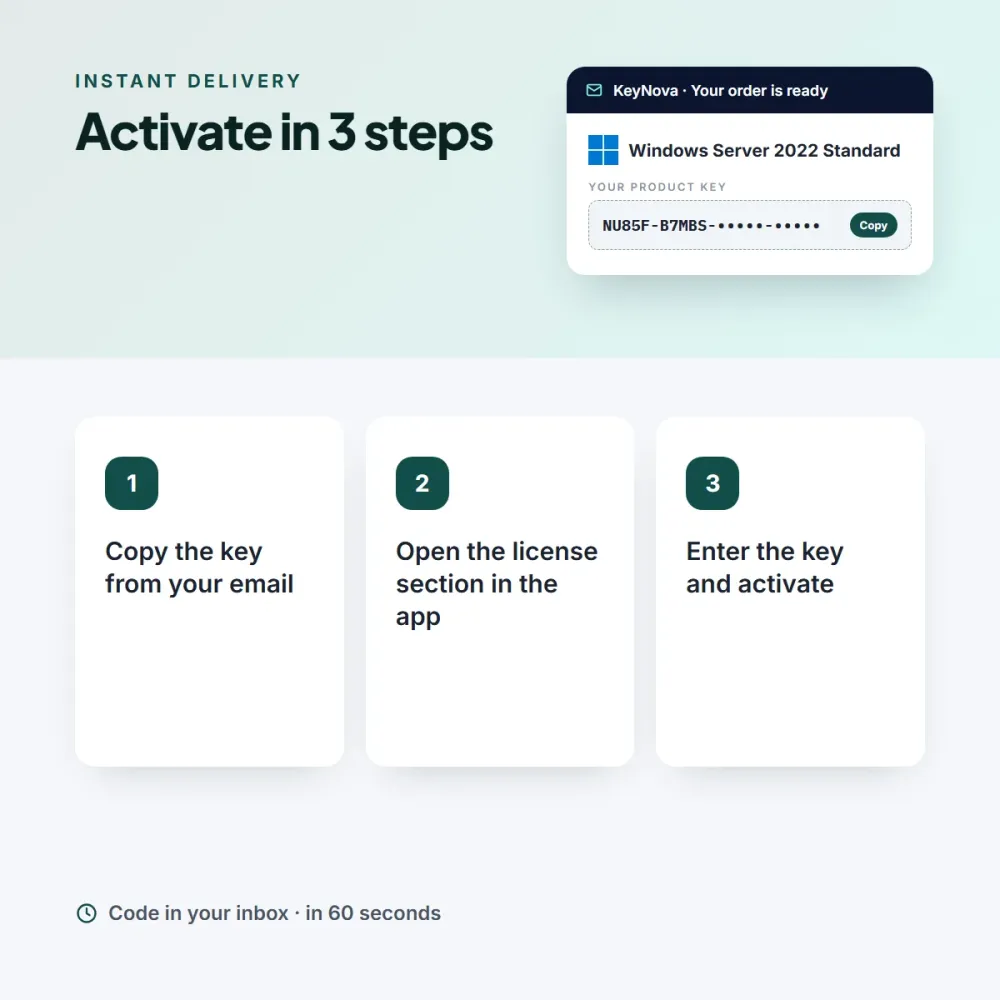
Windows Server 2022 Standard keys arrive in your email after payment; all of them are also stored on the My Licenses page. To activate, enter the key under Server Manager > Activate. If you run into a problem, our live support team is with you every day from 9 AM to 11 PM. An invoice is issued with every order.
Chris R. (verified owner) –
I was worried the key wouldn’t work, but it activated on the first try. Being lifetime is a big plus.
Ian N. (verified owner) –
We bought it for our small office and haven’t had a single problem since the setup.