



































Description
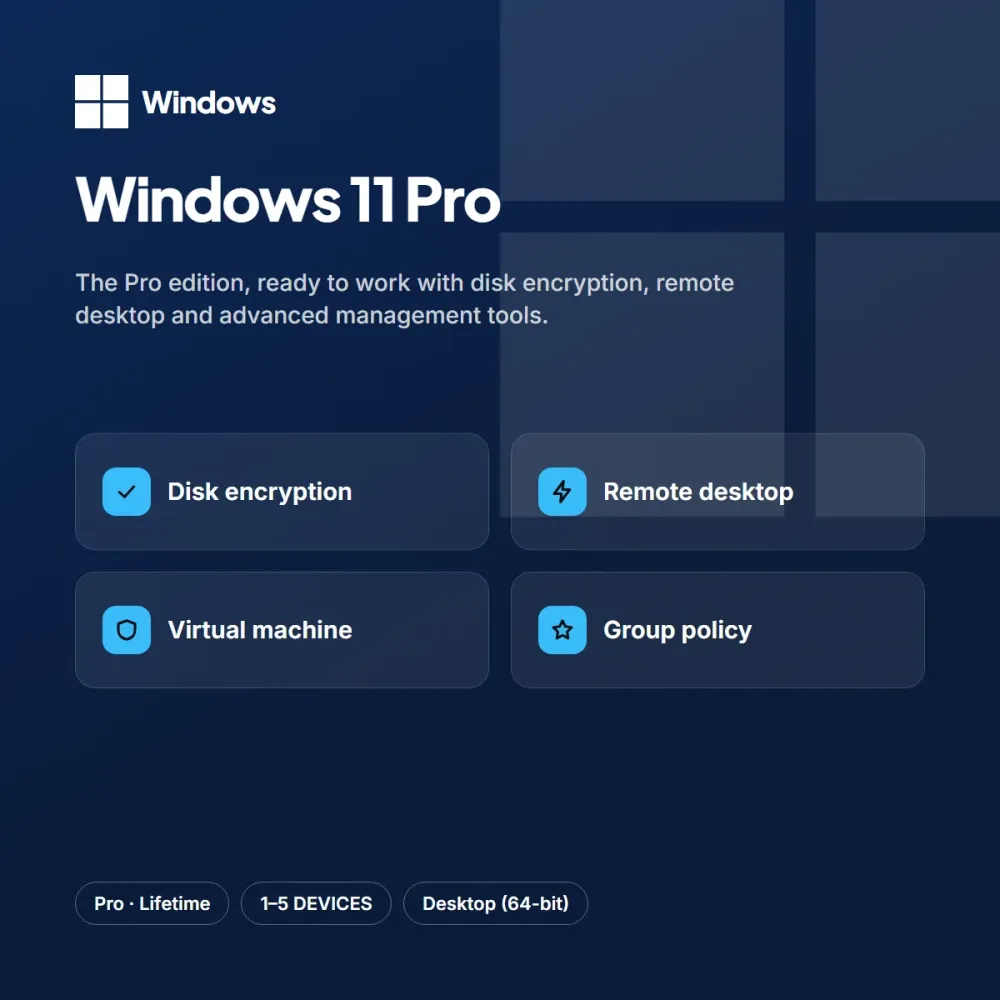
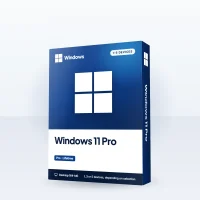
Windows 11 Pro adds powerful management tools to the Home edition for people who use their computer for work. With disk encryption, remote desktop connection, virtual machine support and domain join, it meets the needs of small offices and freelancers.
Highlights
- Full disk encryption
- Remote desktop access
- Virtual machine support
- Domain join and group policy support
It can be used to upgrade from Home or for a fresh install. The key is entered once and tied to your device; after that, updates arrive regularly through the official channel.
Who is it for?
Windows 11 Pro is an ideal choice for people building a new computer, those who want to refresh an older device and small offices. People who want to save time with an operating system and a professional setup don’t want to deal with complicated steps; the short activation flow after purchase takes care of that. By choosing the number of devices to fit your needs, you pay only for the licenses you will use; because it is lifetime, renewal never comes up. You can add the option that suits you to your cart from the product page, and reach our support team every day from 9 AM to 11 PM with any questions.
Delivery and activation
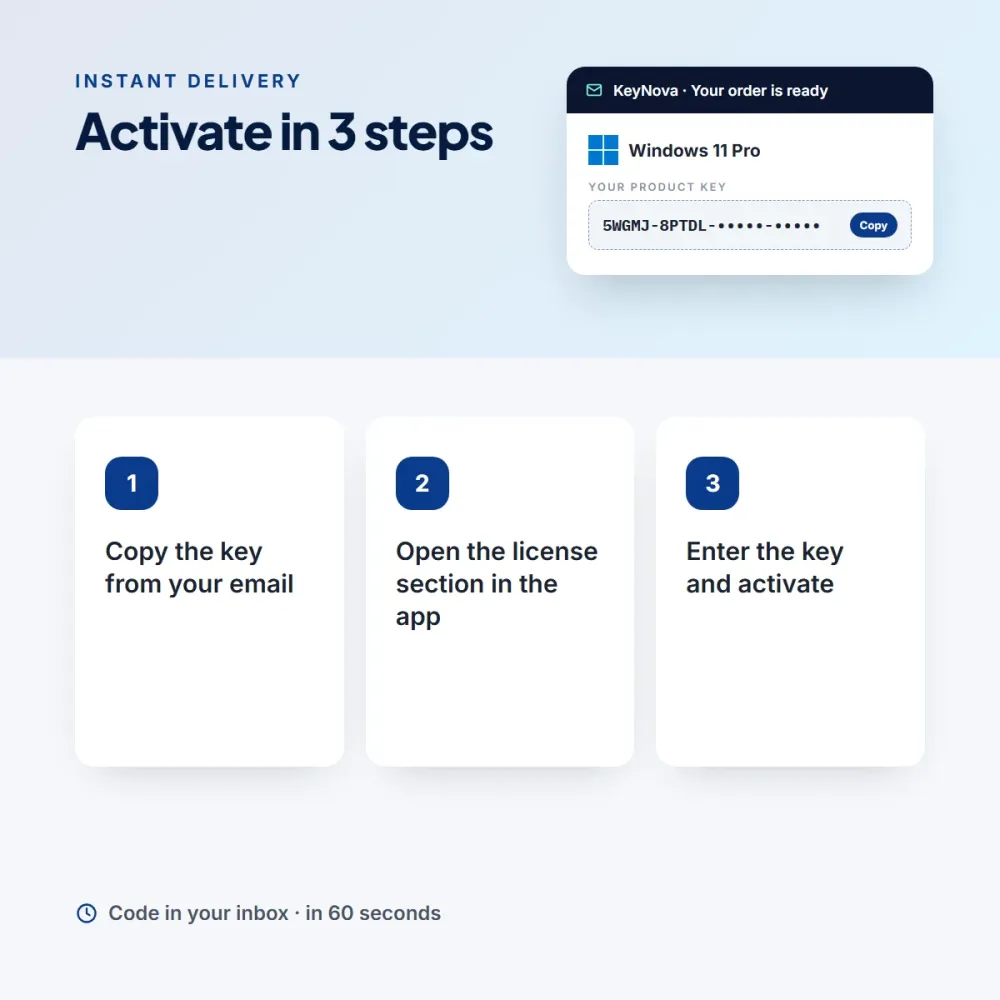
Once your order is complete, your Windows 11 Pro key is sent to your email and added to your My Licenses page. Choose only as many devices as you need; once a key is tied to a device, it is lifetime. Activation: Go to Settings > System > Activation > Change product key. An invoice is issued automatically.
Emma H. (verified owner) –
Updates come through without trouble, and how the license gets tied to the device is explained clearly.
Amy V. (verified owner) –
Activation went smoothly, and the invoice arrived the next day.
Paula G. (verified owner) –
I was tired of paying for subscriptions for years; a one-time payment is much more comfortable.