




























Description
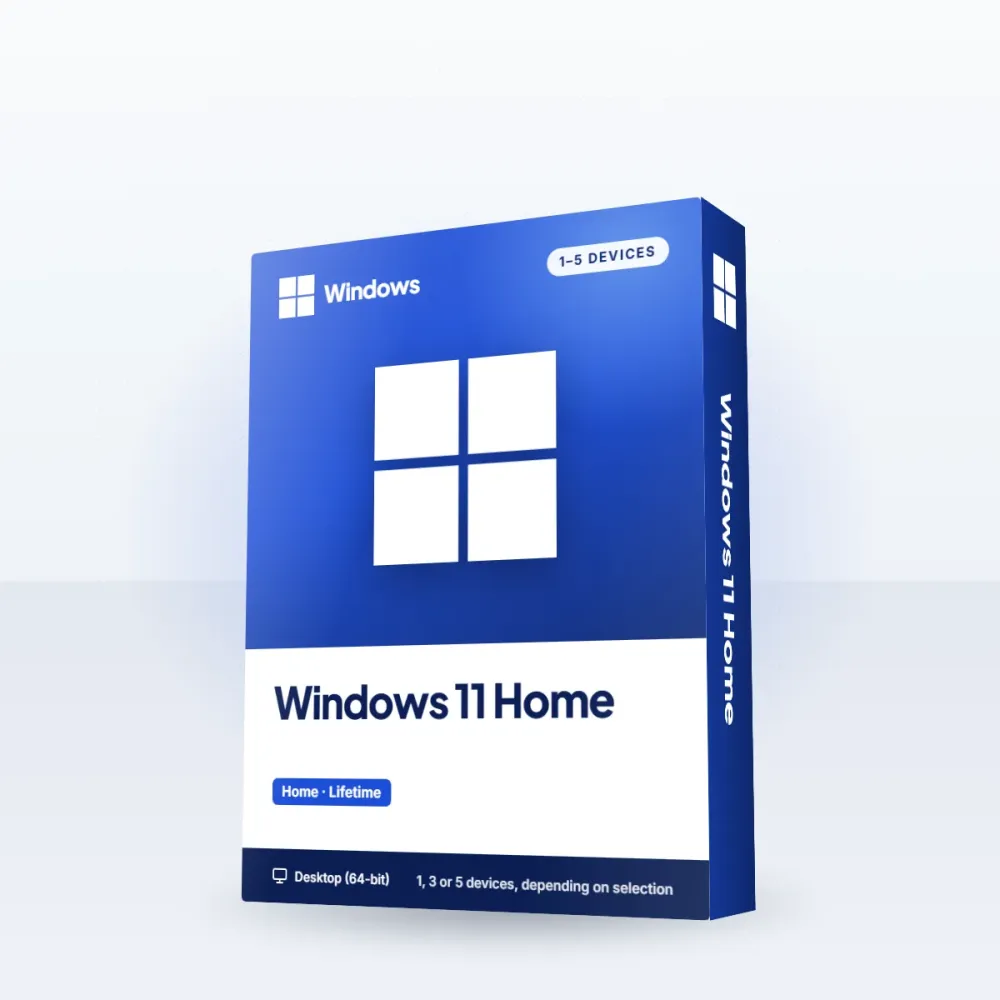
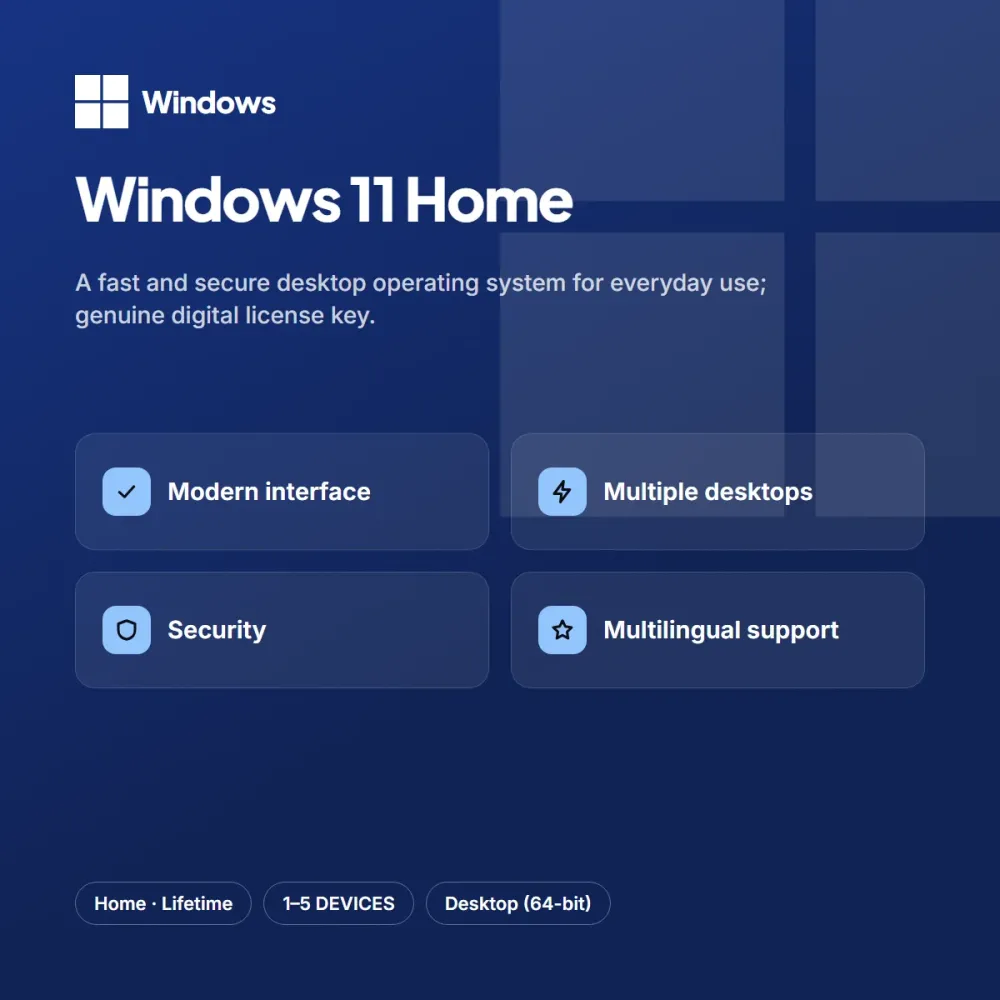
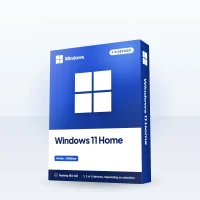
Windows 11 Home offers a solid foundation for home users when you set up a new computer or refresh an existing device. With its modern interface, multiple desktop layouts and built-in security features, it runs fast and comfortably for everyday tasks.
Highlights
- Modern interface and multiple desktop layouts
- Built-in security and update support
- Full multilingual support
- Genuine digital license key
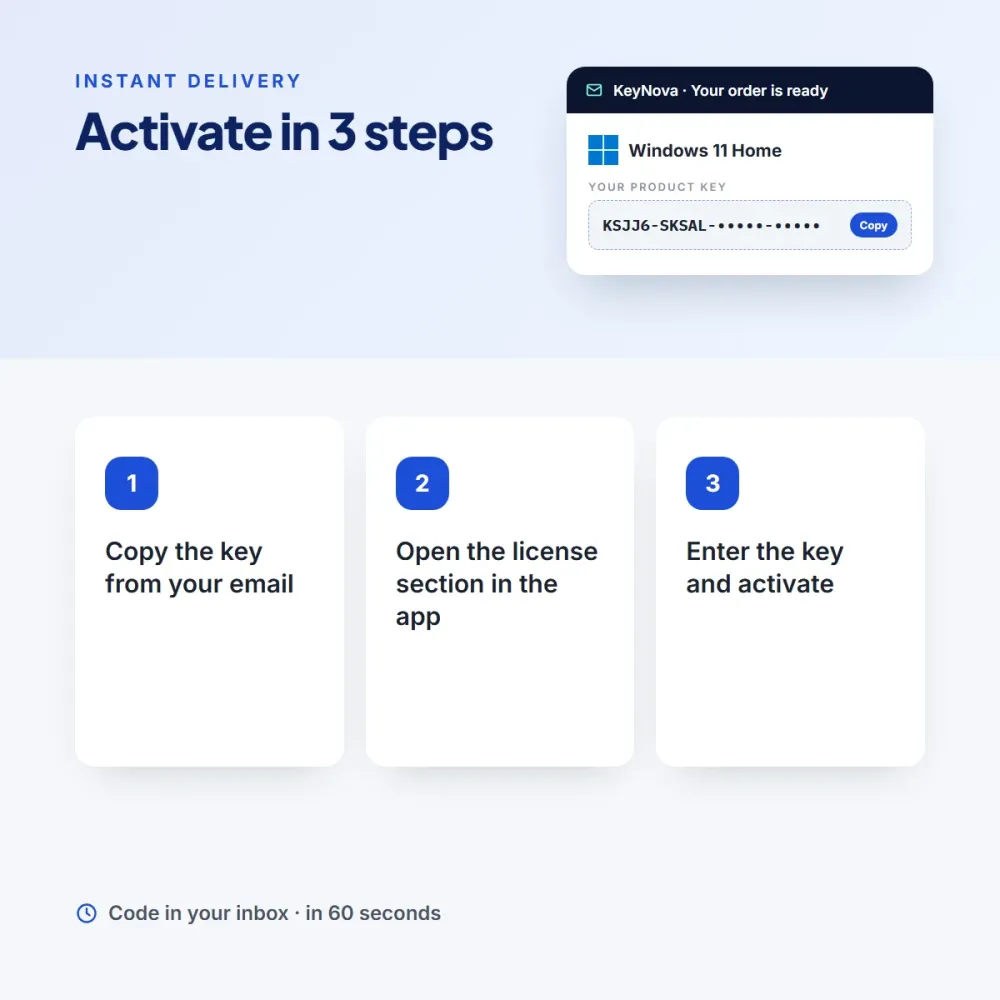
The genuine license key is entered once and tied to your device. You can do a clean install with the official installation tool, and you will find the download link and a step-by-step setup guide in your email.
Who is it for?
Windows 11 Home is an ideal choice for people building a new computer, those who want to refresh an older device and small offices. People who want to save time with an operating system and a lifetime license don’t want to deal with complicated steps; the short activation flow after purchase takes care of that. By choosing the number of devices to fit your needs, you pay only for the licenses you will use; because it is lifetime, renewal never comes up. You can add the option that suits you to your cart from the product page, and reach our support team every day from 9 AM to 11 PM with any questions.
Delivery and activation
Once your order is complete, your Windows 11 Home key is sent to your email and added to your My Licenses page. Choose only as many devices as you need; once a key is tied to a device, it is lifetime. Activation: Enter the key under Settings > System > Activation. An invoice is issued automatically.

Sean U. (verified owner) –
Good value for the price. The installer download link was ready in the email.
Chris R. (verified owner) –
I was worried the key wouldn’t work, but it activated on the first try. Being lifetime is a big plus.