

















Description
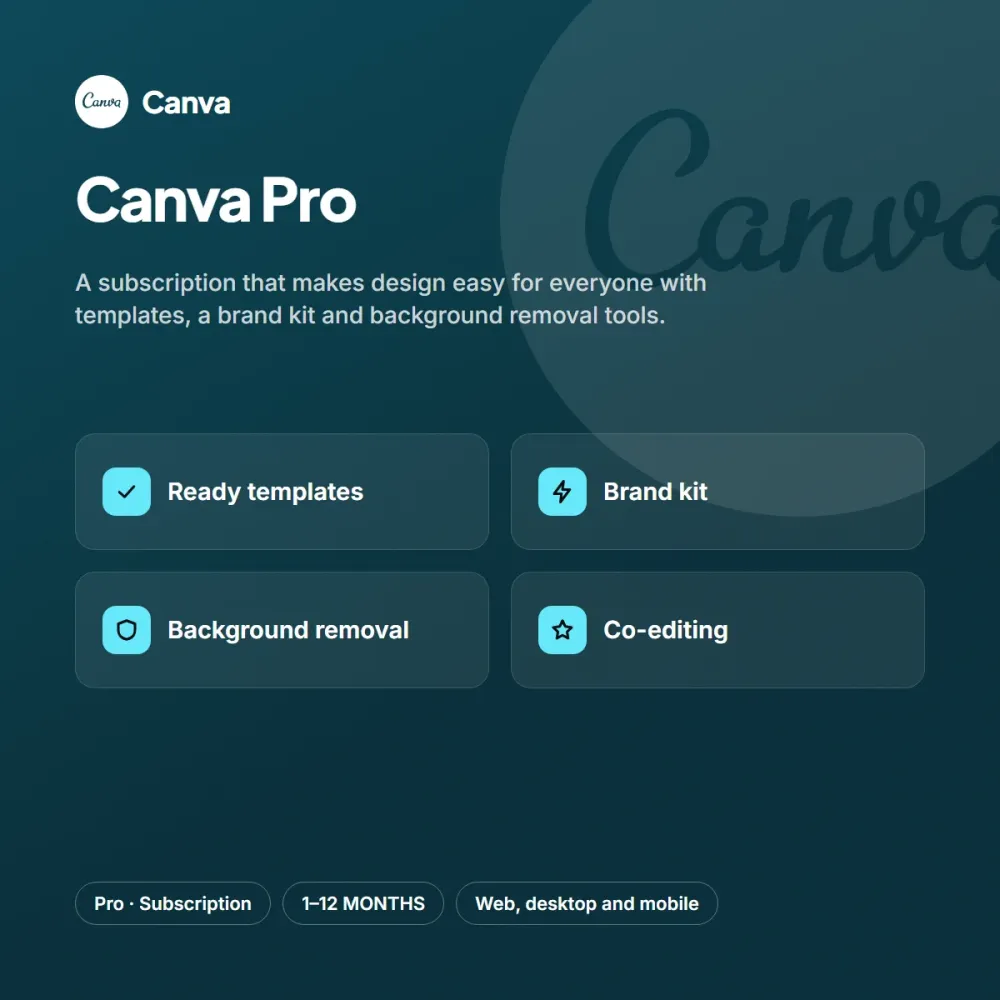
Canva Pro lets you create professional-looking posters, presentations and social media posts without design skills. With ready-made templates and a drag-and-drop editor, you finish campaign content in a few minutes.
Highlights
- Large library of templates and elements
- Brand kit for color and font consistency
- Background removal and one-click resizing
- Sharing and collaborative editing
The Pro plan unlocks tools such as the brand kit, background removal, resizing and an advanced template library. You can work on the same design with teammates and download the results in different formats.
Who is it for?
Canva Pro is an ideal choice for content creators, boutique brands, agencies and social media managers. People who want to save time with design and social media don’t want to deal with complicated steps; the short activation flow after purchase takes care of that. If you try the subscription for a month first and are happy, you can move to the three, six or twelve-month option to lower the monthly cost. You can add the option that suits you to your cart from the product page, and reach our support team every day from 9 AM to 11 PM with any questions.
Delivery and activation
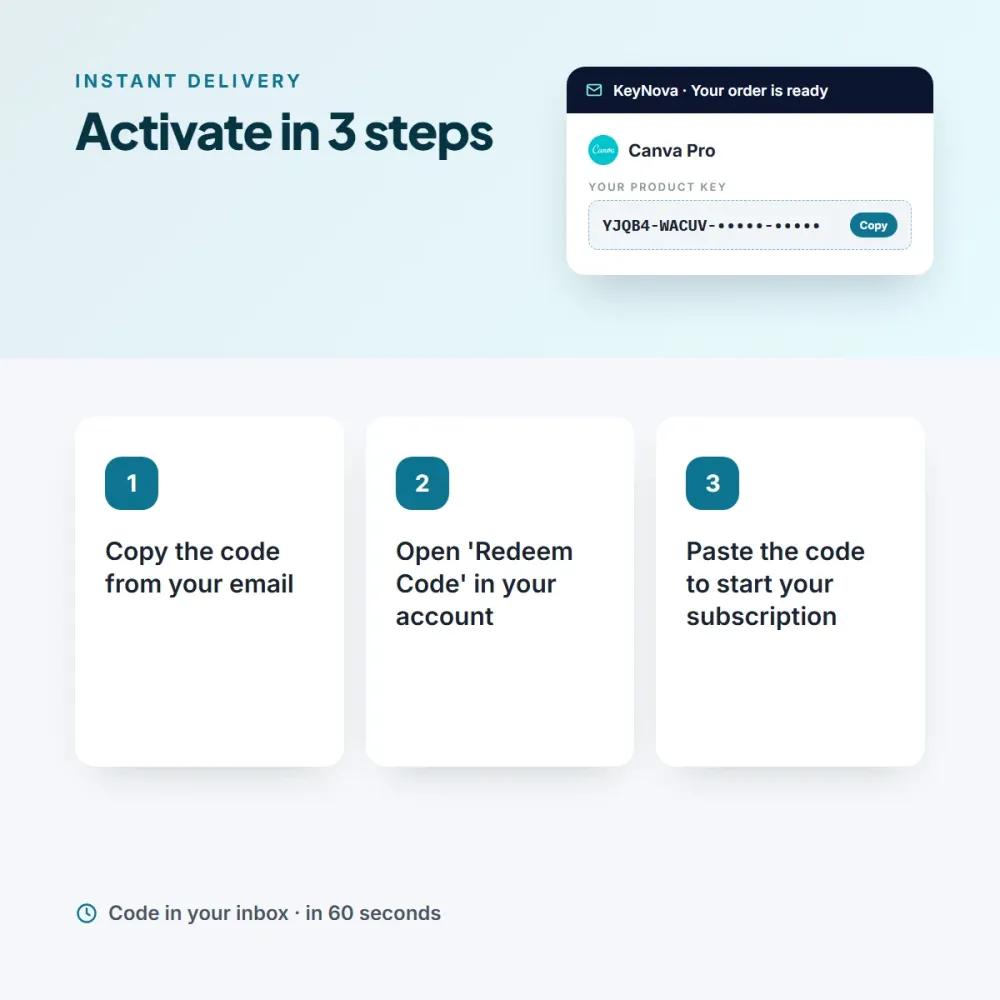
As soon as your payment is confirmed, your Canva Pro code arrives in your email and appears on the My Licenses page in your account. The term you choose starts the moment you enter the code; a code you haven’t used simply waits. Activation: Go to the subscription/redeem code section of your account. An invoice is issued for every order.



Sara M. (verified owner) –
Being able to see the code on the My Licenses page right after ordering is very handy.
Grace K. (verified owner) –
Bought it at the campaign price and the code arrived the same day. Thanks.
Diane C. (verified owner) –
We all use it on the team, and accounting processed the invoice without any trouble.