

































































How to read system requirements: minimum vs. recommended
What do the processor, memory, graphics card and storage rows mean? The quick way to tell whether your PC can handle a game.
Table of contents
The most common question before buying a PC game is whether your computer can run it. The system requirements table on product pages answers that question, but reading the rows correctly takes a little practice. In this guide, we cover what minimum and recommended values tell you, which component affects the gaming experience most and the storage row that's so often overlooked.
What do minimum and recommended mean?
On every PC game's product page, you'll see a two-column table: minimum and recommended. Minimum requirements describe the lowest hardware on which the game launches and is playable. With these specs, the game usually runs at low graphics settings and low resolution, at around thirty frames per second. Recommended requirements describe the experience the developer is aiming for: medium or high settings, a higher resolution and a smoother frame rate. If your PC falls between the two columns, you can expect to play the game comfortably on medium settings.
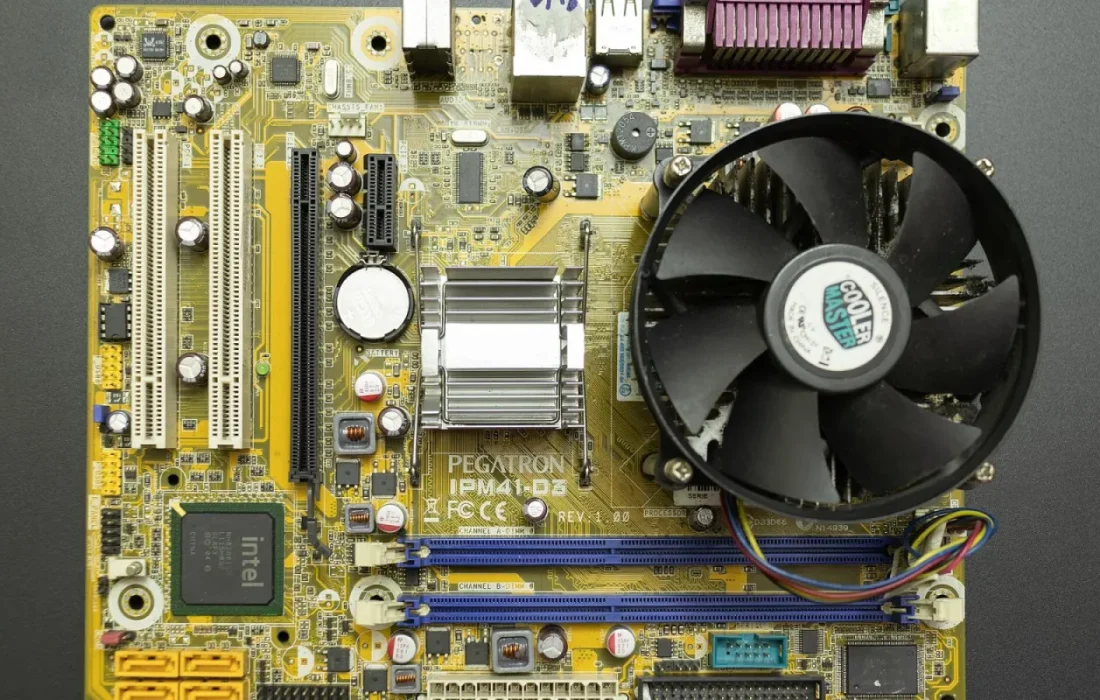
The most important rule to keep in mind when reading requirements is that the table is only as strong as its weakest link. Even if your processor beats the recommended spec, the game will stutter if your memory falls below the minimum. That's why you need to compare each row one by one. Requirements are also usually written for a specific resolution; if you have a high-resolution monitor, leave a little extra headroom in the graphics card row. The tables on Vortek product pages are written in generic, brand-free terms, so you can easily compare them with your own hardware. That also makes it easy to see which part is causing a bottleneck.
Minimum requirements tell you the game will launch; recommended requirements tell you it will be a joy to play.
Jake Morales
Processor, memory and graphics card rows
Two values stand out in the processor row: core count and clock speed. For example, 4-core 3.2 GHz means a processor with at least four cores, each capable of 3.2 billion cycles per second. Open-world games and busy city builders benefit more from core count, while competitive shooters love high clock speeds. The memory row shows system memory; these days, 8 GB of RAM has become the minimum for most games, while 16 GB is the recommended amount for a comfortable experience.
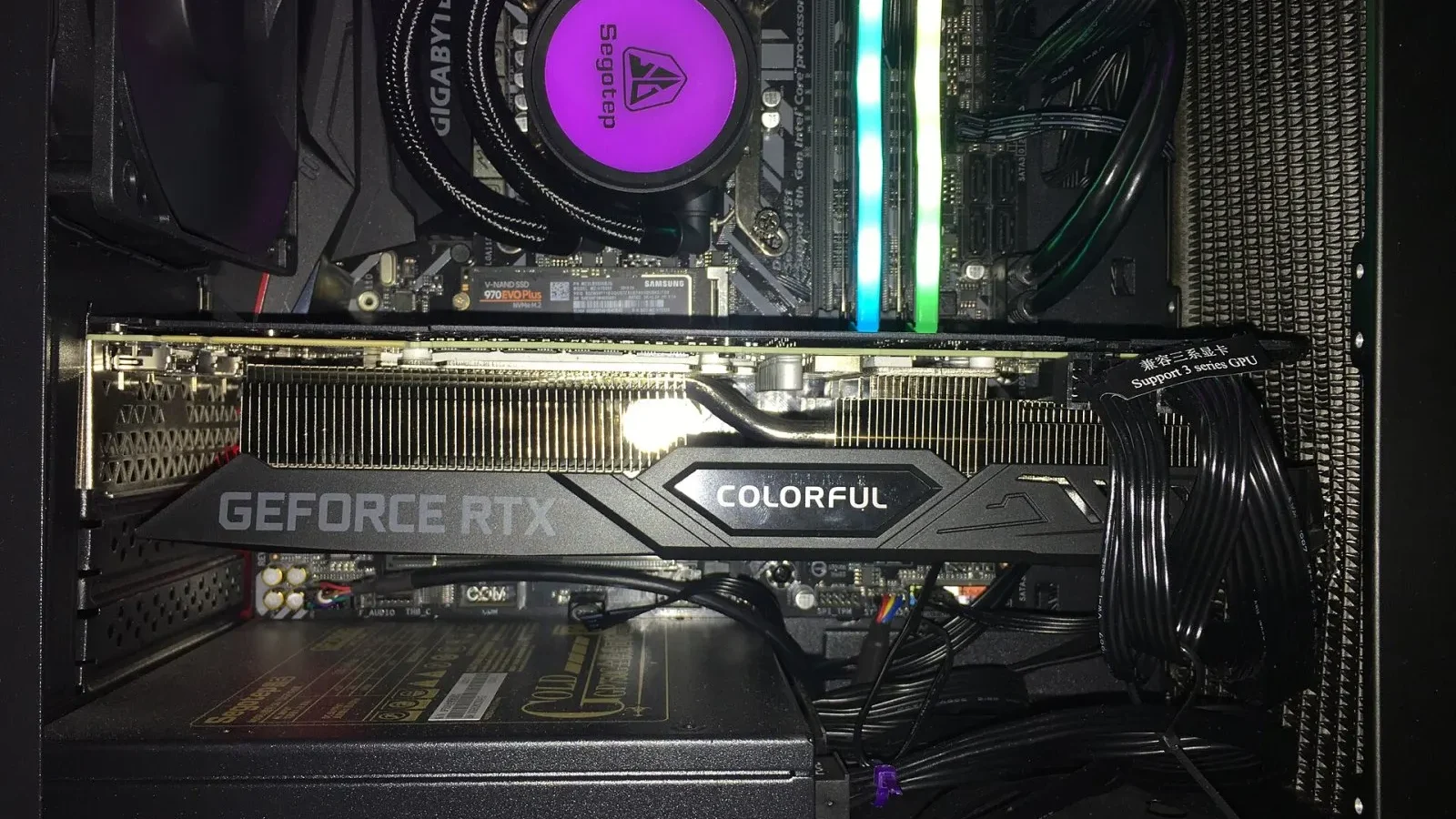
The most important detail in the graphics card row is the amount of video memory. A graphics card with 4 GB of VRAM can run many games at low to medium settings, but high-resolution textures and advanced lighting may require 8 GB or more. When video memory runs short, textures load late or the frame rate suddenly drops. You can easily find out how much video memory your graphics card has in your operating system's display settings or in its driver software. If you're not sure, our support team can help.
Storage: the forgotten item
The storage row is the most overlooked item in system requirements. 60 GB SSD means the game needs at least that much free space and is recommended to be installed on a solid-state drive. Today's big releases rely on fast storage to stream their worlds without loading screens; install them on a mechanical hard drive and you'll see textures loading late and more stuttering. Updates also grow the install size over time, so leaving about 20% headroom above the stated space is a good habit.
| Topic | Guide |
|---|---|
| Highlights | System requirements, Game key, Review |
| Reading time | 7 minutes |
| Written by | Jake Morales |
Key takeaways
- Minimum means the game will launch; recommended means it will run smoothly.
- Read the table by its weakest component; compare each row separately.
- For graphics cards, the amount of video memory is the most decisive value.
For example, Under the Wing: Flight Simulator, with its 150 GB install size, is one of the largest games in our store, and an NVMe SSD is listed in its recommended requirements. Prism Garden, on the other hand, takes up less than two gigabytes and runs smoothly even on old laptops. The Install size detail just below the requirements table tells you whether you need to free up disk space before buying. That way, you can start downloading as soon as your code arrives instead of wasting time clearing space. The install size is listed with future updates taken into account.


2 Comments
Really useful piece, thank you for putting it together.
I had never thought about this side of it. Looking forward to a follow-up.