














































Table of contents
Cloud-based AI services are powerful, but local models are becoming increasingly attractive for users who don't want to send their data elsewhere. Thanks to open-weight language models and user-friendly interfaces, running a chatbot on your own computer now takes just a few clicks. In our tests, small and medium-sized models responded smoothly on a mid-range graphics card with enough memory. Larger models, however, demand a serious amount of video memory, and response times grow noticeably longer. Our guide covers every step, from choosing the right model for your hardware to asking your first question.
Why a local model?
The biggest reason to use a local model is privacy. Your chats, the documents you upload and the questions you ask never leave your computer, which is a huge relief for anyone working with confidential business information or personal texts. Because it keeps working even when the internet goes down, it's also handy on flights or in areas with a weak connection.
The second reason is cost and control. You can ask as many questions as you like without paying a monthly subscription or hitting usage limits. You can also choose a model that fits your needs, try different versions and see more closely how the output is produced. In return, don't expect answers as powerful as the most advanced cloud services; but for everyday tasks, the difference is often small.
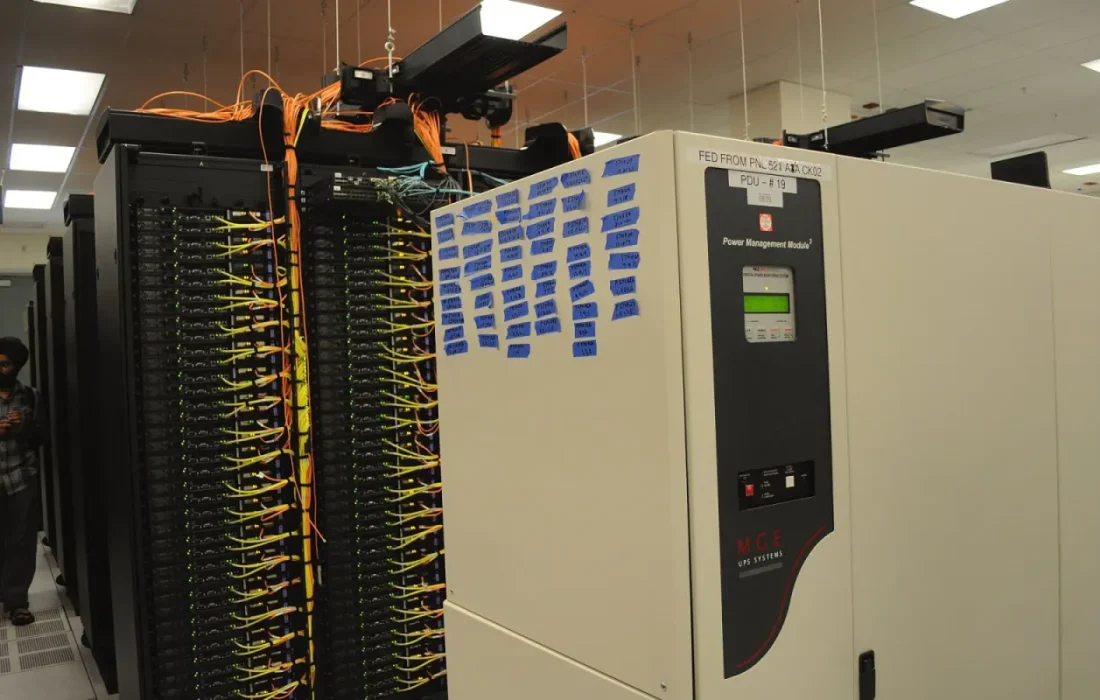
For the privacy-conscious, a local model is the strongest option.
Sophie Laurent
How much memory and GPU power do you need?
What determines the hardware requirements is the size of the model. Small models of around seven billion parameters ran smoothly on a graphics card with 8 GB of video memory or with 16 GB of system memory. Medium-sized models of around thirty billion parameters need at least 24 GB of video memory. Models beyond that level stop being practical on an ordinary home computer.
Don't give up if you don't have a graphics card; running on the processor is possible, the answers just come more slowly. In our tests, a mid-range processor produced four to five words per second, close to reading speed. Compressed, or quantized, versions of models significantly reduce memory requirements. Since the loss in quality is small, we recommend these versions for your first experiments.
First-time setup, step by step
Start by downloading a user-friendly model manager app. Once it's open, pick a model suited to your hardware from the list; the download may take a few minutes. When it's done, a chat window opens and you can type your first question right away. No command-line knowledge is required; everything is done with clicks. None of these steps call for technical expertise; you just need to leave enough disk space.
| Topic | AI |
|---|---|
| Highlights | AI, graphics card, how-to |
| Reading time | 10 minutes |
| Written by | Sophie Laurent |
Key takeaways
- Your data never leaves your computer, making it the strongest option for privacy.
- Small models run smoothly even with 8 GB of video memory.
- Setup takes just a few clicks; no command-line knowledge is required.
The next step is writing a system prompt tailored to your work. Describing in a few sentences the tone you want the model to answer in noticeably improves output quality. To query your own documents, you can use the same app's document upload feature. Finally, check for updates once a month; new model versions often deliver better results on the same hardware.
What do you think about this post?


Leave a comment